FortiClient VPN Connection Is Down: Causes and Fixes
Learn why your FortiClient VPN connection is down and how to restore it safely with practical troubleshooting steps.
If your FortiClient VPN connection is down, first confirm that your device has internet access, then check the VPN profile and sign-in details. Restart FortiClient and your device, and try reconnecting. If the problem continues, note the exact error message and work through the checks below. Some fixes require administrator access, so avoid changing company-managed settings without your IT team’s guidance.
Quick comparison of connection symptoms and first checks
| What you notice | Likely area | First check | If the check fails |
|---|---|---|---|
| No websites load | Internet connection | Open a website without the VPN | Reconnect to Wi-Fi or Ethernet |
| Websites load, VPN does not | VPN connection | Disconnect and reconnect | Check the VPN profile |
| Sign-in is rejected | Credentials | Confirm username and password | Verify sign-in details with your administrator |
| VPN server is unavailable | VPN server | Ask whether others can connect | Contact your VPN administrator |
| Connection drops repeatedly | Network or device | Try another network | Check device and network restrictions |
| Problem began after an update | FortiClient version | Check for available updates | Update or report the issue |
| Connection fails after a settings change | VPN profile | Review the profile settings | Ask your administrator to confirm them |
Compiled November 2026; check the provider's site for current details.
| VPN | Obfuscation | From / month | Plan | Free plan | Refund | Alipay | UnionPay | Crypto | Website opens in China | Trustpilot | |
|---|---|---|---|---|---|---|---|---|---|---|---|
 ZoogVPN | Turn on manually Shadow | $2.49/mo | 27 months: $59.99 | Yes | 7 days | ✓ | ✓ | ✓ | ✓ | Official site blocked; our special link opens (4.4 s) | 4.2/5 (195 reviews) |
 NordVPN | Turn on manually Obfuscated Servers / NordWhisper | $3.49/mo | 27 months: $94.23 | No | 30 days | ? | ✗ | ✓ | ✓ | ✗ Blocked | 4.2/5 (51,628 reviews) |
 ExpressVPN | ✓ On by default all servers | $3.00/mo | 28 months: $84 | No | 30 days | ✗ | ✗ | ✓ | ✗ | ✗ Blocked | 4.4/5 (29,706 reviews) |
 Surfshark | ✓ On by default Camouflage, with OpenVPN | See site | See site | No | 30 days | ✗ | ✗ | ✗ | ✓ | ✗ Blocked | 4.3/5 (31,823 reviews) |
 Proton VPN | Turn on manually Stealth, free plan too | $2.99/mo | 12 months: $35.88 | Yes | 30 days | ✗ | ✗ | ✗ | ✓ | ✗ Blocked | 2.1/5 (1,040 reviews) |
 Astrill VPN | Turn on manually StealthVPN / OpenWeb | $12.50/mo | 24 months: $300 | No | See site | ✗ | ✗ | ✗ | ✓ | ✗ Blocked | 1.3/5 (110 reviews) |
 Private Internet Access | Turn on manually Shadowsocks, OpenVPN only | $2.03/mo | 40 months: $81.2 | No | 30 days | ✗ | ✗ | ✗ | ✗ | ✗ Blocked | 4.2/5 (11,033 reviews) |
 CyberGhost | Turn on manually selected servers | $2.19/mo | 28 months: $61.32 | No | 45 days | ✗ | ✗ | ✗ | ✓ | ✗ Blocked | 4.0/5 (24,178 reviews) |
 PureVPN | Turn on manually switch to OpenVPN | $1.69/mo | 60 months: $101.55 | No | 31 days | ? | ? | ✗ | ✓ | ✗ Blocked | 4.4/5 (17,994 reviews) |
 AdGuard VPN | ✓ On by default TrustTunnel | $2.99/mo | 24 months: $71.76 | Yes | 30 days | ✓ | ✗ | ✓ | ✓ | Official site blocked; our special link opens (3.7 s) | 4.3/5 (290 reviews) |
 Mullvad | Turn on manually QUIC / Shadowsocks / LWO | $5.61/mo | €5/mo | No | 14 days | ✗ | ✗ | ✗ | ✓ | ✗ Blocked | 3.2/5 (192 reviews) |
 Windscribe | Turn on manually Stealth / WStunnel | $5.75/mo | 12 months: $69 | Yes | See site | ✗ | ✗ | ✗ | ✓ | ✗ Blocked | 4.7/5 (13,355 reviews) |
 StrongVPN | Turn on manually Scramble, OpenVPN TCP | See site | See site | No | 30 days | ✓ | ✗ | ✗ | ✗ | ✗ Blocked | 4.4/5 (2,695 reviews) |
 LightXtreme 闪连 | Not listed | $7.08/mo | 12 months: $84.99 | Yes | 30 days | ✓ | ✓ | ✓ | ✓ | ✓ Yes (3.5 s) | No page |
Prices checked 2026-11-10 on each vendor's pricing page (cheapest long plan, USD). Check the vendor's checkout for the final price.
Obfuscation checked 2026-11-14 on each vendor's site and help center: "on by default" = nothing to set; "turn on manually" = switch protocol or mode in settings; "not listed" = the vendor describes no obfuscation.
Payment methods checked 2026-11-10 on each vendor's payment pages: all 14 take cards and PayPal; ✗ = not listed, ? = the vendor's own pages disagree.
China access: whether the official website opens from mainland China networks (tests the website only, not the VPN connection). Last checked 2026-11-18 01:02 Beijing time.
Trustpilot score and review count checked 2026-11-10.
Check your internet and VPN connection
FortiClient needs a working network connection before it can reach your organization’s VPN gateway. Open a website or test another online service. If those fail too, troubleshoot Wi-Fi, Ethernet, or mobile data before changing VPN settings.
If regular internet access works, try these steps:
- Disconnect and reconnect to the network.
- Restart your router if you control it.
- Switch between Wi-Fi and a trusted mobile hotspot to see whether the network is blocking VPN traffic.
- Check whether other users are reporting a VPN outage.
A connection that works on one network but not another may point to a firewall, captive portal, or network policy blocking VPN traffic. Sign in to public Wi-Fi through its browser prompt before opening FortiClient. For a company network, ask IT whether its firewall allows the VPN protocol and gateway address.
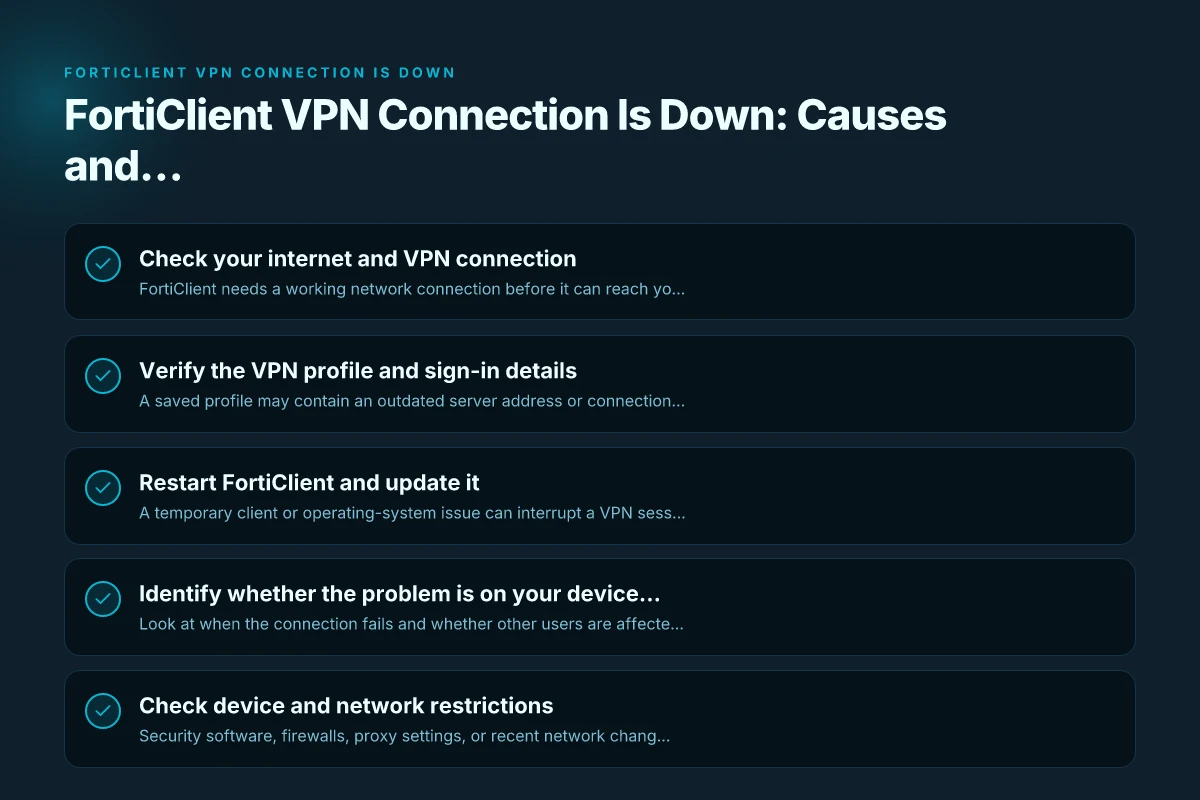
Verify the VPN profile and sign-in details
A saved profile may contain an outdated server address or connection method. In FortiClient, check that you selected the correct VPN entry and that its gateway matches the details provided by your organization. Don’t guess at server addresses or change protocol options unless your IT team has confirmed the correct values. Free VPN Extension for Edge Browser: What to Choose and How to Use It
Re-enter your username and password carefully, checking for:
- An incorrect or outdated password.
- A username format that differs from your organization’s requirements.
- An expired password or account lockout.
- A missing multifactor authentication approval or one-time code.
If your organization uses a certificate for VPN access, FortiClient may fail to connect if the certificate is expired, missing, or not trusted. Contact IT rather than deleting certificates or installing replacements from an unverified source.
| What you notice | Possible cause | Recommended next step |
|---|---|---|
| Login is rejected | Incorrect credentials, account lockout, or expired password | Check your sign-in details or contact IT |
| Connection times out | Gateway outage, network block, or incorrect server address | Test another network and confirm the gateway with IT |
| VPN connects but drops | Unstable internet, sleep settings, or gateway interruption | Try a stable network and note when disconnects occur |
| Certificate or security warning appears | Certificate or device configuration issue | Stop and ask IT to verify the warning |
Restart FortiClient and update it
A temporary client or operating-system issue can interrupt a VPN session. Disconnect from the VPN, close FortiClient completely, reopen it, and try again. If that does not help, restart your device. A restart can clear a stalled network process that a simple reconnect does not.
Check whether your organization has provided a FortiClient update. Use only an approved installer or update method, especially on a work device. An incompatible client version, operating-system update, or security component may prevent a connection. Your IT team can confirm which versions and settings your organization supports. Forticlinet VPN: What It Is and How to Connect Securely
Avoid uninstalling FortiClient as an early troubleshooting step. On a managed device, removal may erase configuration or require administrator credentials to restore access. If an update or reinstall is needed, follow your organization’s instructions.
Troubleshooting options by effort and what they check
| Option | Effort | Checks | Best time to try | Next step if unresolved |
|---|---|---|---|---|
| Test internet without VPN | Low | Internet access | First | Reconnect to the network |
| Reconnect to VPN | Low | Temporary connection issue | After confirming internet works | Review profile and sign-in |
| Check sign-in details | Low | Username and password | When authentication fails | Confirm credentials with administrator |
| Review VPN profile | Medium | Server and connection settings | When connection settings may be wrong | Request the correct profile |
| Restart FortiClient | Low | Temporary app issue | When the app is unresponsive | Check for updates |
| Update FortiClient | Medium | Outdated app version | When an update is available | Contact support if it still fails |
| Try another network | Medium | Local network restrictions | When internet works but VPN fails | Check firewall or network policies |
| Ask others to test | Low | Possible VPN server issue | When multiple users may be affected | Contact VPN administrator |
Compiled November 2026; check the provider's site for current details.
Identify whether the problem is on your device or the VPN server
Look at when the connection fails and whether other users are affected. If several colleagues cannot connect at the same time, the VPN gateway or an organization-wide service may be down. Repeatedly changing settings on your device is unlikely to fix a server-side outage. Urban VPN Proxy Extension Edge: Setup, Features, and Safety Guide
If only your device is affected, note the details before contacting support:
- The full error message or error code.
- The time the issue started and your time zone.
- Your device’s operating system and FortiClient version.
- Whether you are using Wi-Fi, Ethernet, or a hotspot.
- Whether you can connect from another network.
- Any recent password, device, network, or software changes.
Share this information through your organization’s approved support channel. A screenshot can help, but check it for sensitive details before sending it. Do not post VPN addresses, account names, authentication codes, or configuration files publicly.
Check device and network restrictions
Security software, firewalls, proxy settings, or recent network changes can interfere with a VPN. On a managed device, these controls may be set by your employer. Don’t disable antivirus protection, bypass a firewall, or change security policies to test the connection.
Instead, try a different trusted network and ask IT whether your device must meet particular requirements, such as an approved operating-system version, security update, or device certificate. If the VPN connects and then drops, note whether it happens after the device sleeps, changes networks, or becomes idle. That pattern can help support distinguish a local interruption from a gateway or policy issue. Microsoft Edge VPN Extension Free: What to Know Before You Install One
How to narrow down whether the issue is local or server-side
| Test | Result | Points toward | Follow-up |
|---|---|---|---|
| Open a website without VPN | It does not load | Local internet connection | Restore internet access |
| Open a website without VPN | It loads | VPN connection or server | Check profile and sign-in |
| Retry with the same profile | It connects | Temporary issue | Monitor the connection |
| Retry with the same profile | It still fails | Profile, device, network, or server | Continue with the next checks |
| Ask a colleague to connect | They also cannot connect | VPN server or shared service | Contact the administrator |
| Ask a colleague to connect | They can connect | Your device, profile, or network | Review local settings |
| Try a different network | VPN connects | Original network restrictions | Check network policies |
| Try a different network | VPN still fails | Device, profile, or server | Update FortiClient and contact support |
Compiled November 2026; check the provider's site for current details.
Recommendation
Start with the simplest checks: confirm internet access, verify the correct VPN profile, re-enter your credentials, and restart FortiClient and your device. If the connection remains down, or you see an authentication, certificate, or security warning, contact your IT administrator with the error details. They can check your account, device configuration, VPN gateway, and any active service outage safely.