IPsec over TCP: How It Works, When to Use It, and Its Limitations

Learn what IPsec over TCP does, how it differs from UDP-based IPsec, and when TCP encapsulation is a useful workaround.
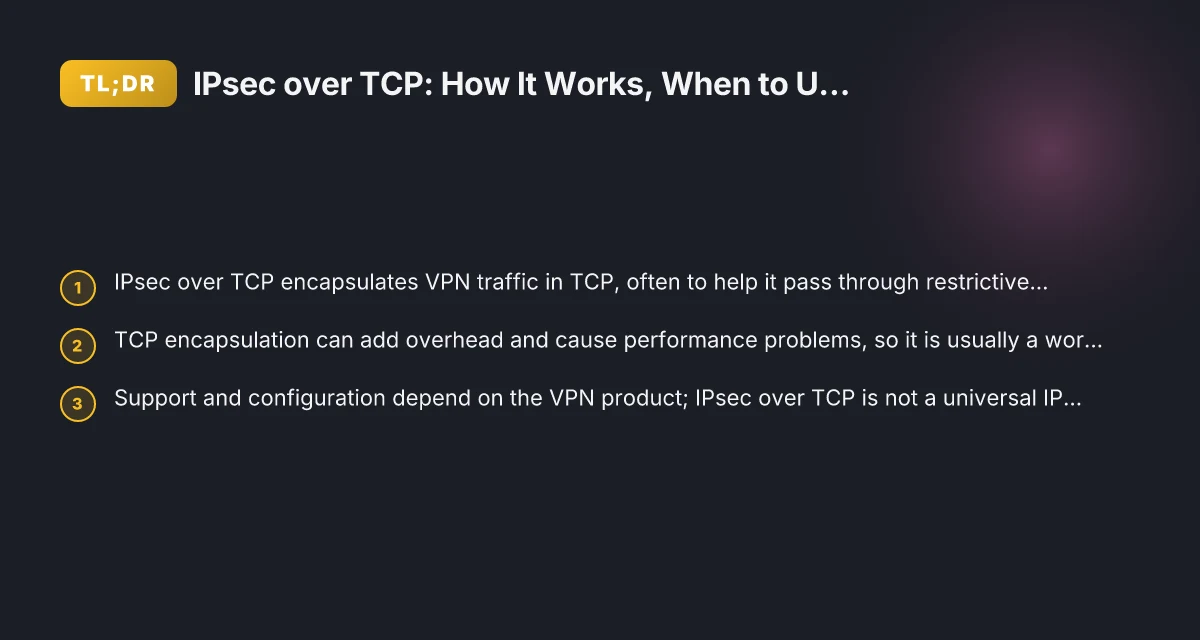
IPsec over TCP carries IPsec VPN traffic inside a TCP connection. It can help a VPN connect through networks that block or restrict the protocols IPsec normally uses, such as UDP traffic on ports 500 and 4500. However, encapsulating IPsec in TCP does not automatically make a VPN faster, more secure, or compatible with every firewall. It is a transport workaround whose usefulness depends on the network and VPN implementation.
Comparison of IPsec transport options
| Option | Typical traffic | NAT/firewall compatibility | Main advantage | Main limitation |
|---|---|---|---|---|
| Native IPsec (ESP) | IP protocol 50 | Can be blocked by NAT or firewalls | No TCP encapsulation overhead | May not cross restrictive networks |
| IPsec over UDP (NAT-T) | UDP, commonly port 4500 | Often works through NAT | Broad support for NAT traversal | UDP may still be blocked or rate-limited |
| IPsec over TCP | TCP, often port 443 | Can pass through some restrictive networks | Uses a commonly permitted TCP port | TCP-over-TCP can impair performance |
| TLS-based VPN | TCP or UDP, depending on product | Usually firewall-friendly | Designed for operation over TLS | Requires a compatible VPN implementation |
| WireGuard | UDP | Requires UDP access | Simple, efficient protocol | Not suitable where UDP is blocked |
| SSH tunnel | TCP, often port 22 | Can work where SSH is permitted | Useful for limited, targeted access | Not a full IPsec site-to-site replacement |
Compiled November 2026; check the provider's site for current details.
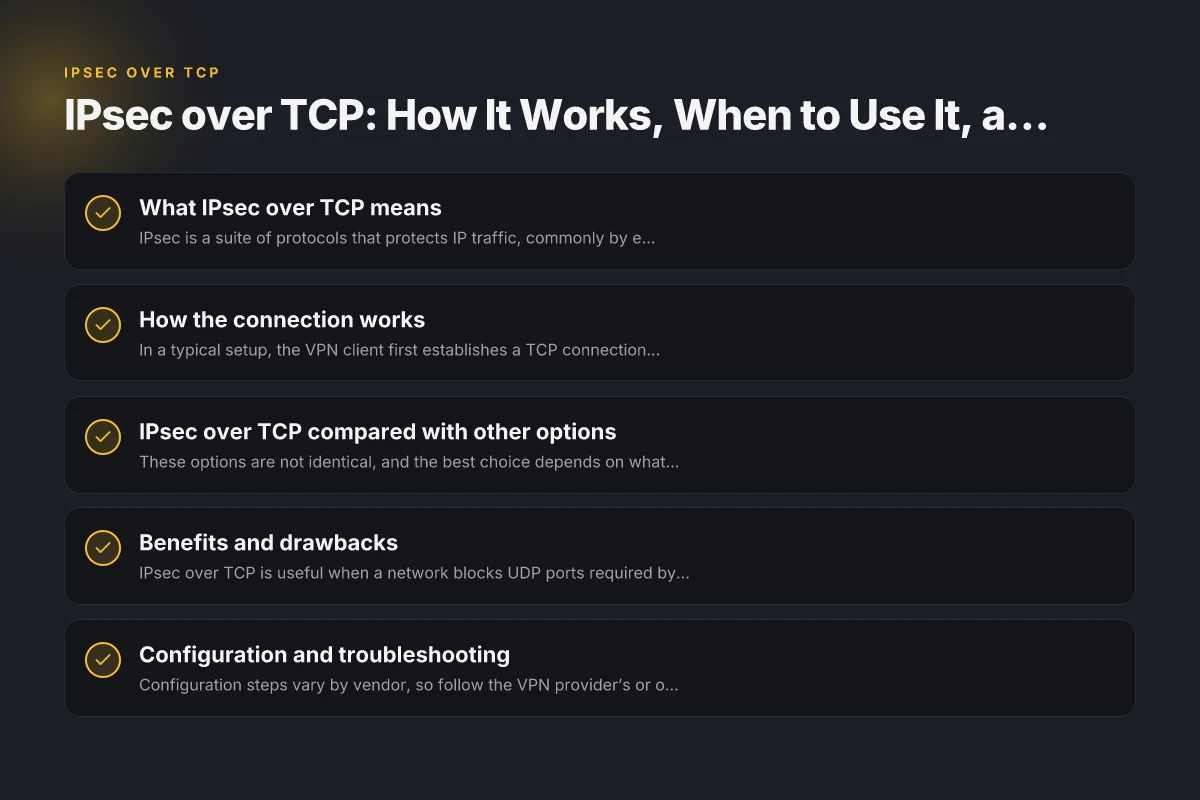
What IPsec over TCP means
IPsec is a suite of protocols that protects IP traffic, commonly by encrypting it between a VPN client and a gateway. Traditional IPsec uses the Internet Key Exchange (IKE) protocol to negotiate a connection. IKE commonly uses UDP port 500, while IPsec traffic behind NAT devices generally uses UDP port 4500 through NAT Traversal (NAT-T).
Some networks block those UDP ports, permit only a narrow set of traffic, or handle IPsec poorly. Certain VPN products address this by wrapping IPsec packets inside a TCP connection, often on a configurable port. The network then sees TCP traffic rather than the usual IPsec UDP traffic.
The exact meaning of “IPsec over TCP” can vary by vendor. It is not a universally interchangeable setting defined in the same way across all VPN clients and gateways. Both ends generally need to support the same encapsulation method and compatible configuration.
How the connection works
In a typical setup, the VPN client first establishes a TCP connection to the VPN gateway. The VPN software then carries IPsec-related traffic through that connection. The gateway removes the outer TCP layer and processes the enclosed VPN traffic. Urban VPN Chrome Extension: Features, Setup, and What to Know
This arrangement can make a connection possible where ordinary IPsec or NAT-T cannot get through. For example, a hotel, public Wi-Fi network, or corporate firewall might restrict UDP traffic but allow outbound TCP connections.
The outer TCP connection does not replace IPsec encryption. Security still depends on the VPN’s IPsec configuration, including authentication, encryption algorithms, key management, and certificate or credential handling. TCP encapsulation changes how traffic travels across the network. It is not, by itself, an added layer of cryptographic protection.
Choosing an IPsec transport
| Network condition | Native ESP | IPsec over UDP | IPsec over TCP | Practical choice |
|---|---|---|---|---|
| No NAT; ESP permitted | Supported | Supported | Supported | Native ESP is often sufficient |
| NAT present; UDP permitted | May need NAT-T | Supported with NAT-T | Supported if configured | Prefer NAT-T in typical cases |
| UDP blocked; TCP 443 permitted | Often blocked | Often blocked | May work | Consider IPsec over TCP |
| ESP blocked; UDP permitted | Often blocked | May work | May work | Try UDP-based NAT-T |
| Restrictive outbound firewall | May be blocked | May be blocked | May pass, depending on policy | Verify permitted traffic first |
| High-throughput traffic | Avoid unnecessary encapsulation | Usually preferable to TCP fallback | May suffer TCP-over-TCP effects | Test performance under load |
| Application already uses TCP | Supported | Supported | May increase retransmission effects | Compare with UDP transport |
| Vendor support is uncertain | Check device compatibility | Check NAT-T support | Check TCP-encapsulation support | Confirm both peers support the option |
Compiled November 2026; check the provider's site for current details. VPN That Changes Location Free: What to Use and What to Know
IPsec over TCP compared with other options
| Option | Typical transport | Main advantage | Common limitation |
|---|---|---|---|
| IPsec with NAT-T | UDP, commonly port 4500 | Widely supported and efficient for many networks | May be blocked or restricted |
| IPsec over TCP | TCP, often a vendor-configured port | Can work on networks that allow TCP but block VPN-related UDP | May suffer from extra overhead and TCP performance issues |
| SSL/TLS-based VPN | Usually TCP or UDP, depending on the product | Often designed to pass through restrictive networks | Behavior and performance vary by implementation |
| WireGuard | UDP | Simple, efficient transport where UDP is available | Does not help if the network blocks the required UDP traffic |
These options are not identical, and the best choice depends on what the VPN service and network support. A VPN’s “TCP mode” may also refer to a TLS-based VPN rather than IPsec carried over TCP, so check the product documentation rather than relying on the label alone.
Benefits and drawbacks
When it can help
IPsec over TCP is useful when a network blocks UDP ports required by conventional IPsec, while allowing outbound TCP connections. It may also help when an intermediary device disrupts standard IPsec traffic. In managed environments, administrators can use it as a fallback for users connecting from locations where the preferred VPN transport is unavailable.
It can be particularly practical if the VPN product provides a supported TCP mode with clear server and client settings. Using a vendor-supported feature is safer and easier to troubleshoot than trying to construct a custom tunnel around IPsec traffic.
Why it may perform poorly
TCP is designed to provide reliable, ordered delivery. IPsec traffic may already have its own handling for packet loss and retransmission. When TCP carries traffic that is itself part of another tunnel, packet loss can trigger delays at both layers. This can create “TCP-over-TCP” performance problems, including stalled transfers, increased latency, or uneven throughput. Nord VPN Extension for Edge: How to Install and Use It
TCP encapsulation also adds headers and processing overhead. The result may be slower than native IPsec with NAT-T, especially on lossy or congested links. Performance depends on the implementation, network conditions, and the traffic being carried; TCP mode is not inherently slower in every situation, but it is rarely the first choice solely for speed.
IPsec over TCP deployment checklist
| Area | Check | If it fails | Operational consideration |
|---|---|---|---|
| Peer support | Both endpoints support IPsec over TCP | Use a mutually supported transport | Feature availability varies |
| TCP port | Matching port is configured and permitted | Review firewall and listener rules | Port 443 is common, not universal |
| NAT and firewall | Path allows the configured TCP traffic | Check policies and intermediate devices | Port permission does not guarantee passage |
| Encapsulation settings | Both peers use compatible settings | Compare configuration on each end | Mismatches can prevent connection |
| Authentication | Credentials and peer identities match | Review keys, certificates, and identity rules | Protect secrets and validate certificates |
| Logs | Check negotiation and connection errors | Identify where setup stops | Avoid sharing sensitive log details |
| Performance | Test latency, throughput, and loss | Compare with UDP or native ESP | TCP-over-TCP can cause poor performance |
| Security policy | Confirm allowed peers and traffic | Tighten access rules | Encapsulation does not replace IPsec security |
| Recommendation | Use only when other transports are blocked | Prefer native ESP or NAT-T when suitable | Validate reliability before production use |
Compiled November 2026; check the provider's site for current details.
Configuration and troubleshooting
Configuration steps vary by vendor, so follow the VPN provider’s or organization’s instructions. In general, confirm that the client and gateway both support IPsec over TCP, agree on the TCP port and encapsulation method, and permit the connection through local and network firewalls. Turn Off Microsoft Edge VPN: A Simple Step-by-Step Guide
If the connection fails, check these points:
- Verify that the selected mode is specifically IPsec over TCP, not a different VPN protocol’s TCP mode.
- Confirm that the gateway is configured to accept the same port and transport.
- Check whether outbound TCP connections to that destination are allowed.
- Review client and gateway logs for negotiation, authentication, or firewall errors.
- Test the standard IPsec or NAT-T connection when possible, to determine whether TCP encapsulation is actually needed.
- Avoid opening broad firewall access. Allow only the destinations and ports required by the documented configuration.
A successful TCP connection does not necessarily mean the VPN tunnel is fully established. Authentication, IKE negotiation, policy settings, or routing can still prevent access to protected resources.
Security considerations
TCP encapsulation is not a way to bypass security controls without consequences. On managed networks, VPN use may be subject to organizational policy, and administrators may monitor or restrict VPN connections. Use an approved VPN configuration and keep the client and gateway software updated.
Also, do not assume that a TCP port makes VPN traffic invisible or more secure. Firewalls and monitoring systems may identify VPN traffic through other characteristics, and the encryption strength comes from the IPsec configuration, not from choosing TCP as the outer transport. Urban VPN Extension for Edge Browser: How to Install and Use It
Recommendation
Use native IPsec with NAT-T when the network supports it. It is generally the more direct option. Choose IPsec over TCP when UDP-based IPsec is blocked and your VPN product explicitly supports TCP encapsulation. Treat it as a compatibility fallback, verify both endpoints are configured consistently, and test real-world performance before making it the default.