Proxy Server: What It Is, How It Works, and When to Use One
Learn how a proxy server routes internet traffic, compare common types, and choose one for privacy, access, or business needs.
A proxy server is an intermediary that forwards requests between your device and the internet. Instead of connecting directly to a website, your device sends its request to the proxy, which contacts the website and relays the response. Depending on how it is configured, a proxy can help filter traffic, manage network access, improve performance, or make a request appear to come from a different IP address.
A proxy is not automatically a privacy or security solution. Its protections depend on the proxy type, the connection settings, and the provider’s policies. Understanding how it works is the first step to deciding whether one is useful for you.
How a proxy server works
When you visit a website through a proxy, the connection follows a middle step:
- Your browser or application sends a request to the proxy server.
- The proxy forwards that request to the destination.
- The destination sends a response to the proxy.
- The proxy passes the response back to your device.
The destination generally sees the proxy’s IP address rather than your device’s public IP address. However, a proxy may also pass identifying details in request headers, and websites can use other signals, such as account information, cookies, or browser characteristics, to identify or track you.
A proxy can be configured on a single application, such as a browser, or across a device or organization’s network. Some proxies are also used transparently by network operators, meaning users may not configure them directly.
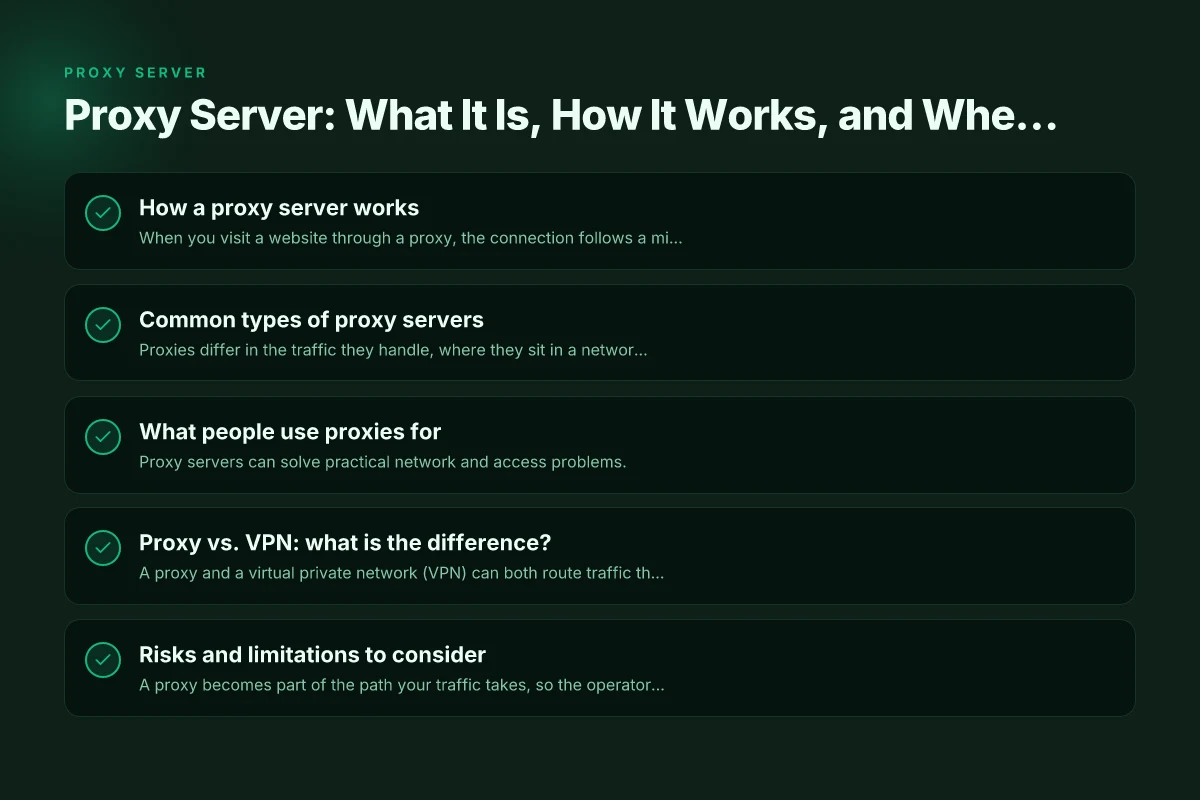
Common types of proxy servers
Proxies differ in the traffic they handle, where they sit in a network, and who controls them. EqualVPN Review: What It Offers and Who It May Suit
| Type | Typical purpose | Key consideration |
|---|---|---|
| Forward proxy | Routes requests from users or an internal network to the internet | Often used for filtering, access control, or monitoring |
| Reverse proxy | Sits in front of web servers and handles requests from visitors | Can help with load balancing, caching, and protection of origin servers |
| HTTP proxy | Handles web traffic using HTTP | May not support every application or traffic type |
| HTTPS proxy | Supports connections to HTTPS websites, often through a tunnel | HTTPS protects content in transit, but does not make the proxy itself trustworthy |
| SOCKS proxy | Relays a wider range of network traffic | Capabilities and security depend on the software and configuration |
| Residential or datacenter proxy | Describes the source of the proxy IP address | Performance, reputation, and provider practices vary |
A forward proxy is commonly used by businesses, schools, or individuals who want to route outgoing traffic through a controlled service. A reverse proxy serves a different role: it receives incoming requests on behalf of a website or application and directs them to the appropriate backend server.
“Residential” and “datacenter” describe the apparent source of an IP address, not a guarantee of quality or legitimacy. Check how an IP pool is obtained and managed before using a provider.
What people use proxies for
Proxy servers can solve practical network and access problems.
- Business network management: Organizations can apply browsing policies, restrict risky destinations, and review network activity.
- IP address masking: A destination may see the proxy’s address instead of the user’s public IP, though this alone does not provide complete anonymity.
- Caching and performance: A proxy can store copies of frequently requested content, reducing repeated downloads in some environments.
- Access control: Administrators can route traffic through approved gateways and limit access to certain services.
- Website and application delivery: Reverse proxies can distribute requests across servers and help absorb traffic spikes.
- Testing and troubleshooting: Developers and network teams can examine how services behave from different network paths or configurations.
Some people use proxies to reach content that is unavailable on their network or in their location. Whether this works depends on the service, and doing so may conflict with a website’s terms, workplace rules, or local requirements. A proxy is not a way to bypass every restriction reliably. NordVPN Download: How to Get the App Safely on Any Device
Proxy vs. VPN: what is the difference?
A proxy and a virtual private network (VPN) can both route traffic through another server, but they are not interchangeable. A basic proxy may handle only selected applications and may not encrypt the connection between your device and the proxy. A VPN generally creates an encrypted tunnel for traffic from the device or selected apps, depending on its setup.
| Feature | Proxy server | VPN |
|---|---|---|
| Traffic coverage | Often limited to configured apps or protocols | Commonly covers device-wide or selected-device traffic |
| Encryption | Not guaranteed; depends on protocol and setup | Typically encrypts traffic between the device and VPN server |
| IP address shown to destination | Often the proxy’s address | Usually the VPN server’s address |
| Typical use | Filtering, routing, caching, or app-specific needs | Protecting traffic on untrusted networks and routing broader traffic |
| Privacy depends on | Configuration and proxy operator | Configuration and VPN operator |
Neither option makes a user completely anonymous. The provider may be able to observe connection details, and websites can still recognize logged-in accounts or collect other identifying information. For sensitive activity, look closely at security, logging, and data-handling practices rather than relying on the product label.
Risks and limitations to consider
A proxy becomes part of the path your traffic takes, so the operator matters. An unknown or free service may collect browsing data, inject unwanted content, or provide weak security. Free does not always mean unsafe, but it is wise to verify the operator and understand how the service is funded.
Keep these limitations in mind: Windows VPN: How to Set Up a Connection and Choose a Service
- No guaranteed encryption: Use HTTPS websites and check whether the connection to the proxy is protected.
- Possible data logging: Review the provider’s privacy policy, retention practices, and jurisdiction.
- Reduced speed or reliability: An overloaded or distant proxy can add latency and interruptions.
- Limited protection: A proxy does not necessarily block malware, phishing, or tracking.
- Application-specific coverage: Traffic from apps not configured to use the proxy may connect directly.
- Policy and legal concerns: Follow organizational rules, service terms, and applicable laws.
For an organization, a proxy should be part of a broader security plan that includes access controls, updates, monitoring, and user education. For personal use, avoid entering sensitive information through a service you do not trust.
How to choose a proxy server
Start with the problem you need to solve. A business seeking centralized web filtering has different requirements from a developer testing a reverse proxy or a user configuring a single application.
Before choosing a service or setup, consider:
- Purpose: Identify whether you need filtering, caching, reverse-proxy features, or app-specific routing.
- Traffic support: Confirm that the proxy supports the protocols and applications you use.
- Privacy: Read what data is collected, whether logs are retained, and how long they are kept.
- Security: Check for secure connections, authentication, access controls, and a clear update process.
- Performance: Look for appropriate server locations, capacity, and dependable support.
- Reputation and transparency: Prefer providers that explain their ownership, infrastructure, and IP sourcing.
Recommendation
Use a proxy server when you have a specific routing, filtering, caching, or network-management need. Choose a reputable service or a professionally maintained setup, verify which traffic it covers, and do not assume it provides encryption or anonymity. If your main goal is to protect broader internet traffic, especially on public Wi-Fi, a properly configured VPN may be a better fit. Free VPN for Microsoft Edge: What Works and What to Know