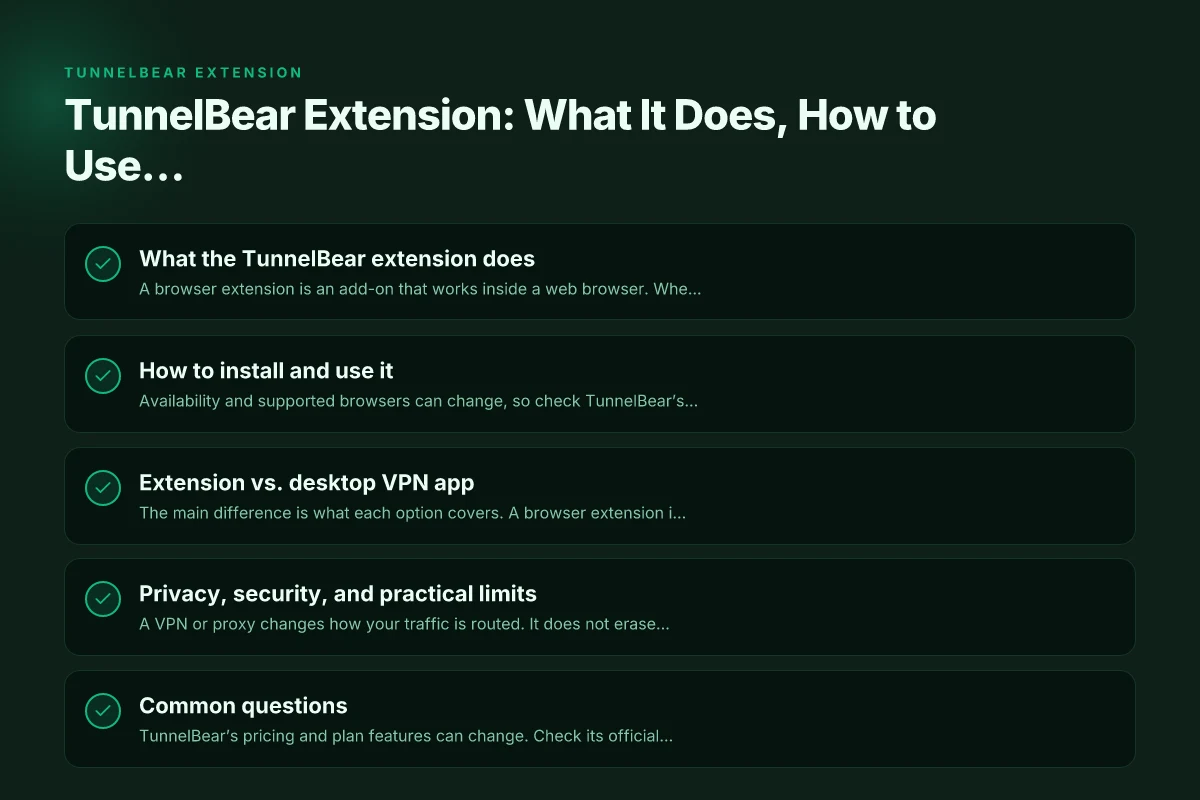
TunnelBear Extension: What It Does, How to Use It, and Its Limitations

Learn what the TunnelBear extension does, how to install it, and when to choose the desktop VPN app instead.
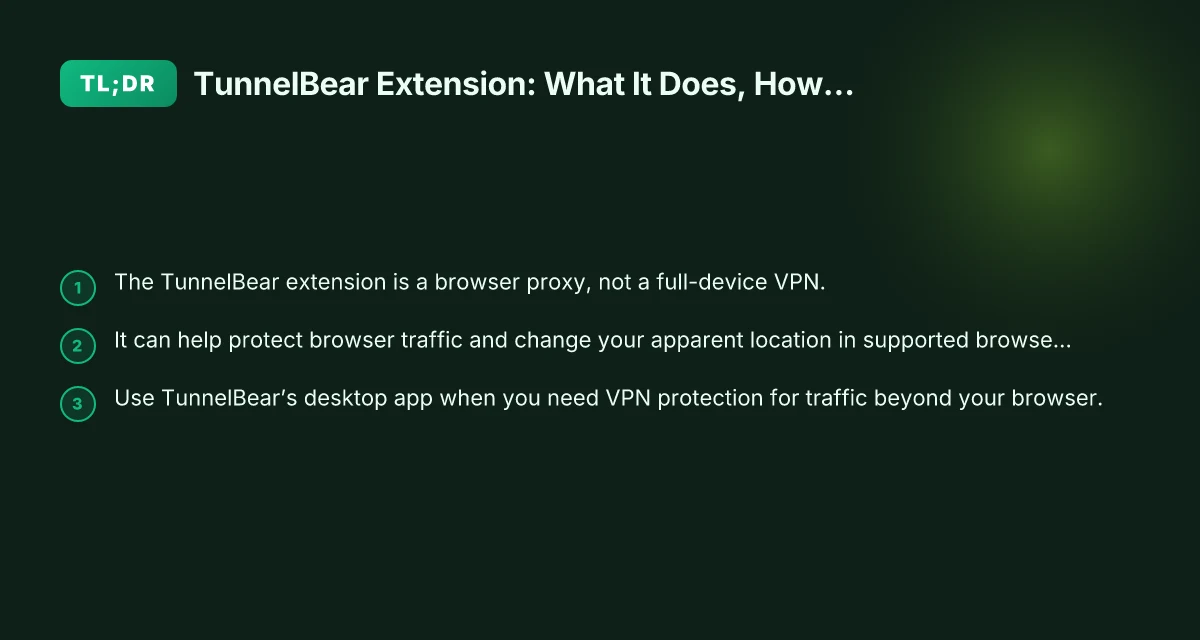
The TunnelBear extension is a browser-based proxy that routes traffic from a supported browser through a selected location. It can be useful for browsing with more privacy on public Wi-Fi or accessing websites as if you were in another region. Unlike TunnelBear’s desktop VPN app, however, the extension generally covers browser traffic only. If you need protection for every app on your device, use the desktop app instead.
Browser extension vs. desktop VPN app
| Comparison point | TunnelBear browser extension | TunnelBear desktop app |
|---|---|---|
| Where it works | Browser traffic | Device traffic |
| Setup | Install in a supported browser | Install on your computer |
| Connection control | From the browser | From the app |
| Browser traffic protection | Supported | Supported |
| Non-browser traffic protection | Not covered | Covered |
| Browser requirement | Supported browser needed | No browser extension needed |
| Best suited for | Browser-focused use | Broader device coverage |
| Main limitation | Protects browser traffic only | Requires app installation |
Compiled November 2026; check the provider's site for current details.
What the TunnelBear extension does
A browser extension is an add-on that works inside a web browser. When enabled, the TunnelBear extension can route your browser’s web traffic through TunnelBear’s network. Websites may then see the exit location of that connection rather than your usual IP address.
That can help reduce exposure of your browser traffic on an untrusted network and make your apparent location different. It does not make you completely anonymous, and it does not prevent every form of tracking. Websites may still identify you through account logins, cookies, browser fingerprinting, or other information.
The extension is best understood as a browser proxy rather than a full VPN for your device. Other apps, such as email clients, games, or software that connects directly to the internet, may continue using your regular connection unless you also run the desktop VPN app.
How to install and use it
Availability and supported browsers can change, so check TunnelBear’s official website and your browser’s extension store for the current listing. Install only the extension published by TunnelBear, and review the requested permissions before adding it. Clash for iPad: How to Download, Install, and Use It
A typical setup looks like this:
- Open the official TunnelBear page or your browser’s extension store.
- Confirm that the publisher is TunnelBear and that the extension is available for your browser.
- Add the extension and sign in or create an account if prompted.
- Open the extension, choose an available location, and switch the connection on.
- Visit a trusted IP-checking website to confirm that your browser appears to connect from the selected location.
The exact controls may differ by browser or app version. If the extension will not connect, check your internet connection, update the browser, and consult TunnelBear’s current support information.
TunnelBear extension setup and use
| Step | What to do | What to check |
|---|---|---|
| 1. Find the extension | Open your browser’s extension store | Confirm it is the TunnelBear extension |
| 2. Install | Add it to your browser | Check that installation completes |
| 3. Open | Select the extension icon | Look for the TunnelBear interface |
| 4. Sign in | Enter your TunnelBear account details | Confirm the account is recognized |
| 5. Choose a location | Select an available location | Check the selected location |
| 6. Connect | Turn on the connection | Look for a connected status |
| 7. Browse | Visit the sites you want to use | Remember protection is browser-focused |
| 8. Disconnect | Turn off the connection when finished | Confirm it is disconnected |
Compiled November 2026; check the provider's site for current details. VPN Extension for Edge: How to Choose and Use One
Extension vs. desktop VPN app
The main difference is what each option covers. A browser extension is convenient when you want to route browser activity. The desktop app is designed to create a VPN connection for your device, which can include traffic from other applications.
| Feature | TunnelBear extension | TunnelBear desktop app |
|---|---|---|
| Traffic covered | Generally browser traffic | Device traffic, including supported apps |
| Setup | Added to a supported browser | Installed as a device application |
| Useful for | Browser-focused privacy or location changes | Broader protection on the device |
| Main limitation | Does not necessarily cover other apps | Requires installation and system-level connection |
Neither option guarantees access to every region-restricted service. Streaming platforms and other websites may block VPN or proxy connections, and availability can vary. Check the service’s terms and local rules before attempting to access content from another region.
Privacy, security, and practical limits
A VPN or proxy changes how your traffic is routed. It does not erase your identity online. To make sensible use of the extension, keep these points in mind:
- Check the connection status. Do not assume the extension is active just because it is installed.
- Use HTTPS websites. Encryption between your browser and a website helps protect the content of your connection, regardless of the proxy.
- Understand account-based tracking. Signing in to a personal account can reveal who you are, even when your IP address changes.
- Review permissions and updates. Install from an official source and keep the extension and browser up to date.
- Avoid treating it as a security guarantee. It cannot protect against phishing, malware, weak passwords, or every kind of tracking.
- Check current plan details. Features, data limits, server availability, and account requirements may change over time.
For sensitive activity, consider your broader security setup as well: use unique passwords, enable multifactor authentication, and keep your operating system and applications updated. OVPN File: What It Is, How to Open It, and How to Use It
Practical fit and limitations
| Need or concern | Extension fit | Limitation to consider | Alternative or next step |
|---|---|---|---|
| Protect browser traffic | Suitable | Applies to browser traffic | Use the extension |
| Protect other apps | Not sufficient alone | Other device traffic is outside its scope | Use the desktop app |
| Change apparent location | Supported through available locations | Choices depend on the extension | Check the location list |
| Use a VPN without a browser | Not suitable | Requires a supported browser | Consider the desktop app |
| Confirm connection status | Available in the extension | A status indicator is not a full security audit | Check the interface |
| Choose between extension and app | Depends on coverage needs | They protect different scopes | Match the tool to your traffic |
| Assess privacy and security | Review TunnelBear’s current policies | Do not assume an extension covers all activity | Read current product information |
Compiled November 2026; check the provider's site for current details.
Common questions
Is the TunnelBear extension free?
TunnelBear’s pricing and plan features can change. Check its official website for current free-plan limits, paid options, and whether the extension requires an account. Do not rely on older reviews for up-to-date data allowances.
Does it protect all internet traffic?
No. The extension is intended for browser use, so it should not be assumed to protect traffic from other apps. For device-wide coverage, use the TunnelBear desktop app and confirm that it is connected. FortiClient VPN Setup: A Step-by-Step Guide
Can it unblock any website or streaming service?
No. A changed apparent location may help with some location-based websites, but services can detect or block proxy and VPN connections. Access also depends on the service’s rules and your location.
Is it the same as the TunnelBear VPN app?
No. The extension operates within a browser, while the desktop app creates a VPN connection for the device. Choose based on whether you need browser-only routing or broader device coverage.
Recommendation
Choose the TunnelBear extension if you want a convenient browser-level connection and understand that it may not cover other apps. If your goal is to protect traffic across your device, install and use TunnelBear’s desktop VPN app instead. In either case, download from an official source, verify that the connection is active, and treat a VPN as one part of a wider privacy and security routine.