Urban VPN Chrome Extension: Features, Setup, and Privacy Checks
Learn how to install Urban VPN for Chrome, use its features, and assess its privacy and security trade-offs.
Urban VPN for Chrome is a browser extension that lets you connect through a server in another location, which can help you access location-dependent websites or change the apparent location of your browser traffic. To try it, find the extension through the official Chrome Web Store listing, review its permissions and privacy information, add it to Chrome, and choose a location in the extension. Its scope and privacy protections are important: a browser extension is not necessarily a full-device VPN, and a changed IP address does not make you anonymous.
Feature comparison for Urban VPN Chrome and other browsing options
| Option | Traffic coverage | Location choice | Best fit | Main trade-off |
|---|---|---|---|---|
| Urban VPN Chrome extension | Browser traffic | Selectable locations | Quick browser access | Does not cover all device traffic |
| Chrome without a VPN | Browser traffic | No VPN location | Ordinary browsing | No VPN route for browser traffic |
| Desktop VPN app | Typically device traffic | Depends on provider | Whole-device coverage | Requires app setup |
| Chrome proxy extension | Browser traffic | Depends on provider | Browser-only routing | Privacy depends on provider |
| Mobile VPN app | Typically device traffic | Depends on provider | Phone or tablet protection | Does not configure Chrome on desktop |
| Router VPN | Connected-device traffic | Depends on provider | Multiple devices | Router setup may be complex |
Compiled November 2026; check the provider's site for current details.
| VPN | Obfuscation | From / month | Plan | Free plan | Refund | Alipay | UnionPay | Crypto | Website opens in China | Trustpilot | |
|---|---|---|---|---|---|---|---|---|---|---|---|
 ZoogVPN | Turn on manually Shadow | $2.49/mo | 27 months: $59.99 | Yes | 7 days | ✓ | ✓ | ✓ | ✓ | Official site blocked; our special link opens (4.4 s) | 4.2/5 (195 reviews) |
 NordVPN | Turn on manually Obfuscated Servers / NordWhisper | $3.49/mo | 27 months: $94.23 | No | 30 days | ? | ✗ | ✓ | ✓ | ✗ Blocked | 4.2/5 (51,628 reviews) |
 ExpressVPN | ✓ On by default all servers | $3.00/mo | 28 months: $84 | No | 30 days | ✗ | ✗ | ✓ | ✗ | ✗ Blocked | 4.4/5 (29,706 reviews) |
 Surfshark | ✓ On by default Camouflage, with OpenVPN | See site | See site | No | 30 days | ✗ | ✗ | ✗ | ✓ | ✗ Blocked | 4.3/5 (31,823 reviews) |
 Proton VPN | Turn on manually Stealth, free plan too | $2.99/mo | 12 months: $35.88 | Yes | 30 days | ✗ | ✗ | ✗ | ✓ | ✗ Blocked | 2.1/5 (1,040 reviews) |
 Astrill VPN | Turn on manually StealthVPN / OpenWeb | $12.50/mo | 24 months: $300 | No | See site | ✗ | ✗ | ✗ | ✓ | ✗ Blocked | 1.3/5 (110 reviews) |
 Private Internet Access | Turn on manually Shadowsocks, OpenVPN only | $2.03/mo | 40 months: $81.2 | No | 30 days | ✗ | ✗ | ✗ | ✗ | ✗ Blocked | 4.2/5 (11,033 reviews) |
 CyberGhost | Turn on manually selected servers | $2.19/mo | 28 months: $61.32 | No | 45 days | ✗ | ✗ | ✗ | ✓ | ✗ Blocked | 4.0/5 (24,178 reviews) |
 PureVPN | Turn on manually switch to OpenVPN | $1.69/mo | 60 months: $101.55 | No | 31 days | ? | ? | ✗ | ✓ | ✗ Blocked | 4.4/5 (17,994 reviews) |
 AdGuard VPN | ✓ On by default TrustTunnel | $2.99/mo | 24 months: $71.76 | Yes | 30 days | ✓ | ✗ | ✓ | ✓ | Official site blocked; our special link opens (3.7 s) | 4.3/5 (290 reviews) |
 Mullvad | Turn on manually QUIC / Shadowsocks / LWO | $5.61/mo | €5/mo | No | 14 days | ✗ | ✗ | ✗ | ✓ | ✗ Blocked | 3.2/5 (192 reviews) |
 Windscribe | Turn on manually Stealth / WStunnel | $5.75/mo | 12 months: $69 | Yes | See site | ✗ | ✗ | ✗ | ✓ | ✗ Blocked | 4.7/5 (13,355 reviews) |
 StrongVPN | Turn on manually Scramble, OpenVPN TCP | See site | See site | No | 30 days | ✓ | ✗ | ✗ | ✗ | ✗ Blocked | 4.4/5 (2,695 reviews) |
 LightXtreme 闪连 | Not listed | $7.08/mo | 12 months: $84.99 | Yes | 30 days | ✓ | ✓ | ✓ | ✓ | ✓ Yes (3.5 s) | No page |
Prices checked 2026-11-10 on each vendor's pricing page (cheapest long plan, USD). Check the vendor's checkout for the final price.
Obfuscation checked 2026-11-14 on each vendor's site and help center: "on by default" = nothing to set; "turn on manually" = switch protocol or mode in settings; "not listed" = the vendor describes no obfuscation.
Payment methods checked 2026-11-10 on each vendor's payment pages: all 14 take cards and PayPal; ✗ = not listed, ? = the vendor's own pages disagree.
China access: whether the official website opens from mainland China networks (tests the website only, not the VPN connection). Last checked 2026-11-18 01:02 Beijing time.
Trustpilot score and review count checked 2026-11-10.
What Urban VPN for Chrome does
A VPN service routes network traffic through an intermediary server. When you connect to a location in Urban VPN, websites may see the server’s IP address rather than the public IP address supplied by your internet provider. This can be useful for testing how a website appears in another region or accessing services that are available in your location.
The Chrome extension operates within the browser rather than automatically protecting every connection made by your computer. Other browsers and standalone apps may continue to use your regular internet connection unless you use a separate desktop or mobile VPN app.
A VPN also does not erase cookies, prevent websites from recognizing an account you sign into, or stop tracking methods such as browser fingerprinting. Think of it as one privacy tool, not a complete anonymity solution.
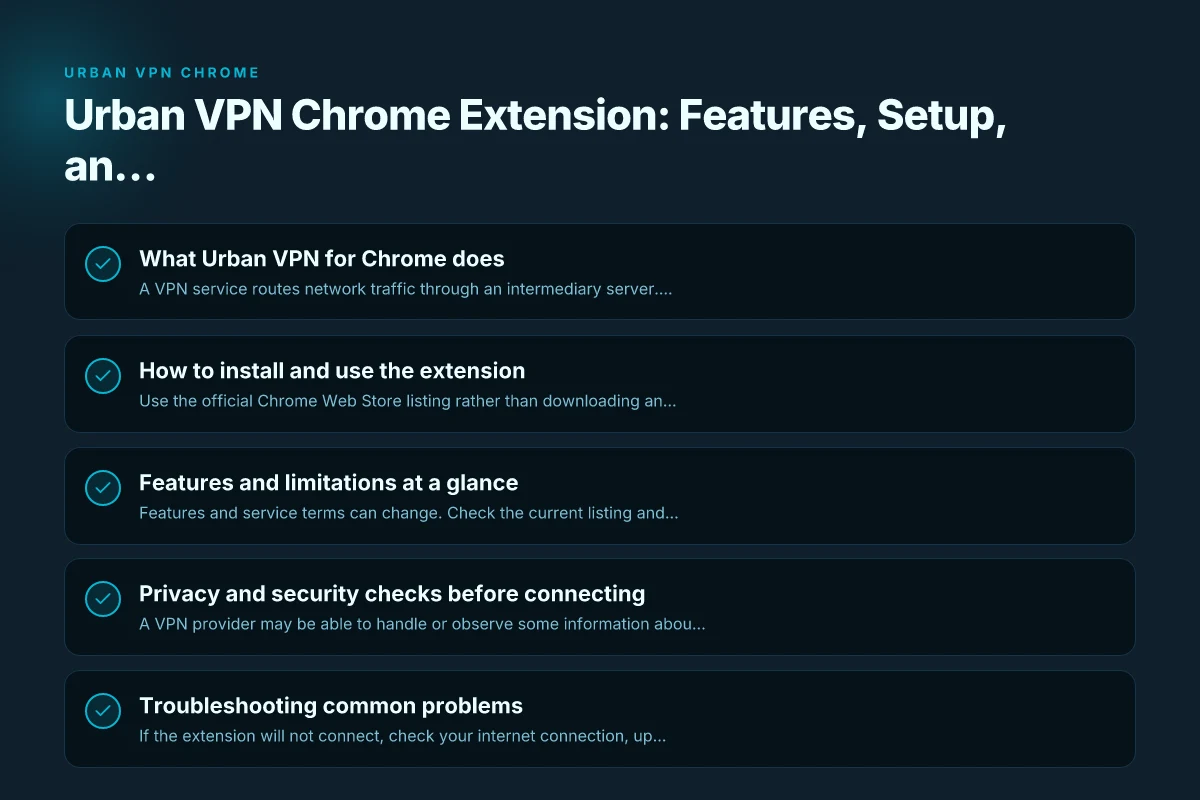
How to install and use the extension
Use the official Chrome Web Store listing rather than downloading an extension file from an unfamiliar site. Search for Urban VPN, verify the publisher and listing details, and read recent reviews. Extension names and availability can change, so check that you are selecting the intended product. Urban VPN for Edge Extension: Setup, Features, and Safety Tips
To get started:
- Open the Urban VPN listing in the Chrome Web Store.
- Review the requested permissions and the developer’s privacy information.
- Select Add to Chrome and confirm the prompt.
- Open the extension from Chrome’s toolbar, pin it if you want easier access, and choose a server location.
- Visit an IP-checking website to see whether your browser appears to use the selected location.
To disconnect, open the extension and switch off the connection or select its disconnect option. If a website still shows your original location, refresh the page and check whether location access, cookies, or account settings are affecting what it displays.
Setup and troubleshooting choices
| Task or problem | What to check | Try this | Expected result | If it continues |
|---|---|---|---|---|
| Install extension | Chrome Web Store listing | Add the extension to Chrome | Extension appears in Chrome | Check Chrome compatibility |
| Open extension | Toolbar visibility | Select the extension icon | Controls open | Pin it from the extensions menu |
| Connect | Extension state and location | Choose a location and connect | Status indicates connection | Try another location |
| Page will not load | Site access and connection state | Disconnect, reload, then reconnect | Page loads or connection changes | Test without the extension |
| Location seems wrong | Selected location and site behavior | Reconnect or choose another location | Site may show a different location | Check using another location test |
| Extension will not respond | Browser and extension state | Restart Chrome and update the extension | Controls may work again | Reinstall from the official listing |
Compiled November 2026; check the provider's site for current details. Urban VPN Extension for Microsoft Edge: How to Install and Use It
Features and limitations at a glance
Features and service terms can change. Check the current listing and Urban VPN’s own documentation for supported locations, usage limits, and available settings.
| Area | What to expect |
|---|---|
| Location selection | The extension may let you choose from available server locations. |
| Browser coverage | Primarily intended to route Chrome traffic; it may not cover other apps. |
| Website access | May help with location-dependent access, but cannot guarantee a service will work. |
| Speed | Can vary with server load, distance, your connection, and the website. |
| Privacy | Depends on the provider’s technical practices, permissions, and data policies. |
| Streaming and downloads | Availability and performance are not guaranteed and may be restricted by services. |
A VPN connection can slow browsing because traffic takes an extra route. Choosing a closer location may improve performance, although server congestion and network conditions also matter. Some sites may block known VPN addresses or ask for additional verification.
Privacy and security checks before connecting
A VPN provider may be able to handle or observe some information about traffic routed through its service. Before using Urban VPN, or any VPN, read its current privacy policy and look for clear explanations of what data is collected, why it is collected, how long it is retained, and whether it is shared with third parties. Avoid assuming that “free” means there is no cost in data, advertising, or service limitations.
Also check the extension’s permissions. Chrome permissions describe what the extension may be able to access. They do not, on their own, prove how the provider uses data. Make sure the requested access makes sense for the extension’s functions, and remove it if the permissions or policies do not meet your needs. Urban VPN Extension for Edge: Setup, Features, and Safety
Keep these distinctions in mind:
- Encryption: A VPN can encrypt traffic between your device and the VPN service, but HTTPS is still important for protecting connections to websites.
- IP masking: Websites may see the VPN server’s IP, but logged-in accounts and cookies can still identify you.
- Location signals: Browser location permissions, GPS, and account settings may reveal a location separate from your IP address.
- Leaks: DNS or connection leaks can expose information outside the intended VPN route. Test for leaks if your use case requires dependable privacy.
- Trust: You are shifting some trust from your internet provider to the VPN operator.
For sensitive work, financial transactions, or protection on untrusted networks, do not rely on a browser extension alone without understanding its coverage and limitations. A reputable full-device VPN, secure websites, updated software, and good account security may be more appropriate, depending on the threat you are trying to address.
Privacy and security checks before choosing a connection
| Check | What to verify | Why it matters | If unclear |
|---|---|---|---|
| Permissions | Requested Chrome access | Permissions can expose browsing data | Avoid granting unexpected access |
| Privacy policy | Data collection and sharing terms | Shows how data may be handled | Review before connecting |
| Logging | What connection or activity data is retained | Retention affects privacy | Do not assume there are no logs |
| Encryption | Provider’s stated protection details | Helps assess traffic protection | Seek clear documentation |
| DNS and IP leaks | Results while connected | Leaks can reveal network details | Disconnect if checks show exposure |
| Extension source | Official Chrome Web Store listing | Reduces risk of counterfeit downloads | Avoid third-party installers |
| Limitations | Browser-only scope | Other apps may remain outside the tunnel | Use a device-wide VPN if needed |
Compiled November 2026; check the provider's site for current details. Urban VPN Proxy: What It Does, How to Use It, and What to Consider
Troubleshooting common problems
If the extension will not connect, check your internet connection, update Chrome, and see whether the extension has an update available. Disconnect and reconnect, or try another server location. If the problem continues, consult the extension’s current help resources.
If a website does not load or blocks access, the VPN server may be restricted, or the service may require your actual region. Try disconnecting, clearing site-specific cookies if appropriate, or using the service under its terms. A VPN should not be used to bypass a website’s rules or legal restrictions.
If your IP-checking result does not change, confirm that the extension shows an active connection and that you are checking from the same Chrome profile. Remember that the extension may not route traffic from other browsers or apps.
Recommendation
Urban VPN Chrome may suit someone who wants to test a browser-based location change or try a simple extension. Before installing it, verify the official listing, review its permissions and privacy policy, and confirm that browser-only coverage is enough for your needs. If strong privacy, full-device protection, or dependable performance is essential, compare independently reviewed VPN services and choose one whose security practices and limitations are clearly documented. Forti VPN Client: How to Download, Set Up, and Troubleshoot It