VPN
OVPN Explained: What It Is, How It Works, and How to Use It
Learn what OVPN means, how OpenVPN configuration files work, and how to connect safely with an OVPN file.
November 28, 2026 · 林书禾
Updated
VPN setup, provider comparisons, browser privacy tools, and troubleshooting for US and international readers, with clear advice for personal and work connections.
This section covers practical VPN setup, service comparisons, browser privacy tools, and troubleshooting for readers choosing or using VPNs on phones and computers. Its main topic clusters are VPN app installation, Windows and Android configuration, browser-based protection, provider reviews, and account or connection fixes. The guidance is written for an international, US-default audience, with prices shown in US dollars when a price is relevant and with clear distinctions between personal VPN services and workplace access tools.
VPN guide comparison: what to check before choosing
| Comparison point | Why it matters | What to look for | Useful guide section |
|---|---|---|---|
| Privacy policy | Explains how data is handled | Clear, specific terms | Privacy |
| Logging practices | Shows what activity may be recorded | Plain-language logging details | Privacy |
| Security features | Helps assess connection protection | Described features and limits | Security |
| Server coverage | Indicates available locations | Locations relevant to your needs | Features |
| Speed information | Helps set expectations for everyday use | Testing method and context | Performance |
| Device support | Shows whether your devices are covered | Supported operating systems and apps | Compatibility |
| Ease of use | Affects setup and daily use | Clear setup steps and interface notes | Usability |
| Pricing terms | Helps compare the actual commitment | Renewal, trial, and refund details | Plans and pricing |
Compiled November 2026; check the provider's site for current details.
Some readers arrive with a specific problem: FortiClient will not connect, a browser VPN setting is hard to find, or a login keeps failing. Others are comparing familiar names such as NordVPN and ExpressVPN with less widely known services. The posts pair direct answers with context about what a product does, which device it supports, and what the user needs before installation.
Coverage includes setup and troubleshooting as well as product explainers. A FortiClient VPN connection, for example, is commonly configured with details supplied by an employer or network administrator. That differs from subscribing to a consumer VPN and signing in with a personal account. The distinction matters: installing a client alone does not create a working remote-access connection if the organization has not provided a gateway and authorized credentials.
Start with the device or service named in the post title, then check whether the instructions describe a personal subscription or organization-managed VPN. The difference affects the setup information you need. A commercial provider usually supplies an app and account credentials; a company or university may instead require a specific gateway, username, password, or managed configuration.
For FortiClient, Fortinet’s documentation describes selecting a VPN connection, entering the supplied username and password, and choosing Connect. Its Android instructions also describe adding an SSL-VPN connection through the app’s VPN menu. These are configuration steps, not a promise of access: the organization’s FortiGate settings and user permissions determine whether the connection succeeds. Fortin VPN: What It Is and How to Set Up FortiClient VPN
VPN services and tools at a glance
| Option | Main purpose | What to compare | Practical question |
|---|---|---|---|
| VPN service | Routes traffic through a VPN connection | Privacy, features, usability | Does it suit your devices and needs? |
| VPN app | Connects a device to a service | Supported platforms and setup | Is it available for your device? |
| Browser extension | Adds browser-level VPN or proxy features | Coverage and limits | Does it protect only browser traffic? |
| Speed test | Measures connection performance | Test conditions and consistency | Were results measured in a comparable way? |
| IP check tool | Shows the visible IP address | Before-and-after results | Does the displayed location change? |
| DNS leak test | Checks DNS request handling | Test instructions and results | Are DNS requests handled as expected? |
| Privacy guide | Explains data practices and trade-offs | Scope and clarity | Does it address your privacy concern? |
| Setup guide | Helps configure a VPN | Steps and device coverage | Can you follow it on your device? |
Compiled November 2026; check the provider's site for current details.
The comparison below is a starting point, not a ranking. Features and prices can change, and the section’s posts focus on explaining particular services or tasks rather than declaring one VPN best for every reader. Check a provider’s current checkout page for the price, billing period, renewal rate, and refund conditions before subscribing.
| Service or tool | Typical purpose | What to check |
|---|---|---|
| NordVPN | Personal VPN service | Current USD plan price, device limits, renewal terms |
| ExpressVPN | Personal VPN service | Current USD plan price, supported devices, refund terms |
| FortiClient VPN | Work or organization remote access | Gateway address, connection type, account authorization |
| Microsoft Edge Secure Network | Browser privacy feature | Availability, account requirements, protection scope |
This rundown separates consumer subscriptions from managed access software. A price comparison is meaningful only when billing periods match: a monthly rate, an annual upfront charge, and a renewal price are not interchangeable. The posts can help readers identify what to verify, but plan details should be confirmed at the point of purchase because providers revise offers. Proxy Server: What It Is, How It Works, and When to Use One
The audience includes people setting up a VPN for the first time, travelers who want to understand app behavior on a new network, and employees or students following instructions from an organization. US-based readers may encounter VPN apps through Apple’s US App Store or Google Play, pay in USD, and use services such as Netflix or Hulu. Streaming access is not guaranteed: platforms change their technical controls and terms, and a VPN does not ensure that a particular catalog or site will work.
Readers elsewhere can use the same setup principles while checking local app availability, taxes, billing currency, and service terms. The section avoids treating a US price or a single streaming example as universal. Its focus is on portable, device-specific guidance that helps readers understand what to install, what information to request, and when an error may need an administrator or provider’s support team.
Match a VPN guide to your question
| Reader question | Guide to consult | What it can help clarify | What it cannot establish alone |
|---|---|---|---|
| Which service fits my needs? | Comparison and review guides | Differences in features and usability | A perfect choice for every reader |
| What data might be collected? | Privacy guides | Stated policies and logging terms | That a policy is followed in every case |
| How do I connect a device? | Setup guides | Installation and connection steps | That every device or network will behave alike |
| Is the connection fast enough? | Performance reviews | Reported test results and context | Your exact speed in every location |
| Is my traffic fully private? | Privacy and security guides | Protections and relevant limits | Anonymity in every situation |
| Can a VPN stop scams or malware? | Security guides | Which risks a VPN feature may address | Protection from every online threat |
| Will a VPN change my location? | Feature guides and IP checks | The visible IP location after connecting | Access to every location-restricted service |
| Should I use a VPN now? | Practical guides | Potential benefits and trade-offs | A need to use one for every activity |
Compiled November 2026; check the provider's site for current details. EqualVPN Review: What It Offers and Who It May Suit
A VPN can encrypt traffic between a device and the VPN endpoint and can make websites see the endpoint’s IP address rather than the device’s direct network address. That is useful in some situations, but it does not make every online activity private. Cookies, account sign-ins, browser fingerprinting, malware, and the VPN provider’s own practices still matter. A proxy or browser feature may cover only selected traffic, while a full VPN app is designed to route more of the device’s network activity.
That is why the posts distinguish among a proxy server, a browser feature, a consumer VPN app, and FortiClient’s organization-managed connection. Before relying on any tool, check its coverage and the relevant privacy policy. For work access, follow the organization’s security rules rather than substituting a personal VPN. For personal use, compare the service’s current terms and settings instead of assuming that a familiar brand or a connection icon answers every privacy question.
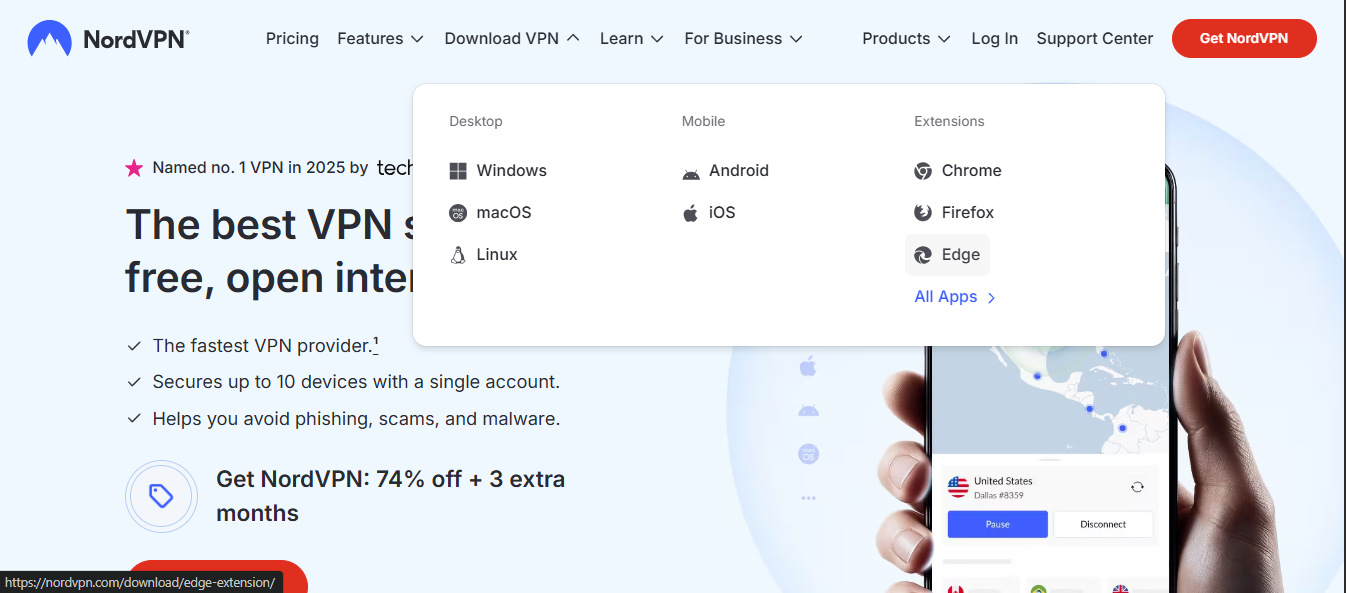
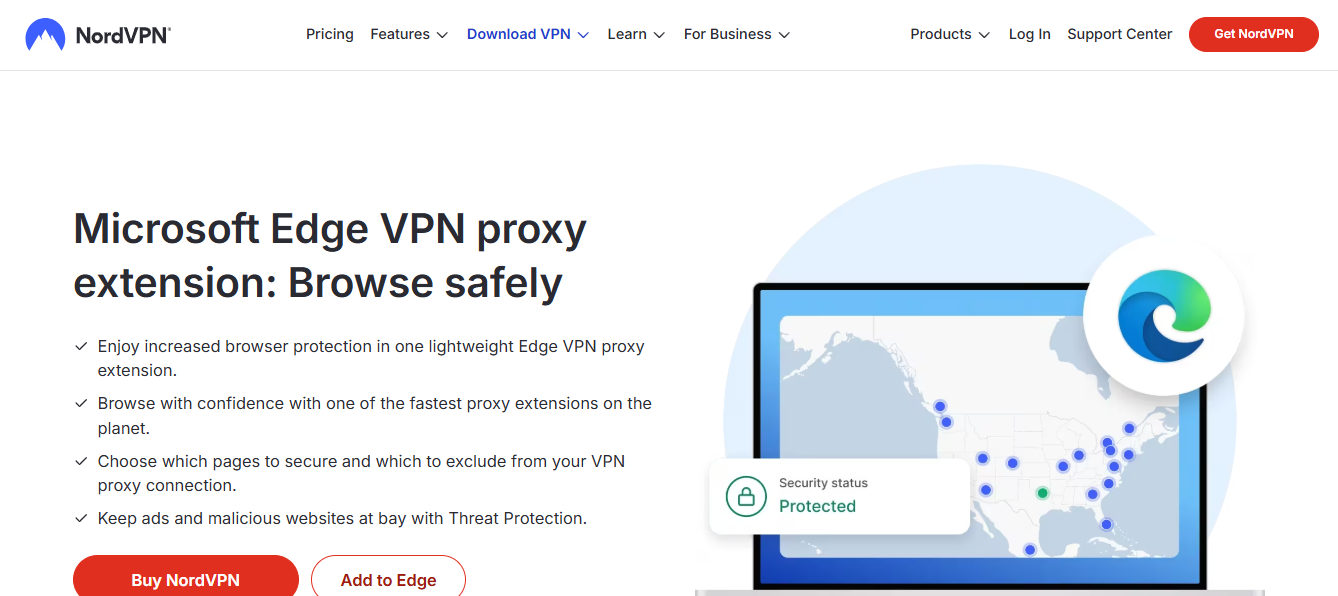
The page’s posts are organized around specific tasks and named products, including FortiClient setup, Windows VPN connections, Edge tools, NordVPN downloads, and account troubleshooting. Choose the closest match to the device or problem at hand; if a guide refers to an administrator-provided setting, obtain that information from the organization before changing unrelated network or security settings.