Best VPN Extensions for Edge: Top Picks for Privacy, Speed, and Streaming
Compare the best VPN extensions for Edge, including their strengths, limitations, and what to check before installing one.
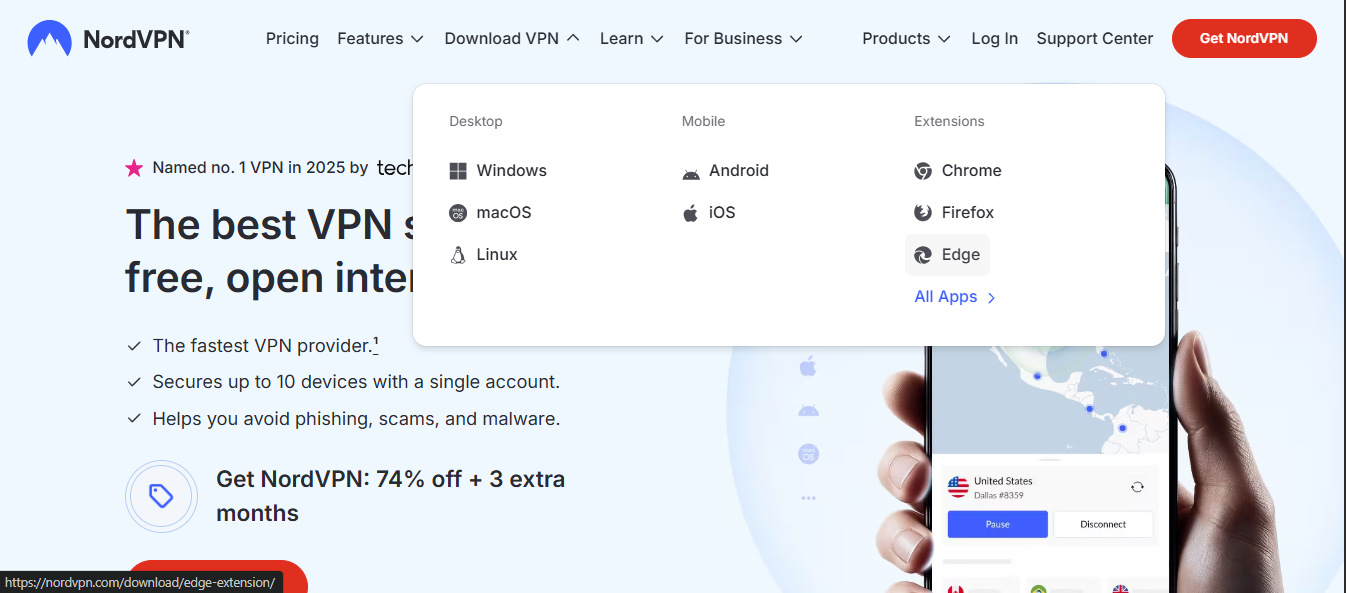
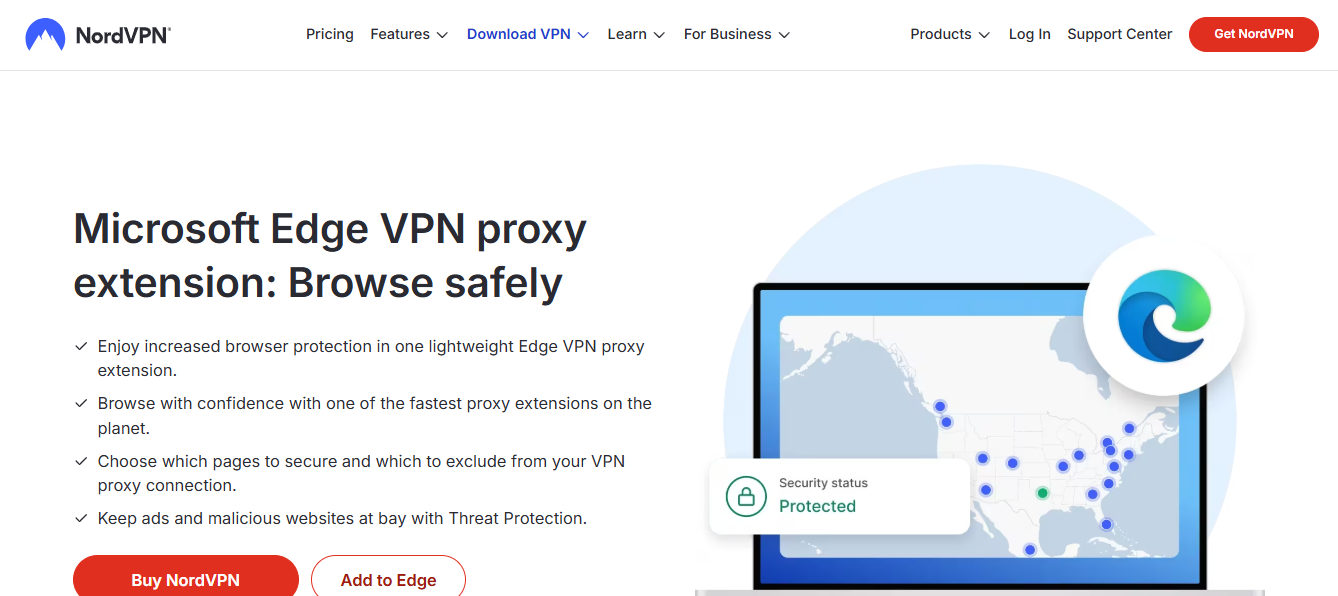
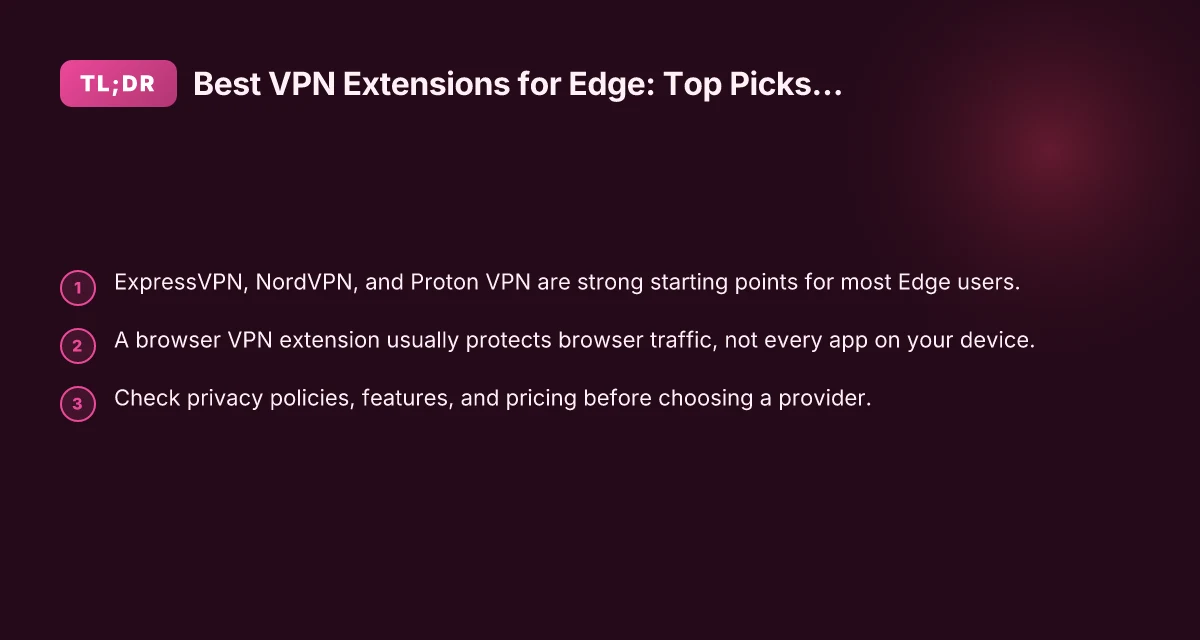
The best VPN extensions for Edge combine trustworthy privacy practices, reliable connections, and an extension that works smoothly in Microsoft Edge. ExpressVPN, NordVPN, and Proton VPN are strong options to compare; Windscribe and Surfshark may also suit users looking for specific features or pricing.
One important distinction: a VPN browser extension may only route traffic from Edge, depending on how the provider built it. Some extensions control a full VPN app running on your device, while others work as browser proxies. Check what the extension actually protects before relying on it for privacy.
| VPN | Obfuscation | From / month | Plan | Free plan | Refund | Alipay | UnionPay | Crypto | Website opens in China | Trustpilot | |
|---|---|---|---|---|---|---|---|---|---|---|---|
 ExpressVPN | ✓ On by default all servers | $3.00/mo | 28 months: $84 | No | 30 days | ✗ | ✗ | ✓ | ✗ | ✗ Blocked | 4.4/5 (29,706 reviews) |
 NordVPN | Turn on manually Obfuscated Servers / NordWhisper | $3.49/mo | 27 months: $94.23 | No | 30 days | ? | ✗ | ✓ | ✓ | ✗ Blocked | 4.2/5 (51,628 reviews) |
 Proton VPN | Turn on manually Stealth, free plan too | $2.99/mo | 12 months: $35.88 | Yes | 30 days | ✗ | ✗ | ✗ | ✓ | ✗ Blocked | 2.1/5 (1,040 reviews) |
 Windscribe | Turn on manually Stealth / WStunnel | $5.75/mo | 12 months: $69 | Yes | See site | ✗ | ✗ | ✗ | ✓ | ✗ Blocked | 4.7/5 (13,355 reviews) |
 Surfshark | ✓ On by default Camouflage, with OpenVPN | See site | See site | No | 30 days | ✗ | ✗ | ✗ | ✓ | ✗ Blocked | 4.3/5 (31,823 reviews) |
 ZoogVPN | Turn on manually Shadow | $2.49/mo | 27 months: $59.99 | Yes | 7 days | ✓ | ✓ | ✓ | ✓ | Official site blocked; our special link opens (4.4 s) | 4.2/5 (195 reviews) |
 Astrill VPN | Turn on manually StealthVPN / OpenWeb | $12.50/mo | 24 months: $300 | No | See site | ✗ | ✗ | ✗ | ✓ | ✗ Blocked | 1.3/5 (110 reviews) |
 Private Internet Access | Turn on manually Shadowsocks, OpenVPN only | $2.03/mo | 40 months: $81.2 | No | 30 days | ✗ | ✗ | ✗ | ✗ | ✗ Blocked | 4.2/5 (11,033 reviews) |
 CyberGhost | Turn on manually selected servers | $2.19/mo | 28 months: $61.32 | No | 45 days | ✗ | ✗ | ✗ | ✓ | ✗ Blocked | 4.0/5 (24,178 reviews) |
 PureVPN | Turn on manually switch to OpenVPN | $1.69/mo | 60 months: $101.55 | No | 31 days | ? | ? | ✗ | ✓ | ✗ Blocked | 4.4/5 (17,994 reviews) |
 AdGuard VPN | ✓ On by default TrustTunnel | $2.99/mo | 24 months: $71.76 | Yes | 30 days | ✓ | ✗ | ✓ | ✓ | Official site blocked; our special link opens (3.7 s) | 4.3/5 (290 reviews) |
 Mullvad | Turn on manually QUIC / Shadowsocks / LWO | $5.61/mo | €5/mo | No | 14 days | ✗ | ✗ | ✗ | ✓ | ✗ Blocked | 3.2/5 (192 reviews) |
 StrongVPN | Turn on manually Scramble, OpenVPN TCP | See site | See site | No | 30 days | ✓ | ✗ | ✗ | ✗ | ✗ Blocked | 4.4/5 (2,695 reviews) |
 LightXtreme 闪连 | Not listed | $7.08/mo | 12 months: $84.99 | Yes | 30 days | ✓ | ✓ | ✓ | ✓ | ✓ Yes (3.5 s) | No page |
Prices checked 2026-11-10 on each vendor's pricing page (cheapest long plan, USD). Check the vendor's checkout for the final price.
Obfuscation checked 2026-11-14 on each vendor's site and help center: "on by default" = nothing to set; "turn on manually" = switch protocol or mode in settings; "not listed" = the vendor describes no obfuscation.
Payment methods checked 2026-11-10 on each vendor's payment pages: all 14 take cards and PayPal; ✗ = not listed, ? = the vendor's own pages disagree.
China access: whether the official website opens from mainland China networks (tests the website only, not the VPN connection). Last checked 2026-11-18 01:02 Beijing time.
Trustpilot score and review count checked 2026-11-10.
Best VPN extensions for Edge at a glance
| VPN | Best for | Edge extension | Browser traffic protection | Notable consideration |
|---|---|---|---|---|
| ExpressVPN | A polished experience | Yes | Browser traffic | Simple, polished experience |
| NordVPN | Extra browser features | Yes | Browser traffic | Additional browser features |
| Proton VPN | Privacy-minded users | Yes | Browser traffic | Privacy-focused option |
| Windscribe | Flexible options | Yes | Browser traffic | Flexible choices |
| Surfshark | Comparing feature-rich plans | Yes | Browser traffic | Compare plan features |
Compiled November 2026; check the provider's site for current details.
Best VPN extensions for Edge at a glance
| VPN | A good fit for | What to check |
|---|---|---|
| ExpressVPN | Users who want a polished browser experience | Subscription cost and whether the extension requires its desktop app |
| NordVPN | Users looking for additional browser security features | Which features are included in the Edge extension |
| Proton VPN | Users who value a privacy-focused provider | Whether the plan and extension features meet your needs |
| Windscribe | Users who want flexible options | Free-plan limits and the terms of paid plans |
| Surfshark | Users comparing feature-rich plans | Current pricing, renewal terms, and browser-specific capabilities |
Features and availability can change. Confirm the latest details in the provider’s official documentation and the Microsoft Edge Add-ons store before installing.
1. ExpressVPN: Best for a polished experience
ExpressVPN is a strong choice for users who want a straightforward extension from an established VPN provider. Its Edge add-on is designed to work with the provider’s VPN service, so check whether the full desktop app must be installed and running. In this setup, the extension can act as a remote control for the VPN connection rather than a standalone tunnel that only handles browser traffic.
That distinction matters. If the extension controls the full VPN app, other internet-connected programs may be protected too. If you only need to secure Edge, look for a clear explanation of how the extension handles your browser traffic.
Consider it if you want: What Is My IP Address NordVPN? How to Check Your VPN IP
- A simple interface for connecting and changing locations
- A provider with a dedicated VPN service behind the extension
- A convenient way to manage a VPN while browsing
Review the current plan price, renewal terms, and supported features before subscribing.
2. NordVPN: Best for extra browser features
NordVPN is worth considering if you want more than a basic location switcher. Its browser extension may offer privacy or connection features designed for browsing, but availability can vary by platform and subscription. Check the current Edge listing to see exactly what is included.
As with any browser add-on, read the permissions before installation. A VPN extension needs certain access to manage connections or browser traffic, but the provider should explain why those permissions are required and how data is handled.
Consider it if you want: Microsoft Edge Secure Network VPN: How It Works and How to Turn It On
- A familiar VPN provider with a dedicated Edge extension
- Browser-focused tools alongside VPN access
- The option to compare extension controls with the full desktop app
Do not assume that every feature in the desktop app is available in Edge. Verify the current feature list and test the connection before relying on it.
3. Proton VPN: Best for privacy-minded users
Proton VPN is a compelling option for people who prioritize a privacy-focused provider and want to compare its browser offering with its wider VPN service. Before choosing it, confirm that the Edge extension is available in your region and that its features match your expectations.
Pay attention to the difference between free and paid access. Free tiers can have restrictions, such as fewer server choices or other usage limits, and plan details may change. A free option can be useful for trying the service, but it may not suit someone who needs particular locations or consistent access for travel.
Consider it if you want: FortiClient IPsec VPN: Setup, Configuration, and Troubleshooting
- A provider with a strong emphasis on privacy
- To compare browser access with a broader VPN service
- Clear details about plan limitations before committing
Read the provider’s privacy policy and current plan terms rather than assuming that every feature is included at no cost.
Compare Edge VPN extensions by what matters
| VPN | Standout focus | Extension option | Privacy and security | Speed and streaming | Good fit if you want |
|---|---|---|---|---|---|
| ExpressVPN | Polished experience | Yes | VPN protection for browser traffic | Consider for speed and streaming | A straightforward experience |
| NordVPN | Browser features | Yes | VPN protection for browser traffic | Consider for speed and streaming | Extra browser tools |
| Proton VPN | Privacy | Yes | Privacy-minded choice | Consider for speed and streaming | A privacy-first option |
| Windscribe | Flexibility | Yes | VPN protection for browser traffic | Consider for speed and streaming | Flexible options |
| Surfshark | Plan features | Yes | VPN protection for browser traffic | Consider for speed and streaming | Feature-rich plans |
Compiled November 2026; check the provider's site for current details.
4. Windscribe: Best for flexible options
Windscribe may appeal to Edge users who want to explore a free option or adjust settings to suit their browsing habits. Check the current free-plan allowance, available locations, and feature limits directly with the provider. These details can change, so older reviews may not reflect what is available now. BIG-IP Edge Client VPN: What It Is and How to Connect
A free VPN extension still requires trust. Look into the provider’s privacy policy, how it handles connection data, and whether the extension’s traffic protection is clearly explained. Avoid choosing a VPN based only on a large server list or a generous-sounding offer.
Consider it if you want:
- A way to test a VPN extension before paying
- Flexible settings, subject to current plan availability
- A provider whose terms you can review before installation
Compare the free and paid plans carefully, especially if you need particular server locations or regular high-speed use.
5. Surfshark: Best for comparing feature-rich plans
Surfshark is another option to put on your shortlist if you want a dedicated Edge extension and a broader VPN subscription. Check whether the extension works independently or relies on a desktop app, then compare its browser features with those in the full service. Urban VPN: Features, Apps, and What to Know Before You Use It
Price is only one part of the decision. Introductory offers, renewal rates, refund terms, and supported devices can differ. Read the conditions carefully and confirm that the extension’s capabilities meet your needs before purchasing a longer plan.
Consider it if you want:
- A browser extension connected to a wider VPN service
- To compare bundled features and subscription terms
- An alternative to the providers above
Choosing the right VPN extension for Edge
| Your priority | Suggested pick | Why it may suit you | What to compare before choosing |
|---|---|---|---|
| A polished experience | ExpressVPN | It is highlighted for a polished experience | Extension behavior and plan details |
| Extra browser features | NordVPN | It is highlighted for additional browser features | Which browser features you need |
| Privacy-minded use | Proton VPN | It is highlighted for privacy-minded users | Privacy features and settings |
| Flexible options | Windscribe | It is highlighted for flexible options | Available choices and plan details |
| Comparing feature-rich plans | Surfshark | It is highlighted for comparing feature-rich plans | Which plan features matter most |
Compiled November 2026; check the provider's site for current details. CJ VPN: What It Means and How to Find the Right VPN
How to choose a VPN extension for Edge
Start by deciding what you need to protect. A browser proxy or browser-only VPN may cover Edge traffic but leave other apps outside the connection. A full-device VPN app generally handles traffic across the device, though you should verify its settings and coverage.
Before installing, check:
- Privacy policy: Does the provider explain what connection or activity data it collects?
- Protection scope: Does the extension secure Edge alone or control a full-device VPN?
- Security features: Look for clear information about encryption, DNS handling, and leak protection where applicable.
- Permissions: Make sure requested access is explained and reasonable for the extension’s function.
- Plan limits: Confirm pricing, renewal terms, server access, and any usage restrictions.
- Compatibility: Install from the official Microsoft Edge Add-ons store or the provider’s official site, and check recent updates.
A VPN can improve privacy on untrusted networks and change the apparent location of your connection, but it does not make you anonymous. Websites can still identify you through accounts, cookies, and other tracking methods. A VPN also does not replace software updates, strong passwords, or careful browsing.
Final recommendation
For most people, start by comparing ExpressVPN, NordVPN, and Proton VPN, then confirm how each Edge extension handles traffic and which features your plan includes. Consider Windscribe if a free option matters, or Surfshark if its current features and terms suit your budget. Choose the provider with the clearest privacy practices and protection scope, not simply the one with the longest feature list. SoftEther VPN Server: What It Is and How to Set It Up