SoftEther VPN Server: What It Is and How to Set It Up

Learn what a SoftEther VPN Server does, how to install and configure it, and when it is a good fit.
SoftEther VPN Server is free, open-source software for hosting your own VPN. It lets authorized users connect securely to a private network over the internet and supports SoftEther’s own protocol as well as options such as OpenVPN, L2TP/IPsec, and SSTP. You can install it on a Linux or Windows machine, configure users and access, then connect with compatible client software. It is flexible, but you are responsible for keeping the server secure and available.
Compare VPN protocols available with SoftEther VPN Server
| Protocol | Typical use | Firewall traversal | Client compatibility | Main consideration |
|---|---|---|---|---|
| SoftEther VPN | General remote access | Often works through common firewalls | SoftEther clients; compatible clients may vary | Flexible protocol with multiple connection options |
| OpenVPN | Remote access and site-to-site links | Can use TCP or UDP | Broad third-party client support | Requires matching server and client configuration |
| IPsec | Site-to-site and device VPNs | May be restricted by NAT or firewalls | Built into many operating systems and network devices | Configuration can be more complex |
| L2TP/IPsec | Basic remote access | May be restricted by NAT or firewalls | Supported by many operating systems | Depends on IPsec settings and shared secrets |
| SSTP | Remote access, especially on Windows | Uses HTTPS-style traffic | Strong Windows support | Client support varies by platform |
| WireGuard | Lightweight remote access and site-to-site links | May require firewall configuration | Available through WireGuard clients | Separate software and configuration required |
| RDP or SSH tunnel | Access to a specific system or service | Depends on the chosen tunnel setup | Common clients are available | Not a full network VPN by itself |
Compiled November 2026; check the provider's site for current details.
| VPN | Obfuscation | From / month | Plan | Free plan | Refund | Alipay | UnionPay | Crypto | Website opens in China | Trustpilot | |
|---|---|---|---|---|---|---|---|---|---|---|---|
 ZoogVPN | Turn on manually Shadow | $2.49/mo | 27 months: $59.99 | Yes | 7 days | ✓ | ✓ | ✓ | ✓ | Official site blocked; our special link opens (4.4 s) | 4.2/5 (195 reviews) |
 NordVPN | Turn on manually Obfuscated Servers / NordWhisper | $3.49/mo | 27 months: $94.23 | No | 30 days | ? | ✗ | ✓ | ✓ | ✗ Blocked | 4.2/5 (51,628 reviews) |
 ExpressVPN | ✓ On by default all servers | $3.00/mo | 28 months: $84 | No | 30 days | ✗ | ✗ | ✓ | ✗ | ✗ Blocked | 4.4/5 (29,706 reviews) |
 Surfshark | ✓ On by default Camouflage, with OpenVPN | See site | See site | No | 30 days | ✗ | ✗ | ✗ | ✓ | ✗ Blocked | 4.3/5 (31,823 reviews) |
 Proton VPN | Turn on manually Stealth, free plan too | $2.99/mo | 12 months: $35.88 | Yes | 30 days | ✗ | ✗ | ✗ | ✓ | ✗ Blocked | 2.1/5 (1,040 reviews) |
 Astrill VPN | Turn on manually StealthVPN / OpenWeb | $12.50/mo | 24 months: $300 | No | See site | ✗ | ✗ | ✗ | ✓ | ✗ Blocked | 1.3/5 (110 reviews) |
 Private Internet Access | Turn on manually Shadowsocks, OpenVPN only | $2.03/mo | 40 months: $81.2 | No | 30 days | ✗ | ✗ | ✗ | ✗ | ✗ Blocked | 4.2/5 (11,033 reviews) |
 CyberGhost | Turn on manually selected servers | $2.19/mo | 28 months: $61.32 | No | 45 days | ✗ | ✗ | ✗ | ✓ | ✗ Blocked | 4.0/5 (24,178 reviews) |
 PureVPN | Turn on manually switch to OpenVPN | $1.69/mo | 60 months: $101.55 | No | 31 days | ? | ? | ✗ | ✓ | ✗ Blocked | 4.4/5 (17,994 reviews) |
 AdGuard VPN | ✓ On by default TrustTunnel | $2.99/mo | 24 months: $71.76 | Yes | 30 days | ✓ | ✗ | ✓ | ✓ | Official site blocked; our special link opens (3.7 s) | 4.3/5 (290 reviews) |
 Mullvad | Turn on manually QUIC / Shadowsocks / LWO | $5.61/mo | €5/mo | No | 14 days | ✗ | ✗ | ✗ | ✓ | ✗ Blocked | 3.2/5 (192 reviews) |
 Windscribe | Turn on manually Stealth / WStunnel | $5.75/mo | 12 months: $69 | Yes | See site | ✗ | ✗ | ✗ | ✓ | ✗ Blocked | 4.7/5 (13,355 reviews) |
 StrongVPN | Turn on manually Scramble, OpenVPN TCP | See site | See site | No | 30 days | ✓ | ✗ | ✗ | ✗ | ✗ Blocked | 4.4/5 (2,695 reviews) |
 LightXtreme 闪连 | Not listed | $7.08/mo | 12 months: $84.99 | Yes | 30 days | ✓ | ✓ | ✓ | ✓ | ✓ Yes (3.5 s) | No page |
Prices checked 2026-11-10 on each vendor's pricing page (cheapest long plan, USD). Check the vendor's checkout for the final price.
Obfuscation checked 2026-11-14 on each vendor's site and help center: "on by default" = nothing to set; "turn on manually" = switch protocol or mode in settings; "not listed" = the vendor describes no obfuscation.
Payment methods checked 2026-11-10 on each vendor's payment pages: all 14 take cards and PayPal; ✗ = not listed, ? = the vendor's own pages disagree.
China access: whether the official website opens from mainland China networks (tests the website only, not the VPN connection). Last checked 2026-11-18 01:02 Beijing time.
Trustpilot score and review count checked 2026-11-10.
What is SoftEther VPN Server?
SoftEther VPN Server is one component of the SoftEther VPN project, developed at the University of Tsukuba and released as open-source software. It creates a VPN hub that can authenticate clients and provide access to a private network. That network might be a home LAN, an office subnet, or a set of cloud-hosted resources.
The server is managed through configuration tools, including SoftEther VPN Server Manager on supported desktop platforms and a command-line administration utility. A related component, SoftEther VPN Bridge, is designed to connect remote Ethernet segments. It is not the same as a server that accepts ordinary remote-access clients.
SoftEther’s broad protocol support is a practical advantage. It can serve clients using its native SoftEther protocol and, when enabled, other compatible protocols. This can help when client devices have different software requirements. However, enabling every protocol is rarely necessary. Each enabled service adds configuration and security work.
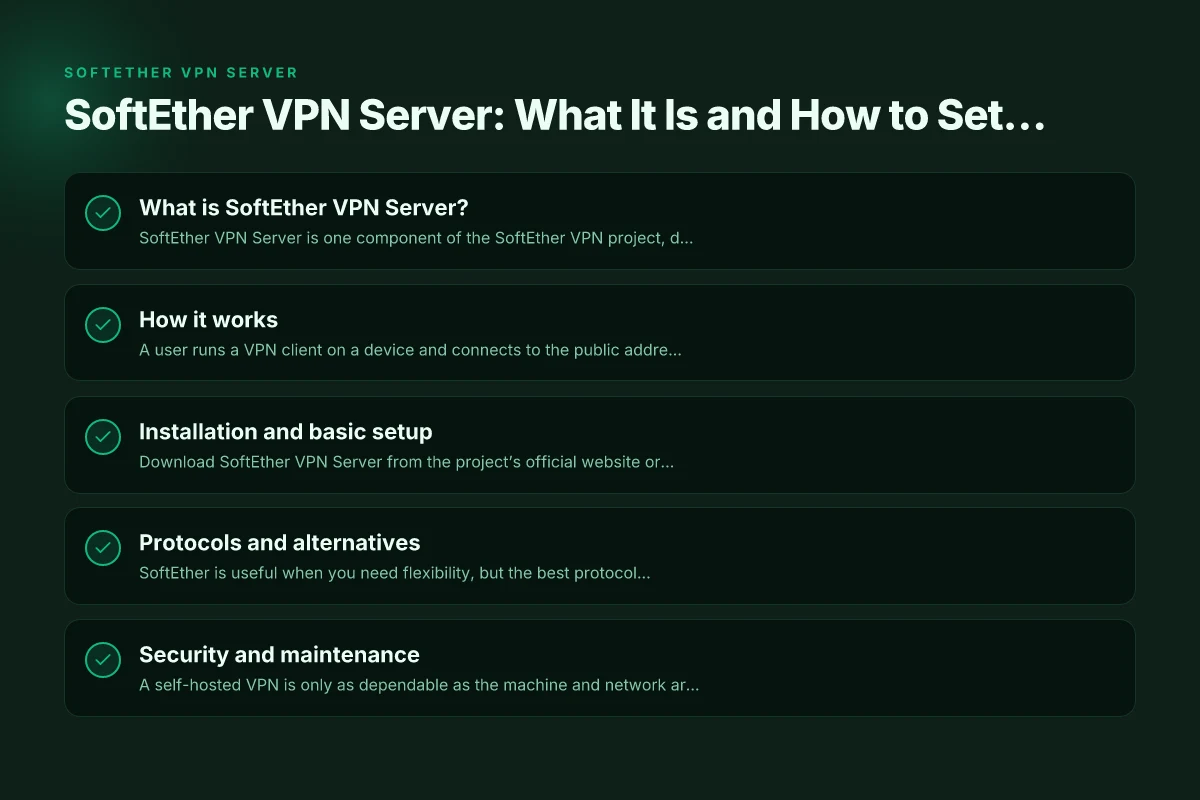
How it works
A user runs a VPN client on a device and connects to the public address or hostname of your server. After authentication, the server places the connection in a virtual hub. You configure that hub to control access and, if required, connect it to a local network through a bridge or routing setup. Best VPN Extensions for Edge: Top Picks for Privacy, Speed, and Streaming
A typical remote-access arrangement involves:
- A server machine with a stable internet connection
- A public IP address or a DNS hostname that points to the server
- A VPN hub and one or more user accounts
- A protocol and client configuration
- Firewall and routing rules that allow only the traffic you intend
The VPN encrypts traffic between the client and the server. It does not automatically make every destination or application safe, and it does not remove the need for endpoint security. What a user can reach after connecting depends on the hub’s settings, the server’s network configuration, and firewall rules.
Choose a VPN server approach for your needs
| Option | Best fit | Setup effort | Control | Key trade-off |
|---|---|---|---|---|
| SoftEther VPN Server | Multi-protocol remote access | Moderate | Self-hosted | You manage installation and maintenance |
| Router’s built-in VPN | Small networks with supported routers | Low to moderate | Depends on router features | Protocol and client choices may be limited |
| Cloud-hosted VPN service | Users who want a managed service | Low | Limited server-side control | Depends on provider policies and infrastructure |
| OpenVPN server | Environments standardized on OpenVPN | Moderate | Self-hosted | Requires protocol-specific configuration |
| WireGuard server | Lightweight VPN deployments | Moderate | Self-hosted | Clients and peers need appropriate configuration |
| IPsec gateway | Network-to-network connectivity | Moderate to high | Self-hosted or appliance-managed | Settings can be complex across vendors |
| Remote desktop access | Access to one desktop or server | Low to moderate | Usually limited to selected systems | Does not provide general network access |
Compiled November 2026; check the provider's site for current details. What Is My IP Address NordVPN? How to Check Your VPN IP
Installation and basic setup
Download SoftEther VPN Server from the project’s official website or its official distribution channels. Check that you have selected the server package for your operating system, and review the installation instructions for the release you plan to use. Avoid downloading installers from unfamiliar third-party sites.
A high-level setup process looks like this:
- Install the server on a supported computer or virtual machine.
- Open the management tool locally and set a strong administrator password.
- Create a virtual hub and configure its authentication method.
- Add individual user accounts or another supported authentication option.
- Choose the protocol clients will use and configure its listening port.
- Set up routing or bridging only if users need access to another network.
- Test from an external connection, then review logs and access rules.
The exact steps vary by operating system and network design. A server behind a home or office router may need port forwarding. A cloud server may require inbound rules in both its operating-system firewall and the cloud provider’s network firewall. Do not expose management interfaces to the public internet unless there is a specific, well-protected reason to do so.
Protocols and alternatives
SoftEther is useful when you need flexibility, but the best protocol depends on the clients you use, network restrictions, and your administration requirements. Confirm which options your chosen SoftEther release supports and how they must be enabled. Microsoft Edge Secure Network VPN: How It Works and How to Turn It On
| Option | Potential advantage | Considerations |
|---|---|---|
| SoftEther protocol | Designed for the SoftEther platform and can work well with its clients | Requires compatible client software and configuration |
| OpenVPN compatibility | Useful where OpenVPN clients are already part of a workflow | Check the server’s settings and client profile requirements |
| L2TP/IPsec | Supported by many built-in operating-system clients | Compatibility and network configuration can be more involved |
| SSTP | May suit environments where SSTP clients are available | Client support and deployment needs vary by platform |
| WireGuard or managed VPN services | May offer a simpler or different operational model | These are separate options, not SoftEther protocols; compare features and administration needs |
Choose based on the devices you need to support rather than protocol count alone. If users only need access from a few managed devices, a simpler configuration may be easier to audit and maintain.
Check whether SoftEther VPN Server suits your deployment
| Decision factor | Good fit when | Reconsider when | What to check |
|---|---|---|---|
| Network access | Users need access to private network resources | Users only need a single remote application | Required routes and reachable services |
| Protocol needs | Multiple connection methods are useful | You require a protocol the server does not support | Client and server protocol compatibility |
| Firewall constraints | VPN traffic must pass restrictive networks | Your network blocks required traffic | Firewall rules and permitted ports |
| Administration | Someone can manage a self-hosted server | No one can handle updates or troubleshooting | Operating system and server maintenance plan |
| Authentication | You can configure and protect user accounts | Simple shared credentials are the only planned control | Account policy and authentication options |
| Security operations | You can monitor access and apply updates | There is no process for patching or reviewing access | Logs, update cadence, and access review |
| Performance | Server capacity suits expected traffic | Hardware or network capacity is insufficient | CPU, bandwidth, and concurrent users |
| Deployment scope | A controlled server is appropriate for your users | You need provider-managed availability and support | Backup, recovery, and uptime requirements |
Compiled November 2026; check the provider's site for current details.
Security and maintenance
A self-hosted VPN is only as dependable as the machine and network around it. Before allowing real users, make a basic security plan: FortiClient IPsec VPN: Setup, Configuration, and Troubleshooting
- Keep SoftEther, its host operating system, and client devices updated.
- Use unique, strong administrator credentials and separate user accounts.
- Enable only the protocols and ports you need.
- Restrict administrative access to trusted networks or a secure management path.
- Use firewall rules to limit both inbound connections and access from VPN clients.
- Review authentication settings, logs, and user accounts regularly.
- Back up the configuration securely and test that you can restore it.
- Remove accounts promptly when access is no longer required.
Use encryption and authentication settings appropriate to your deployment, and consult current SoftEther documentation for recommended configuration. Avoid assuming that an open-source project is automatically secure or that a successful connection test proves the setup is hardened. If the server handles sensitive business access, consider a professional security review.
Is SoftEther VPN Server right for you?
SoftEther can be a good fit for technically capable individuals, labs, and organizations that want a self-hosted VPN with several client protocol options. It can also be useful for learning how VPN hubs and remote access work.
It may be a poor fit if nobody can maintain the host, monitor updates, manage credentials, or troubleshoot connectivity. A managed VPN service or a simpler VPN platform may be a better choice when low administration effort is more important than protocol flexibility.
Recommendation
Use SoftEther VPN Server when you need a flexible, self-hosted solution and can take responsibility for its security and upkeep. Start with one protocol, a small set of users, and narrowly defined network access. Expand only after testing the configuration and confirming that you can maintain it safely. BIG-IP Edge Client VPN: What It Is and How to Connect