How to Configure Windows 11 VPN IPsec Client to Replace FortiClient

Set up Windows 11’s built-in IKEv2 VPN and learn when it can, and cannot, replace FortiClient.
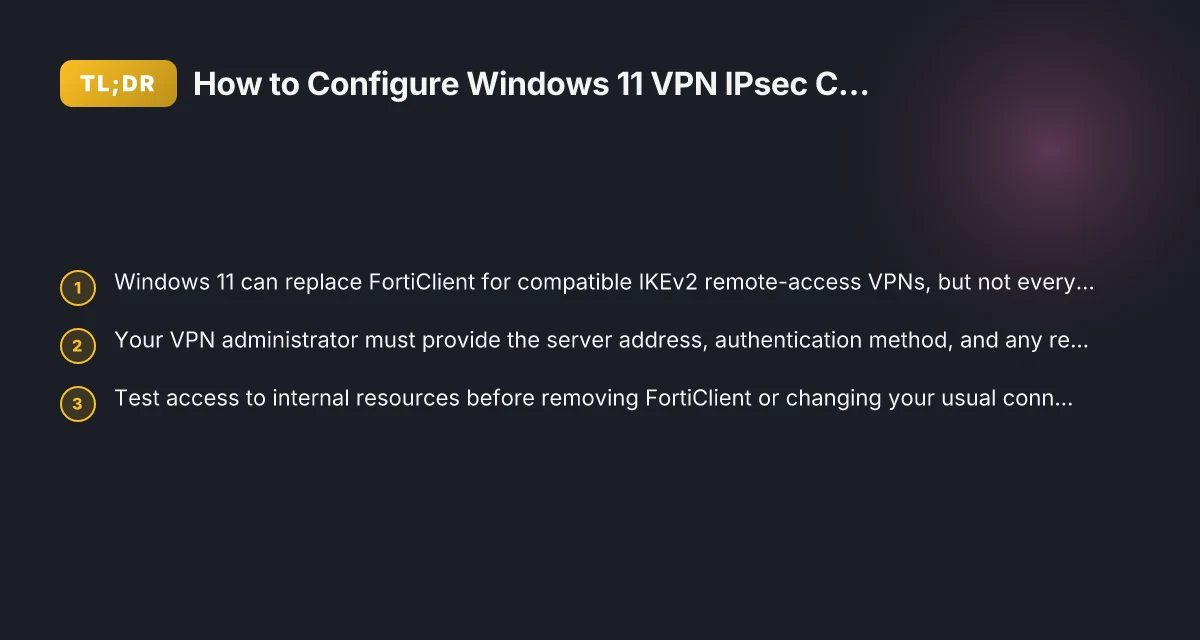
You can configure the built-in Windows 11 VPN client to connect to a FortiGate instead of using FortiClient if your organization supports a compatible IKEv2/IPsec configuration. In Windows, create a VPN profile, enter the server and sign-in details supplied by your administrator, and select IKEv2 as the VPN type. This is not a universal replacement: FortiClient may be required for SSL VPN, Fortinet-specific features, or company-managed security policies.
| VPN | Obfuscation | From / month | Plan | Free plan | Refund | Alipay | UnionPay | Crypto | Website opens in China | Trustpilot | |
|---|---|---|---|---|---|---|---|---|---|---|---|
 ZoogVPN | Turn on manually Shadow | $2.49/mo | 27 months: $59.99 | Yes | 7 days | ✓ | ✓ | ✓ | ✓ | Official site blocked; our special link opens (4.4 s) | 4.2/5 (195 reviews) |
 NordVPN | Turn on manually Obfuscated Servers / NordWhisper | $3.49/mo | 27 months: $94.23 | No | 30 days | ? | ✗ | ✓ | ✓ | ✗ Blocked | 4.2/5 (51,628 reviews) |
 ExpressVPN | ✓ On by default all servers | $3.00/mo | 28 months: $84 | No | 30 days | ✗ | ✗ | ✓ | ✗ | ✗ Blocked | 4.4/5 (29,706 reviews) |
 Surfshark | ✓ On by default Camouflage, with OpenVPN | See site | See site | No | 30 days | ✗ | ✗ | ✗ | ✓ | ✗ Blocked | 4.3/5 (31,823 reviews) |
 Proton VPN | Turn on manually Stealth, free plan too | $2.99/mo | 12 months: $35.88 | Yes | 30 days | ✗ | ✗ | ✗ | ✓ | ✗ Blocked | 2.1/5 (1,040 reviews) |
 Astrill VPN | Turn on manually StealthVPN / OpenWeb | $12.50/mo | 24 months: $300 | No | See site | ✗ | ✗ | ✗ | ✓ | ✗ Blocked | 1.3/5 (110 reviews) |
 Private Internet Access | Turn on manually Shadowsocks, OpenVPN only | $2.03/mo | 40 months: $81.2 | No | 30 days | ✗ | ✗ | ✗ | ✗ | ✗ Blocked | 4.2/5 (11,033 reviews) |
 CyberGhost | Turn on manually selected servers | $2.19/mo | 28 months: $61.32 | No | 45 days | ✗ | ✗ | ✗ | ✓ | ✗ Blocked | 4.0/5 (24,178 reviews) |
 PureVPN | Turn on manually switch to OpenVPN | $1.69/mo | 60 months: $101.55 | No | 31 days | ? | ? | ✗ | ✓ | ✗ Blocked | 4.4/5 (17,994 reviews) |
 AdGuard VPN | ✓ On by default TrustTunnel | $2.99/mo | 24 months: $71.76 | Yes | 30 days | ✓ | ✗ | ✓ | ✓ | Official site blocked; our special link opens (3.7 s) | 4.3/5 (290 reviews) |
 Mullvad | Turn on manually QUIC / Shadowsocks / LWO | $5.61/mo | €5/mo | No | 14 days | ✗ | ✗ | ✗ | ✓ | ✗ Blocked | 3.2/5 (192 reviews) |
 Windscribe | Turn on manually Stealth / WStunnel | $5.75/mo | 12 months: $69 | Yes | See site | ✗ | ✗ | ✗ | ✓ | ✗ Blocked | 4.7/5 (13,355 reviews) |
 StrongVPN | Turn on manually Scramble, OpenVPN TCP | See site | See site | No | 30 days | ✓ | ✗ | ✗ | ✗ | ✗ Blocked | 4.4/5 (2,695 reviews) |
 LightXtreme 闪连 | Not listed | $7.08/mo | 12 months: $84.99 | Yes | 30 days | ✓ | ✓ | ✓ | ✓ | ✓ Yes (3.5 s) | No page |
Prices checked 2026-11-10 on each vendor's pricing page (cheapest long plan, USD). Check the vendor's checkout for the final price.
Obfuscation checked 2026-11-14 on each vendor's site and help center: "on by default" = nothing to set; "turn on manually" = switch protocol or mode in settings; "not listed" = the vendor describes no obfuscation.
Payment methods checked 2026-11-10 on each vendor's payment pages: all 14 take cards and PayPal; ✗ = not listed, ? = the vendor's own pages disagree.
China access: whether the official website opens from mainland China networks (tests the website only, not the VPN connection). Last checked 2026-11-18 01:02 Beijing time.
Trustpilot score and review count checked 2026-11-10.
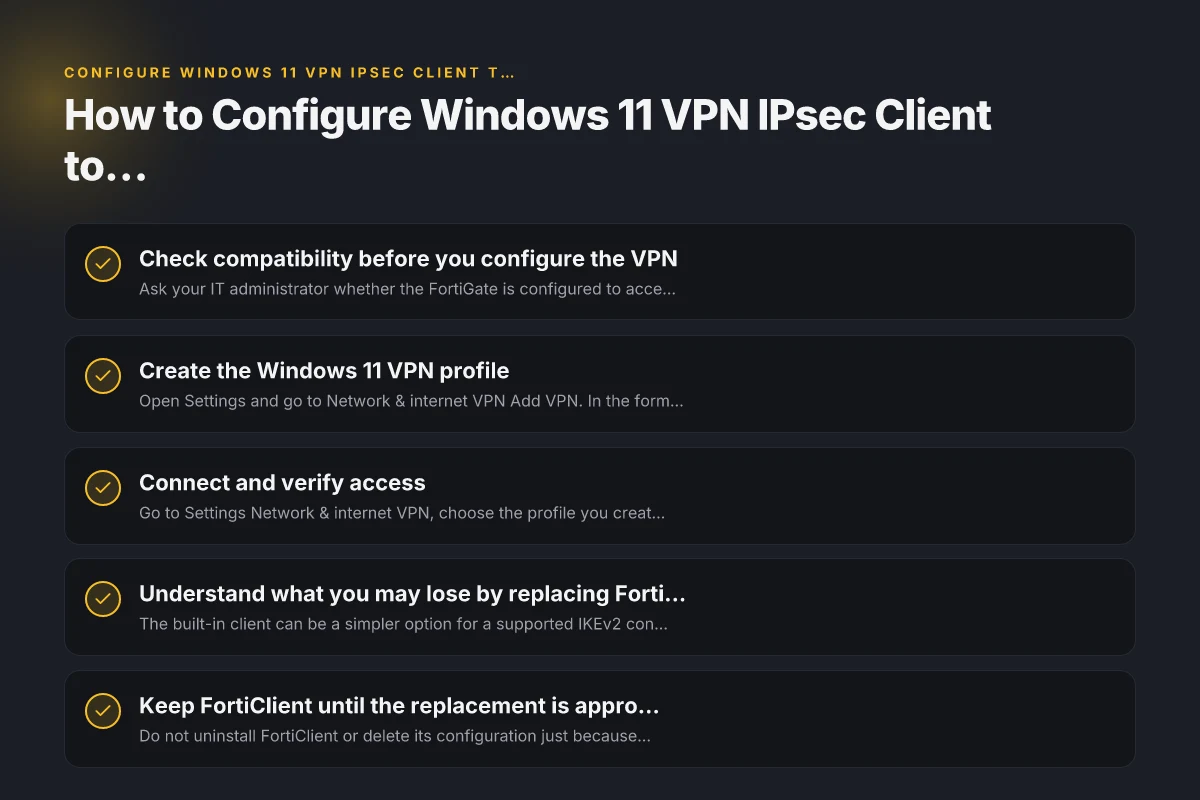
Check compatibility before you configure the VPN
Ask your IT administrator whether the FortiGate is configured to accept native Windows IKEv2 VPN connections. FortiGate support for IPsec alone does not guarantee that a particular remote-access setup will work with Windows’ built-in client. The authentication method, encryption settings, certificates, and network policies must match.
Before proceeding, request:
- The VPN server address, usually a hostname such as
vpn.example.com - Confirmation that the connection uses IKEv2
- The required authentication method, such as a username and password, certificate, or both
- Any required root or client certificates and installation instructions
- Whether a pre-shared key is required and, if so, how to enter it securely
- The sign-in format, such as a username alone or
DOMAIN\username - The internal resources you should be able to reach after connecting
Do not guess at encryption settings, server names, or shared secrets. Incorrect details can prevent a connection or weaken security.
Create the Windows 11 VPN profile
Open Settings and go to Network & internet > VPN > Add VPN. In the form, use the details provided by your administrator. NordVPN Obfuscated Server: What It Does and How to Use It
| Windows setting | What to enter |
|---|---|
| VPN provider | Windows (built-in) |
| Connection name | A label you will recognize, such as Work VPN |
| Server name or address | The VPN hostname or IP address supplied by IT |
| VPN type | IKEv2, if confirmed by your administrator |
| Type of sign-in info | The method your organization requires |
| Username and password | Enter only if instructed; otherwise leave the fields blank |
Select Save when finished. For a password-based connection, Windows may offer to save your sign-in details. Follow your organization’s policy, particularly if the device is shared or not managed by your employer.
The settings page may not expose every option used by a FortiGate configuration. If the connection requires certificates, install them in the correct Windows certificate store as directed by IT. If it requires a pre-shared key or a specialized authentication setup, ask the administrator for the exact Windows-compatible procedure. Avoid importing certificates from untrusted sources.
Connect and verify access
Go to Settings > Network & internet > VPN, choose the profile you created, and select Connect. You can also use the network icon on the taskbar to access available VPN connections.
After connecting, confirm more than just the “Connected” status. Try the internal websites, file shares, or applications you normally use. Your administrator may also ask you to test access to specific internal addresses or confirm that your work traffic follows the organization’s required routing rules. Browsec VPN - free VPN for Chrome 3.92.7: What to Know Before Installing
If the connection fails, check the following:
- The server address is spelled correctly and is reachable from your current network.
- Your username, password, and sign-in format match the organization’s instructions.
- The selected VPN type is IKEv2, not an unrelated protocol.
- Required certificates are installed, valid, and issued by the expected authority.
- Your account is enabled for VPN access and is not blocked by a sign-in policy.
- Your administrator has confirmed that the FortiGate accepts the Windows client’s settings.
Repeated attempts with guessed credentials or security settings are unlikely to help. Record the Windows error message and contact IT. The administrator can compare it with FortiGate logs and identify whether the problem is authentication, certificates, policy, or network reachability.
Understand what you may lose by replacing FortiClient
The built-in client can be a simpler option for a supported IKEv2 connection, but it does not provide all FortiClient capabilities. A Windows VPN profile handles the connection itself. It does not automatically reproduce FortiClient’s endpoint protection, device checks, centralized configuration, or other organization-specific controls.
| Capability | Windows 11 built-in VPN | FortiClient |
|---|---|---|
| Compatible IKEv2/IPsec connection | Available when the FortiGate and policy support it | Available when configured by the organization |
| SSL VPN and Fortinet-specific connection features | Not a like-for-like replacement | May be required |
| Central management and security enforcement | Depends on Windows and organizational management tools | May be included in the company’s setup |
| Endpoint protection or compliance features | Not provided by the VPN profile itself | May be provided, depending on the license and configuration |
The exact feature set depends on your organization’s FortiClient version, licensing, FortiGate configuration, and management policies. Your employer may require FortiClient even if a basic IKEv2 tunnel can connect through Windows. Android VPN: How to Choose and Use One Safely
Keep FortiClient until the replacement is approved
Do not uninstall FortiClient or delete its configuration just because the Windows profile connects. First, ask IT to confirm that the built-in client is approved and that it meets your organization’s security and access requirements.
Once approved, keep a record of the profile details according to company policy, and know how to remove the connection if it is no longer needed. If the Windows profile stops working after a password, certificate, or policy change, contact IT rather than changing advanced security settings on your own.
Recommendation
Use Windows 11’s built-in VPN only when your administrator confirms that the FortiGate is configured for a compatible IKEv2/IPsec connection and approves the replacement. If your organization uses SSL VPN, FortiClient security features, or centrally enforced settings, keep using FortiClient.