Android VPN: How to Choose and Use One Safely
Learn what an Android VPN does, how to choose a trustworthy app, and how to set it up for safer browsing.
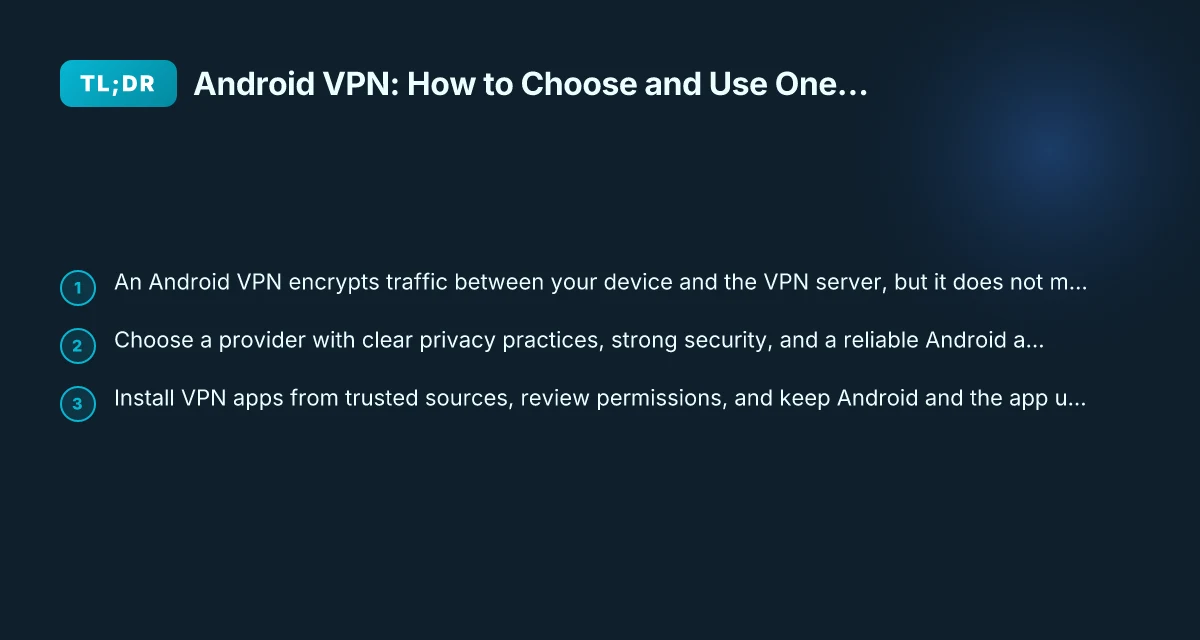
An Android VPN routes your phone or tablet’s internet traffic through a VPN server, helping protect it from observation on local networks and changing the IP address websites see. To use one, choose a reputable VPN provider, install its official Android app, sign in, and connect to a server. A VPN can improve privacy, especially on public Wi-Fi, but it does not replace careful browsing or make you completely anonymous.
Compare VPN protocols and Android connection options
| Option | How it works | Main benefit | Trade-off | Android use |
|---|---|---|---|---|
| WireGuard | Modern VPN protocol | Fast, efficient connections | Provider must support it | Select in the VPN app |
| OpenVPN | Open-source VPN protocol | Broad compatibility | Can be slower than newer protocols | Often available in app settings |
| IKEv2/IPsec | VPN protocol suite | Handles network changes well | Availability varies by provider | Useful when switching networks |
| Provider app | Connects through a VPN service | Simple setup and server selection | Requires trust in the provider | Install from a trusted source |
| Android built-in VPN | Connects to a configured VPN server | No separate VPN app needed | Requires compatible server details | Add a VPN in Android settings |
| Always-on VPN | Keeps a configured VPN active | Helps prevent unprotected access | May limit connectivity if the VPN fails | Enable in Android network settings |
| Block connections without VPN | Stops traffic when the VPN is unavailable | Reduces accidental exposure | Can cut off internet access | Available with some Android configurations |
Compiled November 2026; check the provider's site for current details.
| VPN | Obfuscation | From / month | Plan | Free plan | Refund | Alipay | UnionPay | Crypto | Website opens in China | Trustpilot | |
|---|---|---|---|---|---|---|---|---|---|---|---|
 ZoogVPN | Turn on manually Shadow | $2.49/mo | 27 months: $59.99 | Yes | 7 days | ✓ | ✓ | ✓ | ✓ | Official site blocked; our special link opens (4.4 s) | 4.2/5 (195 reviews) |
 NordVPN | Turn on manually Obfuscated Servers / NordWhisper | $3.49/mo | 27 months: $94.23 | No | 30 days | ? | ✗ | ✓ | ✓ | ✗ Blocked | 4.2/5 (51,628 reviews) |
 ExpressVPN | ✓ On by default all servers | $3.00/mo | 28 months: $84 | No | 30 days | ✗ | ✗ | ✓ | ✗ | ✗ Blocked | 4.4/5 (29,706 reviews) |
 Surfshark | ✓ On by default Camouflage, with OpenVPN | See site | See site | No | 30 days | ✗ | ✗ | ✗ | ✓ | ✗ Blocked | 4.3/5 (31,823 reviews) |
 Proton VPN | Turn on manually Stealth, free plan too | $2.99/mo | 12 months: $35.88 | Yes | 30 days | ✗ | ✗ | ✗ | ✓ | ✗ Blocked | 2.1/5 (1,040 reviews) |
 Astrill VPN | Turn on manually StealthVPN / OpenWeb | $12.50/mo | 24 months: $300 | No | See site | ✗ | ✗ | ✗ | ✓ | ✗ Blocked | 1.3/5 (110 reviews) |
 Private Internet Access | Turn on manually Shadowsocks, OpenVPN only | $2.03/mo | 40 months: $81.2 | No | 30 days | ✗ | ✗ | ✗ | ✗ | ✗ Blocked | 4.2/5 (11,033 reviews) |
 CyberGhost | Turn on manually selected servers | $2.19/mo | 28 months: $61.32 | No | 45 days | ✗ | ✗ | ✗ | ✓ | ✗ Blocked | 4.0/5 (24,178 reviews) |
 PureVPN | Turn on manually switch to OpenVPN | $1.69/mo | 60 months: $101.55 | No | 31 days | ? | ? | ✗ | ✓ | ✗ Blocked | 4.4/5 (17,994 reviews) |
 AdGuard VPN | ✓ On by default TrustTunnel | $2.99/mo | 24 months: $71.76 | Yes | 30 days | ✓ | ✗ | ✓ | ✓ | Official site blocked; our special link opens (3.7 s) | 4.3/5 (290 reviews) |
 Mullvad | Turn on manually QUIC / Shadowsocks / LWO | $5.61/mo | €5/mo | No | 14 days | ✗ | ✗ | ✗ | ✓ | ✗ Blocked | 3.2/5 (192 reviews) |
 Windscribe | Turn on manually Stealth / WStunnel | $5.75/mo | 12 months: $69 | Yes | See site | ✗ | ✗ | ✗ | ✓ | ✗ Blocked | 4.7/5 (13,355 reviews) |
 StrongVPN | Turn on manually Scramble, OpenVPN TCP | See site | See site | No | 30 days | ✓ | ✗ | ✗ | ✗ | ✗ Blocked | 4.4/5 (2,695 reviews) |
 LightXtreme 闪连 | Not listed | $7.08/mo | 12 months: $84.99 | Yes | 30 days | ✓ | ✓ | ✓ | ✓ | ✓ Yes (3.5 s) | No page |
Prices checked 2026-11-10 on each vendor's pricing page (cheapest long plan, USD). Check the vendor's checkout for the final price.
Obfuscation checked 2026-11-14 on each vendor's site and help center: "on by default" = nothing to set; "turn on manually" = switch protocol or mode in settings; "not listed" = the vendor describes no obfuscation.
Payment methods checked 2026-11-10 on each vendor's payment pages: all 14 take cards and PayPal; ✗ = not listed, ? = the vendor's own pages disagree.
China access: whether the official website opens from mainland China networks (tests the website only, not the VPN connection). Last checked 2026-11-18 01:02 Beijing time.
Trustpilot score and review count checked 2026-11-10.
What an Android VPN does
When you connect to a VPN, your device creates an encrypted connection to a server run by the VPN provider. Your internet traffic travels through that connection before reaching websites and online services.
This can make it harder for someone sharing a public Wi-Fi network to inspect your connection. It can also prevent your internet service provider from seeing the specific sites you visit, although the provider can generally see that you are connected to a VPN. The websites and apps you use may still collect information about your activity.
A VPN also changes the public IP address that many services see. This can affect how sites determine your approximate location, but it does not necessarily change the location stored in your Google account, app settings, GPS data, or payment profile.
A VPN is not the same as antivirus software. It does not automatically block every scam, malicious download, tracking tool, or phishing attempt. How to Change VPN Location Free: A Simple Guide
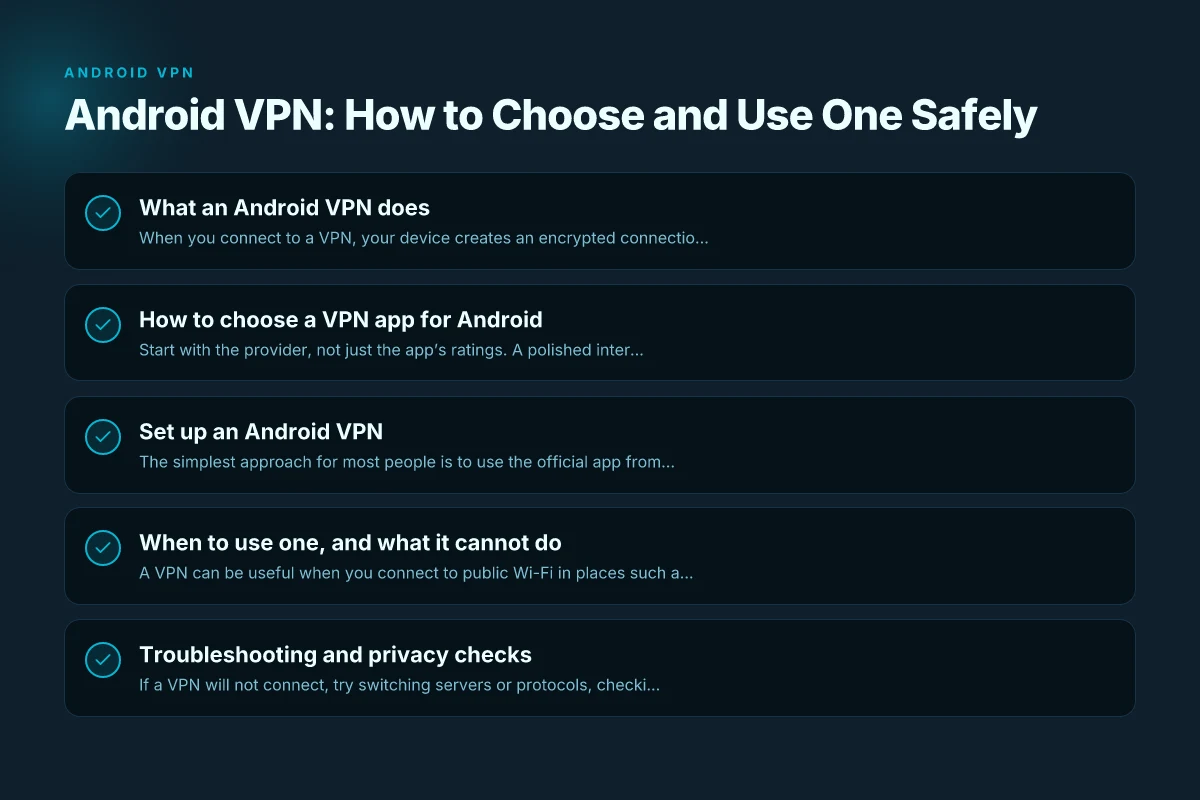
How to choose a VPN app for Android
Start with the provider, not just the app’s ratings. A polished interface or a large server list does not prove that a VPN handles your data responsibly.
Before subscribing, check:
- Privacy policy: Look for a clear explanation of what data the provider collects, how long it keeps it, and whether it shares it.
- Independent assessments: Security audits and transparency reports can offer useful evidence, though they do not guarantee that a service will always be secure.
- Security features: Look for modern VPN protocols, strong encryption, and a kill switch or equivalent connection protection.
- Android support: Confirm that the app works with your Android version and includes the settings you need.
- Business model: Be cautious of free services that do not clearly explain how they pay for operation.
- Customer support and cancellation: Check whether help is available and whether subscription terms are easy to understand.
| Option | Potential advantages | Points to check |
|---|---|---|
| Paid VPN app | Often offers more servers, support, and features | Price, renewal terms, privacy practices |
| Free VPN app | No direct subscription cost | Data limits, advertising, collection or sharing of data |
| VPN supplied by an employer or school | May provide secure access to work or campus resources | It may be managed and monitored by the organization |
A free VPN is not automatically unsafe, and a paid one is not automatically trustworthy. Read the privacy policy and app details before connecting.
Choose a VPN app for Android Edge VPN Extension: How to Choose and Use One Safely
| Criterion | What to look for | Why it matters | Check before installing |
|---|---|---|---|
| Privacy policy | Clear data-collection and retention terms | Shows what information may be stored | Read the policy and account terms |
| Independent audits | Public, relevant security assessments | Offers outside scrutiny of claims | Check scope and publication date |
| Ownership | Identifiable company and contact details | Helps assess accountability | Verify who operates the service |
| Security features | Kill switch and leak protection | Helps limit exposure if a connection drops | Confirm Android support |
| Protocol support | WireGuard, OpenVPN, or IKEv2/IPsec | Gives a choice of connection methods | Check the Android app’s options |
| Permissions | Only permissions needed for VPN use | Unnecessary access can raise privacy concerns | Review Android’s permission prompts |
| App distribution | Official store or provider’s verified site | Reduces risk of counterfeit apps | Verify the publisher |
| Pricing and limits | Clear subscription terms and usage limits | Helps avoid unexpected costs or restrictions | Review renewal and cancellation terms |
Compiled November 2026; check the provider's site for current details.
Set up an Android VPN
The simplest approach for most people is to use the official app from a provider you have researched.
- Download the app from Google Play or the provider’s official website. Avoid unfamiliar download links and unofficial app files.
- Check the developer name and app details, then review the permissions the app requests.
- Open the app, sign in or create an account, and review its privacy and security settings.
- Choose a server location, or use the app’s recommended server.
- Tap Connect. Android will ask you to approve the VPN connection. Confirm only if you trust the app.
- Check for the VPN indicator in Android’s status area or connection settings.
Android also allows some VPN connections to be added manually under Settings, though menu names vary by device and Android version. Manual setup may require server details and login credentials from your provider or organization. Never enter credentials from an unverified source.
If the VPN disconnects unexpectedly, your phone may return to its normal internet connection. Where available, consider enabling a kill switch or Android’s Always-on VPN option. On some devices, you can also choose to block connections without the VPN. Review the effect of these settings before enabling them, since they may limit internet access when the VPN is unavailable. Urban VPN Extension Chrome: Setup, Features, and Safety
When to use one, and what it cannot do
A VPN can be useful when you connect to public Wi-Fi in places such as airports, hotels, or cafés. It can also help protect traffic from your local network operator and provide a different public IP address.
However, a VPN shifts some trust from your network provider to the VPN provider. The provider may be able to see information about your connection, so its data practices matter. A VPN also cannot protect you from every risk:
- Phishing: A convincing fake login page can still steal your password.
- Malware: A VPN does not make unsafe downloads safe.
- Account tracking: Websites can identify you through sign-ins, cookies, and other signals.
- App permissions: A VPN does not stop apps from accessing data you have allowed them to use.
- Location signals: GPS and other device data may reveal where you are, even if your IP address changes.
Use unique passwords, enable multifactor authentication, install Android updates, and avoid opening unexpected links or attachments.
Decide when to use a VPN—and what to check VPN PES Download: Safe Options for Playing eFootball
| Situation | VPN useful? | What it can help with | What it cannot guarantee | Practical check |
|---|---|---|---|---|
| Public Wi-Fi | Yes | Encrypts traffic between your device and VPN server | Safety from every network or app threat | Use a trusted VPN and HTTPS |
| Untrusted network | Yes | Hides traffic details from the local network in many cases | Anonymity from websites or accounts | Check the VPN connection status |
| Mobile data | Sometimes | Routes traffic through the VPN provider | Better speed or privacy from the provider | Compare speed and battery use |
| Streaming or travel | Sometimes | Connects through a server in another location | Access to every service or content library | Check service rules and availability |
| Sensitive accounts | Sometimes | Adds protection on the network path | Protection from phishing or stolen passwords | Use HTTPS and multifactor authentication |
| VPN disconnected | No protection from the VPN | Nothing until the tunnel reconnects | Continuous coverage unless configured | Enable a kill switch if available |
| Free VPN offer | Use caution | May provide basic VPN routing | That the service is private or trustworthy | Check funding, logging, and ownership |
| Troubleshooting | Check first | Can reveal whether the VPN causes a connection issue | A VPN-specific fix for every outage | Test another server or briefly disconnect safely |
Compiled November 2026; check the provider's site for current details.
Troubleshooting and privacy checks
If a VPN will not connect, try switching servers or protocols, checking your internet connection, and updating the app. Battery optimization or network restrictions may also affect some VPN apps. Consult the provider’s Android instructions before changing system settings.
If certain apps or sites stop working, temporarily disconnect only when it is safe to do so, or check whether the VPN offers split tunneling or another app-specific setting. Be aware that excluding an app means its traffic may bypass the VPN.
Review your subscription and app permissions from time to time. Remove the VPN if you no longer trust or need it, and cancel any paid plan through the channel where you subscribed. Best Free VPN to Change Location: Safe Options and What to Expect
Recommendation
For most Android users, a reputable provider’s official VPN app is the easiest option. Choose based on transparent privacy practices and dependable security, not simply the lowest price or the most servers. Use the VPN when it suits your needs, keep your device updated, and remember that it is one privacy tool rather than complete protection.