NordVPN Windows VPN: Setup, Features, and How to Use It
Learn how NordVPN works on Windows, how to install it, and which settings to check for a safer, more convenient connection.
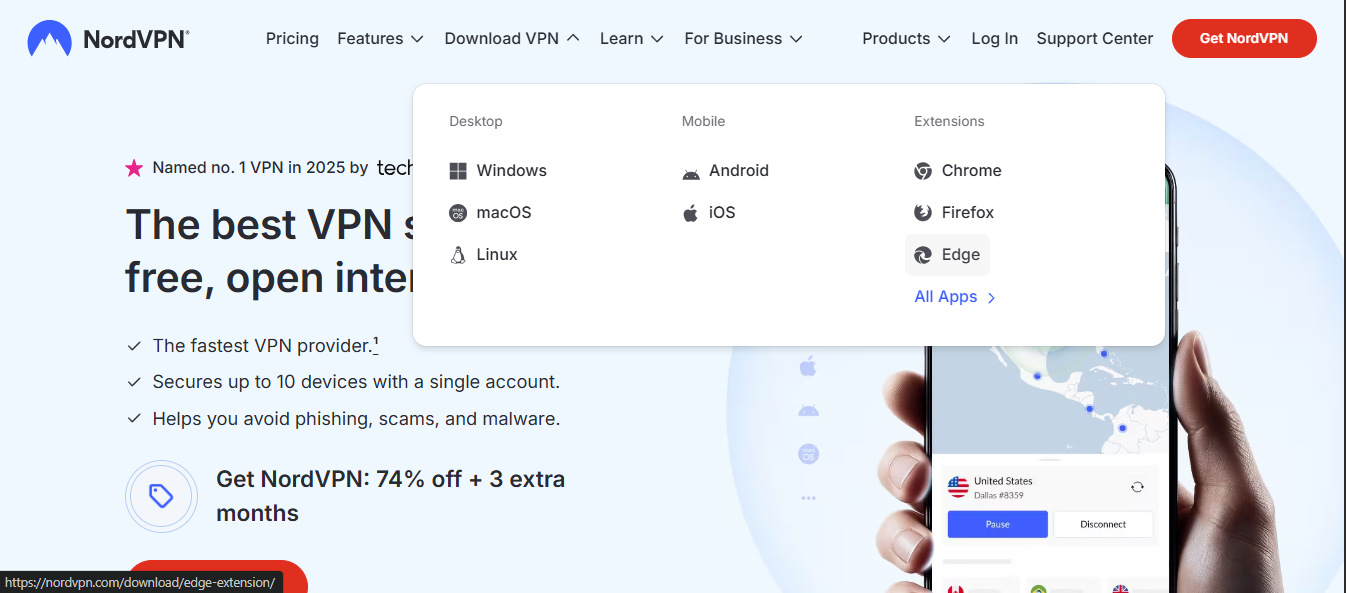
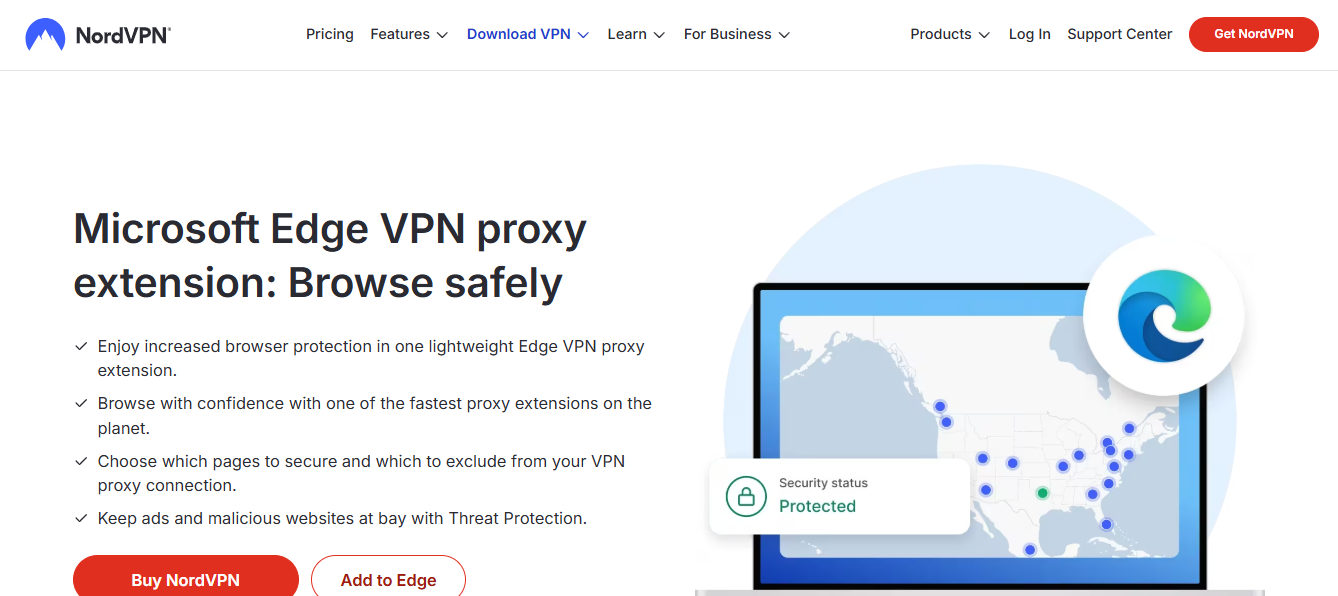
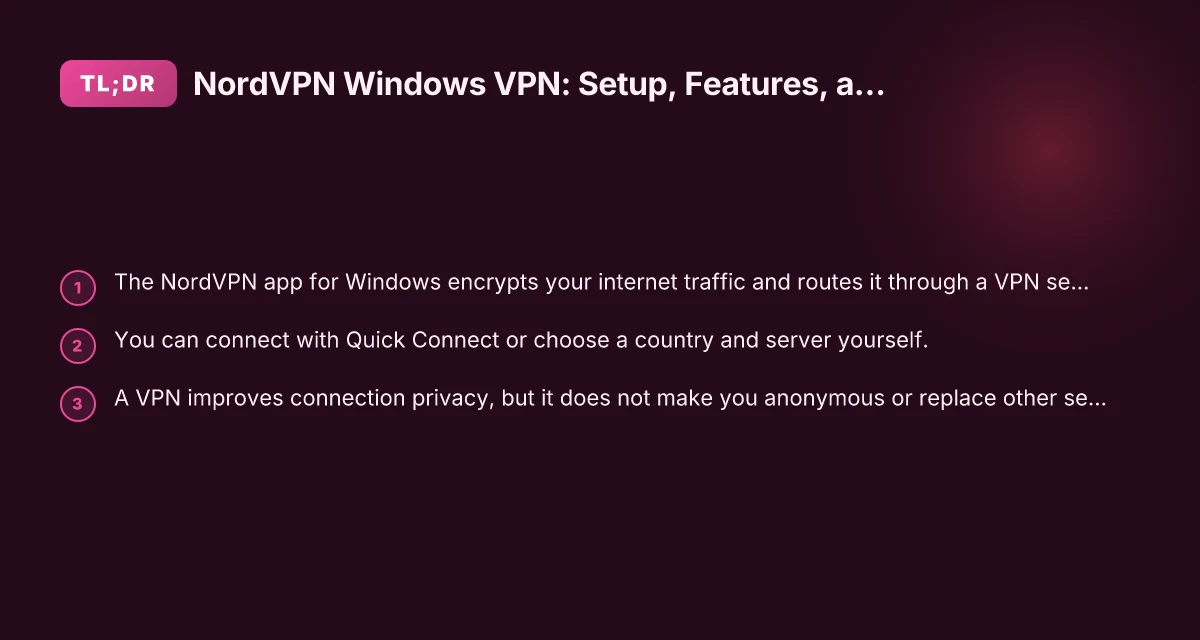
NordVPN for Windows is a virtual private network app that helps protect your internet traffic by encrypting the connection between your PC and a VPN server. To get started, download the official Windows app, sign in, and select Quick Connect or a server location. The app also offers settings such as a kill switch and specialty servers, though available options can vary by version and subscription.
Compare NordVPN’s Windows connection options
| Option | Best for | What it does | Speed impact | Setup |
|---|---|---|---|---|
| Quick Connect | Getting protected fast | Chooses a recommended server | Depends on server | One click |
| Country selection | Choosing a location | Connects through a selected country | Depends on distance and load | Select a country |
| City selection | More location control | Connects through a selected city | Depends on distance and load | Select a city |
| Specialty server | A specific connection need | Offers a supported specialty-server option | Depends on server | Choose from the server list |
| Disconnect | Returning to a direct connection | Ends the VPN connection | Restores direct routing | One click |
| Auto-connect | Connecting with less manual effort | Starts a VPN connection automatically | Depends on selected server | Configure in settings |
Compiled November 2026; check the provider's site for current details.
| VPN | Obfuscation | From / month | Plan | Free plan | Refund | Alipay | UnionPay | Crypto | Website opens in China | Trustpilot | |
|---|---|---|---|---|---|---|---|---|---|---|---|
 NordVPN | Turn on manually Obfuscated Servers / NordWhisper | $3.49/mo | 27 months: $94.23 | No | 30 days | ? | ✗ | ✓ | ✓ | ✗ Blocked | 4.2/5 (51,628 reviews) |
 ZoogVPN | Turn on manually Shadow | $2.49/mo | 27 months: $59.99 | Yes | 7 days | ✓ | ✓ | ✓ | ✓ | Official site blocked; our special link opens (4.4 s) | 4.2/5 (195 reviews) |
 ExpressVPN | ✓ On by default all servers | $3.00/mo | 28 months: $84 | No | 30 days | ✗ | ✗ | ✓ | ✗ | ✗ Blocked | 4.4/5 (29,706 reviews) |
 Surfshark | ✓ On by default Camouflage, with OpenVPN | See site | See site | No | 30 days | ✗ | ✗ | ✗ | ✓ | ✗ Blocked | 4.3/5 (31,823 reviews) |
 Proton VPN | Turn on manually Stealth, free plan too | $2.99/mo | 12 months: $35.88 | Yes | 30 days | ✗ | ✗ | ✗ | ✓ | ✗ Blocked | 2.1/5 (1,040 reviews) |
 Astrill VPN | Turn on manually StealthVPN / OpenWeb | $12.50/mo | 24 months: $300 | No | See site | ✗ | ✗ | ✗ | ✓ | ✗ Blocked | 1.3/5 (110 reviews) |
 Private Internet Access | Turn on manually Shadowsocks, OpenVPN only | $2.03/mo | 40 months: $81.2 | No | 30 days | ✗ | ✗ | ✗ | ✗ | ✗ Blocked | 4.2/5 (11,033 reviews) |
 CyberGhost | Turn on manually selected servers | $2.19/mo | 28 months: $61.32 | No | 45 days | ✗ | ✗ | ✗ | ✓ | ✗ Blocked | 4.0/5 (24,178 reviews) |
 PureVPN | Turn on manually switch to OpenVPN | $1.69/mo | 60 months: $101.55 | No | 31 days | ? | ? | ✗ | ✓ | ✗ Blocked | 4.4/5 (17,994 reviews) |
 AdGuard VPN | ✓ On by default TrustTunnel | $2.99/mo | 24 months: $71.76 | Yes | 30 days | ✓ | ✗ | ✓ | ✓ | Official site blocked; our special link opens (3.7 s) | 4.3/5 (290 reviews) |
 Mullvad | Turn on manually QUIC / Shadowsocks / LWO | $5.61/mo | €5/mo | No | 14 days | ✗ | ✗ | ✗ | ✓ | ✗ Blocked | 3.2/5 (192 reviews) |
 Windscribe | Turn on manually Stealth / WStunnel | $5.75/mo | 12 months: $69 | Yes | See site | ✗ | ✗ | ✗ | ✓ | ✗ Blocked | 4.7/5 (13,355 reviews) |
 StrongVPN | Turn on manually Scramble, OpenVPN TCP | See site | See site | No | 30 days | ✓ | ✗ | ✗ | ✗ | ✗ Blocked | 4.4/5 (2,695 reviews) |
 LightXtreme 闪连 | Not listed | $7.08/mo | 12 months: $84.99 | Yes | 30 days | ✓ | ✓ | ✓ | ✓ | ✓ Yes (3.5 s) | No page |
Prices checked 2026-11-10 on each vendor's pricing page (cheapest long plan, USD). Check the vendor's checkout for the final price.
Obfuscation checked 2026-11-14 on each vendor's site and help center: "on by default" = nothing to set; "turn on manually" = switch protocol or mode in settings; "not listed" = the vendor describes no obfuscation.
Payment methods checked 2026-11-10 on each vendor's payment pages: all 14 take cards and PayPal; ✗ = not listed, ? = the vendor's own pages disagree.
China access: whether the official website opens from mainland China networks (tests the website only, not the VPN connection). Last checked 2026-11-18 01:02 Beijing time.
Trustpilot score and review count checked 2026-11-10.
What NordVPN does on Windows
When you connect to NordVPN, your internet traffic travels through an encrypted tunnel to a VPN server before reaching its destination. Websites and online services generally see the VPN server’s IP address instead of your home connection’s public IP address. Your internet service provider can see that you are connected to a VPN, but encryption helps prevent it from reading the contents of your traffic.
This can be useful when you use public Wi-Fi, want to reduce exposure of your IP address, or need a VPN connection for work or travel. A VPN does not, by itself, prevent malware, make you completely anonymous, or guarantee access to a particular streaming service. Websites can still identify users through account sign-ins, cookies, browser settings, and other signals.
How to install and connect
Download NordVPN for Windows from NordVPN’s official website, rather than from an unfamiliar download page. Check that your PC meets the current system requirements, then follow the installer prompts.
- Open the downloaded installer and complete the installation.
- Launch NordVPN and sign in to your account.
- Choose Quick Connect to let the app select a server, or select a country from the map or server list.
- Confirm that the app shows an active connection before using the VPN.
The exact layout may change as the app is updated. If you cannot connect, check your internet connection, update the app, and try another server. On a managed work or school PC, network policies may restrict VPN use, so check with the administrator before changing system settings. How to Check My VPN Location and Fix It if It’s Wrong
| Connection choice | Best for | What to expect |
|---|---|---|
| Quick Connect | Everyday use | The app chooses a server based on its selection process |
| Country selection | Choosing a general location | You select a country, while the app may choose a server within it |
| Specific server | A particular need or troubleshooting | You select from available servers, when that option is offered |
Compare key NordVPN Windows features
| Feature | Main purpose | When to use it | User control | Consideration |
|---|---|---|---|---|
| Kill Switch | Helps prevent traffic from going outside the VPN | If the VPN connection drops | Enable or disable in settings | May interrupt internet access during a drop |
| Threat Protection | Helps block supported online threats | For added browsing protection | Manage in the app | Protection depends on feature settings |
| Split tunneling | Chooses which apps use the VPN | When some apps need a different route | Set app-specific rules | Not all traffic follows the same route |
| Auto-connect | Connects automatically | When you want protection on startup or networks | Configure connection preferences | Server choice affects performance |
| Specialty servers | Provides servers for particular use cases | When a standard server does not fit | Select a supported server type | Availability varies by location |
| Protocol selection | Changes how the VPN connection is made | If troubleshooting or tuning a connection | Choose a supported protocol | Performance can vary by network |
Compiled November 2026; check the provider's site for current details.
Key Windows features to know
NordVPN’s Windows app includes controls for managing your connection. Names and availability can change, so check the current app and official help pages for the latest details.
- Kill switch: Can block internet access if the VPN connection drops, depending on how it is configured. Test the setting if you rely on it, and understand whether it applies to all traffic or selected apps.
- Auto-connect: Can connect the VPN automatically under conditions you choose, such as when Windows starts or when you join an untrusted network.
- Protocol selection: The app may offer different VPN protocols. Automatic selection is a reasonable starting point. Changing protocols can help troubleshoot speed or connection issues.
- Specialty servers: Options may include servers intended for specific use cases. Availability depends on the service, location, and current app version.
For a straightforward setup, leave advanced options at their defaults until you have a reason to adjust them. If you change a setting and the connection behaves unexpectedly, restore the previous option and reconnect. Nord VPN in China: Does It Work and How to Prepare?
Choosing a server and managing speed
A VPN can reduce speed because traffic takes an extra route and must be encrypted. The effect depends on your original connection, distance to the server, server load, Wi-Fi quality, and the protocol in use.
For general browsing, start with Quick Connect. If a site or app performs poorly, try a nearby server or another server in the same country. A distant location may increase latency, which can be noticeable during video calls, gaming, and remote work.
To troubleshoot a slow connection:
- Check whether the internet is slow with the VPN disconnected.
- Connect to a nearby server and test again.
- Restart the NordVPN app and your router if appropriate.
- Try another available protocol in the app.
- Pause large downloads or other bandwidth-heavy tasks.
Avoid assuming that a server in a particular country will always produce a specific result. Performance changes over time, and some websites restrict VPN traffic or apply their own location checks. Does Microsoft Edge Have VPN? What Edge Secure Network Does
Privacy, security, and common problems
Use the official app and keep it updated. A VPN is one part of online security, not a substitute for strong passwords, multifactor authentication, operating-system updates, or reputable antivirus protection.
If NordVPN says it is connected but a website still shows your usual location, first reconnect and test with another site. Some services may use account details, browser permissions, or previously stored data to estimate your location. You can review browser location permissions and clear relevant site data if needed.
If the app will not connect, try these steps:
- Make sure your Windows internet connection works without the VPN.
- Sign out and back in, then install any available app update.
- Test a different server or protocol.
- Check whether firewall or security software is blocking the app.
- Contact NordVPN support if the issue continues.
When using public Wi-Fi, connect to the VPN before visiting sensitive websites. For work devices or company networks, follow your organization’s rules and use its approved VPN if required. VPN Free for Edge: The Best Ways to Protect Your Browser
Choose a NordVPN Windows server for your needs
| Priority | Server choice | Likely advantage | Possible trade-off | What to check |
|---|---|---|---|---|
| Everyday browsing | Quick Connect | Fast, simple selection | Less location control | Whether the connection feels responsive |
| Nearby access | A nearby country or city | Often a shorter route | Local server load can still affect speed | Connection stability |
| Specific location | Selected country | Access through a chosen country | A longer route may slow the connection | Location availability |
| More precise location | Selected city | Finer location choice | Fewer nearby options may be available | Server list |
| A particular use case | Specialty server | Tailored server option | May not suit general browsing | Server type and availability |
| Slow connection | A different nearby server | May avoid a busy or unsuitable server | Results can vary | Test more than one server |
| VPN connection trouble | Another server or protocol | Can help isolate a connection issue | May require configuration changes | Whether the issue persists |
| Unstable Wi-Fi | Auto-connect with a preferred server | Reduces manual connection steps | Does not guarantee a stable network | VPN and internet status |
Compiled November 2026; check the provider's site for current details.
Recommendation
NordVPN for Windows is a practical choice if you want a desktop VPN app with quick connections and configurable settings. Install it from NordVPN’s official source, begin with Quick Connect, and enable features such as the kill switch only after checking how they work in your version of the app. For the best balance of convenience and performance, try a nearby server and remember that a VPN supports privacy but cannot guarantee anonymity or complete security.