VPN IPsec: How It Works, Benefits, and When to Use It

Learn what a VPN IPsec connection is, how it works, and how it compares with other VPN protocols.
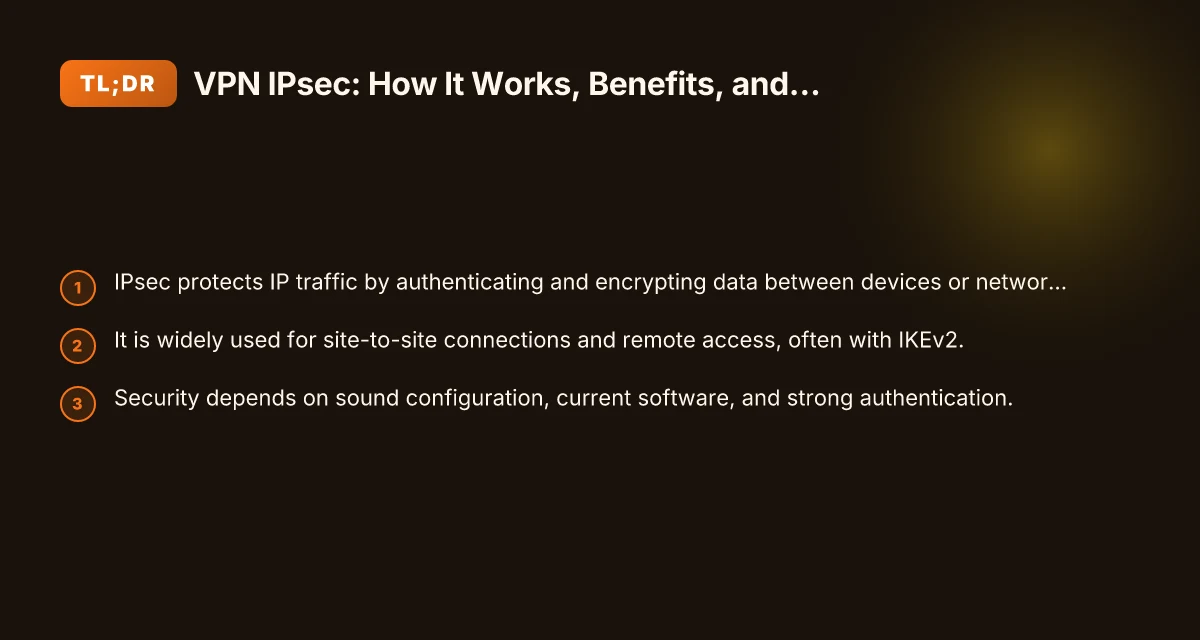
A VPN IPsec connection uses Internet Protocol Security (IPsec) to protect traffic as it travels across an untrusted network. It can securely link two office networks or connect a remote user to a private network. IPsec is a family of standards rather than a single VPN protocol, and it is commonly paired with Internet Key Exchange version 2 (IKEv2) to set up and manage secure connections.
Compare VPN protocols by security, performance, compatibility, and typical use.
| Option | Security approach | Performance | Compatibility | Typical use |
|---|---|---|---|---|
| IPsec VPN | Encrypts IP traffic | Often fast with hardware support | Built into many operating systems | Site-to-site and remote access |
| IKEv2/IPsec | IPsec with IKEv2 key exchange | Fast; handles network changes well | Supported on major platforms | Mobile and remote access |
| OpenVPN | TLS-based encryption | Can be slower than IPsec | Broad platform support | Flexible remote access |
| WireGuard | Modern cryptography | Designed for high speed | Requires compatible software | Lightweight VPN connections |
| L2TP/IPsec | L2TP tunneling with IPsec protection | Can add overhead | Widely available on older systems | Basic legacy access |
| PPTP | Outdated, weak encryption | Often fast | Broad legacy support | Not recommended for sensitive traffic |
Compiled November 2026; check the provider's site for current details.
| VPN | Obfuscation | From / month | Plan | Free plan | Refund | Alipay | UnionPay | Crypto | Website opens in China | Trustpilot | |
|---|---|---|---|---|---|---|---|---|---|---|---|
 ZoogVPN | Turn on manually Shadow | $2.49/mo | 27 months: $59.99 | Yes | 7 days | ✓ | ✓ | ✓ | ✓ | Official site blocked; our special link opens (4.4 s) | 4.2/5 (195 reviews) |
 NordVPN | Turn on manually Obfuscated Servers / NordWhisper | $3.49/mo | 27 months: $94.23 | No | 30 days | ? | ✗ | ✓ | ✓ | ✗ Blocked | 4.2/5 (51,628 reviews) |
 ExpressVPN | ✓ On by default all servers | $3.00/mo | 28 months: $84 | No | 30 days | ✗ | ✗ | ✓ | ✗ | ✗ Blocked | 4.4/5 (29,706 reviews) |
 Surfshark | ✓ On by default Camouflage, with OpenVPN | See site | See site | No | 30 days | ✗ | ✗ | ✗ | ✓ | ✗ Blocked | 4.3/5 (31,823 reviews) |
 Proton VPN | Turn on manually Stealth, free plan too | $2.99/mo | 12 months: $35.88 | Yes | 30 days | ✗ | ✗ | ✗ | ✓ | ✗ Blocked | 2.1/5 (1,040 reviews) |
 Astrill VPN | Turn on manually StealthVPN / OpenWeb | $12.50/mo | 24 months: $300 | No | See site | ✗ | ✗ | ✗ | ✓ | ✗ Blocked | 1.3/5 (110 reviews) |
 Private Internet Access | Turn on manually Shadowsocks, OpenVPN only | $2.03/mo | 40 months: $81.2 | No | 30 days | ✗ | ✗ | ✗ | ✗ | ✗ Blocked | 4.2/5 (11,033 reviews) |
 CyberGhost | Turn on manually selected servers | $2.19/mo | 28 months: $61.32 | No | 45 days | ✗ | ✗ | ✗ | ✓ | ✗ Blocked | 4.0/5 (24,178 reviews) |
 PureVPN | Turn on manually switch to OpenVPN | $1.69/mo | 60 months: $101.55 | No | 31 days | ? | ? | ✗ | ✓ | ✗ Blocked | 4.4/5 (17,994 reviews) |
 AdGuard VPN | ✓ On by default TrustTunnel | $2.99/mo | 24 months: $71.76 | Yes | 30 days | ✓ | ✗ | ✓ | ✓ | Official site blocked; our special link opens (3.7 s) | 4.3/5 (290 reviews) |
 Mullvad | Turn on manually QUIC / Shadowsocks / LWO | $5.61/mo | €5/mo | No | 14 days | ✗ | ✗ | ✗ | ✓ | ✗ Blocked | 3.2/5 (192 reviews) |
 Windscribe | Turn on manually Stealth / WStunnel | $5.75/mo | 12 months: $69 | Yes | See site | ✗ | ✗ | ✗ | ✓ | ✗ Blocked | 4.7/5 (13,355 reviews) |
 StrongVPN | Turn on manually Scramble, OpenVPN TCP | See site | See site | No | 30 days | ✓ | ✗ | ✗ | ✗ | ✗ Blocked | 4.4/5 (2,695 reviews) |
 LightXtreme 闪连 | Not listed | $7.08/mo | 12 months: $84.99 | Yes | 30 days | ✓ | ✓ | ✓ | ✓ | ✓ Yes (3.5 s) | No page |
Prices checked 2026-11-10 on each vendor's pricing page (cheapest long plan, USD). Check the vendor's checkout for the final price.
Obfuscation checked 2026-11-14 on each vendor's site and help center: "on by default" = nothing to set; "turn on manually" = switch protocol or mode in settings; "not listed" = the vendor describes no obfuscation.
Payment methods checked 2026-11-10 on each vendor's payment pages: all 14 take cards and PayPal; ✗ = not listed, ? = the vendor's own pages disagree.
China access: whether the official website opens from mainland China networks (tests the website only, not the VPN connection). Last checked 2026-11-18 01:02 Beijing time.
Trustpilot score and review count checked 2026-11-10.
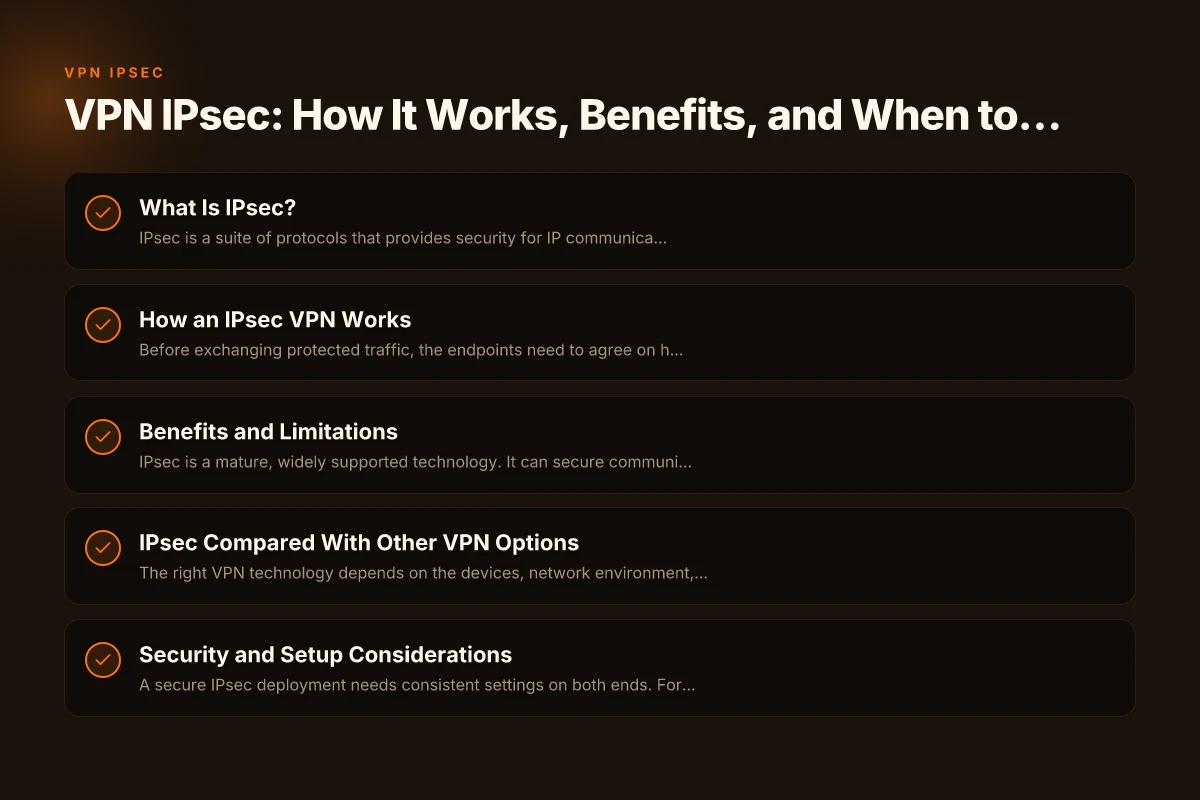
What Is IPsec?
IPsec is a suite of protocols that provides security for IP communications. It can authenticate the parties in a connection, protect data from being read in transit, and detect changes to packets. These capabilities make it useful for creating VPN tunnels over the public internet.
The term “IPsec VPN” usually refers to a tunnel that carries IP traffic between two endpoints. Those endpoints might be VPN gateways at separate offices, or a gateway and a remote employee’s device.
IPsec operates at the network layer. This means it can protect traffic from many applications without requiring each application to handle encryption separately. The VPN’s configuration determines which traffic goes through the tunnel and which travels directly to the internet.
How an IPsec VPN Works
Before exchanging protected traffic, the endpoints need to agree on how to secure the connection. IKEv2 typically handles this negotiation. It authenticates the endpoints and establishes security associations: sets of parameters that define how traffic will be protected. How to Enable VPN in Edge: Turn On Microsoft Edge Secure Network
Once the connection is established, IPsec protects packets using one of two main protocols:
- Authentication Header (AH): Provides authentication and integrity checks but does not encrypt packet contents. It is less common in modern VPNs.
- Encapsulating Security Payload (ESP): Can encrypt traffic and provide integrity and authentication. ESP is the option most often used for VPNs.
IPsec can operate in two modes. Tunnel mode wraps and protects an entire IP packet inside a new packet, which is common for gateway-to-gateway VPNs. Transport mode protects the data portion of a packet while leaving its original IP header in place, and is generally used in more specific host-to-host setups.
Common VPN types
- Site-to-site VPN: Connects networks in separate locations, such as a branch office and a headquarters.
- Remote-access VPN: Connects an individual device to a private network through a VPN gateway.
Compare IPsec tunnel modes and deployment types to match a VPN to the network.
| Choice | What it protects | Common endpoint | Best suited for | Main consideration |
|---|---|---|---|---|
| Tunnel mode | Entire IP packet | VPN gateway | Connecting networks | Gateway configuration required |
| Transport mode | IP payload | Host to host | Direct system connections | Original IP header remains visible |
| Site-to-site | Traffic between networks | Network gateways | Connecting office locations | Requires compatible gateway settings |
| Remote access | Traffic from an individual device | Client and gateway | Staff working remotely | Client setup and authentication needed |
| Policy-based IPsec | Traffic matching defined rules | VPN gateways | Networks with specific traffic needs | Rules must align at both ends |
| Route-based IPsec | Traffic routed through a virtual interface | VPN gateways | Flexible or complex network routing | Routing must be configured correctly |
Compiled November 2026; check the provider's site for current details. TunnelBear Extension: What It Does, How to Use It, and Its Limitations
Benefits and Limitations
IPsec is a mature, widely supported technology. It can secure communication between different types of network equipment, and it is particularly well suited to persistent connections between fixed locations. IKEv2 can also help maintain a connection when a mobile device changes networks, depending on the client and configuration.
There are trade-offs. IPsec can require careful configuration of gateways, encryption settings, routing, and firewall rules. Compatibility issues may arise when the two endpoints use different settings. Some networks also restrict the traffic IPsec needs, which can prevent a connection or require additional configuration.
Using IPsec does not automatically make a VPN secure. Weak credentials, outdated software, insecure algorithms, or incorrect access rules can undermine its protection. A VPN also protects only the traffic routed through it. It does not by itself prevent malware, phishing, or unsafe access to data at either endpoint.
IPsec Compared With Other VPN Options
The right VPN technology depends on the devices, network environment, and level of control required. The comparison below is general: implementation and performance vary across products. Clash for iPad: How to Download, Install, and Use It
| Option | Common use | Strengths | Considerations |
|---|---|---|---|
| IPsec with IKEv2 | Remote access and site-to-site links | Broad support; suitable for network-level protection | Can require detailed configuration and firewall coordination |
| OpenVPN | Remote access and flexible deployments | Highly configurable; commonly available across platforms | May require a separate client and server setup |
| WireGuard | Modern remote access and network links | Lean design and straightforward configuration | Support and management features depend on the platform |
No option is best for every situation. Check which protocols your devices and VPN provider support, and compare their security, management, and compatibility requirements.
Use this checklist to compare IPsec setup considerations before choosing a VPN deployment.
| Consideration | What to check | Why it matters | Common action |
|---|---|---|---|
| Authentication | Certificates or pre-shared keys | Confirms peer identity | Use strong, unique credentials |
| Encryption settings | Supported algorithms and key lengths | Protects traffic confidentiality | Select secure, mutually supported settings |
| IKE version | IKEv1 or IKEv2 support | Affects negotiation and compatibility | Prefer IKEv2 when supported |
| NAT traversal | Whether devices sit behind NAT | IPsec may need help crossing NAT | Enable NAT traversal where needed |
| Firewall rules | Required ports and protocols | Blocked traffic can prevent tunnels | Allow the required IPsec traffic |
| Key rotation | Rekeying and credential renewal | Limits exposure if keys are compromised | Set and review rotation policies |
| Device compatibility | Client and gateway support | Mismatched features can block connections | Test the full device and software mix |
| Monitoring | Tunnel health and logs | Helps spot failures and suspicious activity | Review connection status and security events |
Compiled November 2026; check the provider's site for current details.
Security and Setup Considerations
A secure IPsec deployment needs consistent settings on both ends. For business networks, administrators should select supported cryptographic algorithms, use strong authentication, and keep gateways and client software updated. They should also restrict access to the systems and network segments that users actually need. VPN Extension for Edge: How to Choose and Use One
For remote access, prefer strong, unique credentials and multi-factor authentication where available. Use certificates or other robust authentication methods when appropriate, and remove access promptly when a user no longer needs it.
Common connection problems include mismatched IKE or IPsec settings, incorrect pre-shared keys or certificates, blocked network ports, and routing errors. Reviewing gateway logs and comparing configuration on both endpoints can help identify the cause. On managed networks, a network administrator may need to adjust firewall rules.
Recommendation
Choose a VPN IPsec solution when you need a well-supported way to connect office networks or provide managed remote access, especially if your equipment already supports IKEv2. Use a trusted implementation, keep it updated, and configure authentication, encryption, and access rules carefully. For a personal VPN or a new deployment, compare IPsec with alternatives such as WireGuard and OpenVPN before deciding.