Certificate Validation Failure Cisco VPN: Causes and Fixes
Fix a Cisco VPN certificate validation failure by checking certificate dates, trust, identity, and client settings.
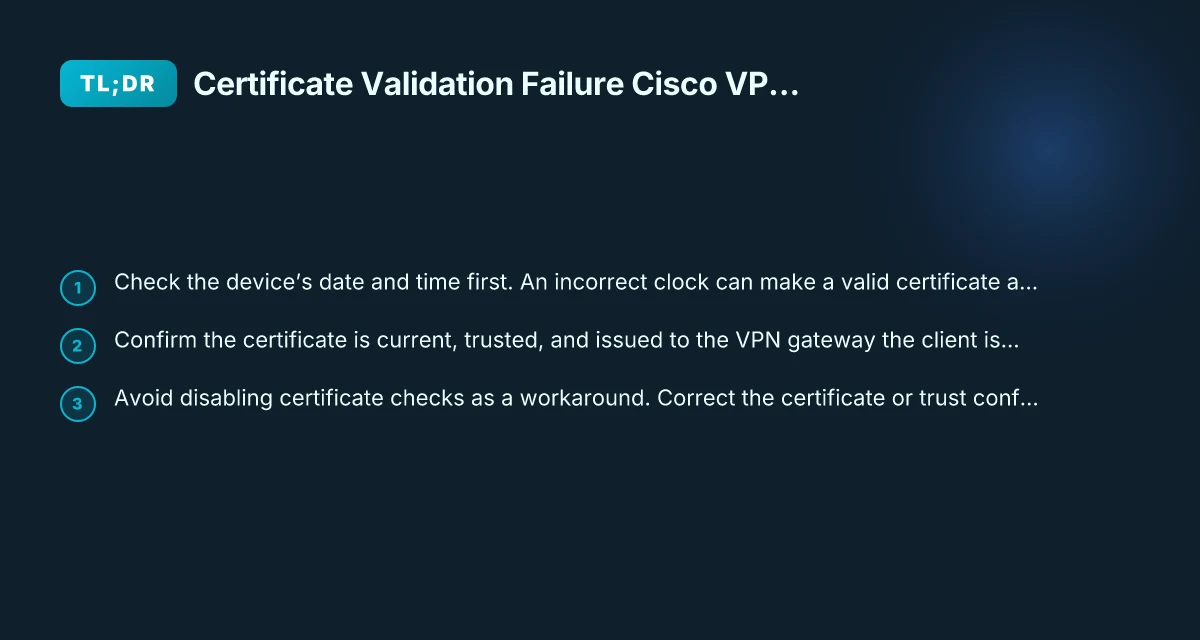
A certificate validation failure in Cisco VPN usually means the client cannot verify the VPN gateway’s identity or determine that its certificate is trustworthy and valid. Start by checking your device’s date and time, then confirm the certificate has not expired, chains to a trusted certificate authority, and matches the VPN server’s name. The exact message and steps can vary by Cisco client, such as Cisco Secure Client (formerly AnyConnect), and by how your organization manages VPN access.
Common causes and how to check them
| Possible cause | Typical clue | User check | Admin check | Likely next step |
|---|---|---|---|---|
| Expired certificate | Certificate is past its validity date | Check the date shown in the error | Check certificate validity dates | Renew or replace the certificate |
| Untrusted issuer | Issuer or trust warning appears | Note the certificate issuer | Check the trusted certificate authorities | Install or trust the correct CA certificate |
| Hostname mismatch | Server name does not match the certificate | Confirm the VPN server name | Compare the configured hostname with certificate names | Correct the server name or certificate |
| Incorrect device date | Certificate appears not yet valid or expired | Check date, time, and time zone | Verify device time settings | Correct the clock and retry |
| Missing certificate chain | Validation reports an incomplete chain | Record any chain-related message | Check that intermediate certificates are served | Install the missing intermediate certificate |
| Wrong certificate selected | Error follows a certificate prompt | Note which certificate was selected | Check client certificate requirements | Select or provision the required certificate |
| Revoked certificate | Validation reports revocation | Save the exact error message | Check revocation status and reachability | Replace the certificate or resolve revocation checks |
Compiled November 2026; check the provider's site for current details.
| VPN | Obfuscation | From / month | Plan | Free plan | Refund | Alipay | UnionPay | Crypto | Website opens in China | Trustpilot | |
|---|---|---|---|---|---|---|---|---|---|---|---|
 ZoogVPN | Turn on manually Shadow | $2.49/mo | 27 months: $59.99 | Yes | 7 days | ✓ | ✓ | ✓ | ✓ | Official site blocked; our special link opens (4.4 s) | 4.2/5 (195 reviews) |
 NordVPN | Turn on manually Obfuscated Servers / NordWhisper | $3.49/mo | 27 months: $94.23 | No | 30 days | ? | ✗ | ✓ | ✓ | ✗ Blocked | 4.2/5 (51,628 reviews) |
 ExpressVPN | ✓ On by default all servers | $3.00/mo | 28 months: $84 | No | 30 days | ✗ | ✗ | ✓ | ✗ | ✗ Blocked | 4.4/5 (29,706 reviews) |
 Surfshark | ✓ On by default Camouflage, with OpenVPN | See site | See site | No | 30 days | ✗ | ✗ | ✗ | ✓ | ✗ Blocked | 4.3/5 (31,823 reviews) |
 Proton VPN | Turn on manually Stealth, free plan too | $2.99/mo | 12 months: $35.88 | Yes | 30 days | ✗ | ✗ | ✗ | ✓ | ✗ Blocked | 2.1/5 (1,040 reviews) |
 Astrill VPN | Turn on manually StealthVPN / OpenWeb | $12.50/mo | 24 months: $300 | No | See site | ✗ | ✗ | ✗ | ✓ | ✗ Blocked | 1.3/5 (110 reviews) |
 Private Internet Access | Turn on manually Shadowsocks, OpenVPN only | $2.03/mo | 40 months: $81.2 | No | 30 days | ✗ | ✗ | ✗ | ✗ | ✗ Blocked | 4.2/5 (11,033 reviews) |
 CyberGhost | Turn on manually selected servers | $2.19/mo | 28 months: $61.32 | No | 45 days | ✗ | ✗ | ✗ | ✓ | ✗ Blocked | 4.0/5 (24,178 reviews) |
 PureVPN | Turn on manually switch to OpenVPN | $1.69/mo | 60 months: $101.55 | No | 31 days | ? | ? | ✗ | ✓ | ✗ Blocked | 4.4/5 (17,994 reviews) |
 AdGuard VPN | ✓ On by default TrustTunnel | $2.99/mo | 24 months: $71.76 | Yes | 30 days | ✓ | ✗ | ✓ | ✓ | Official site blocked; our special link opens (3.7 s) | 4.3/5 (290 reviews) |
 Mullvad | Turn on manually QUIC / Shadowsocks / LWO | $5.61/mo | €5/mo | No | 14 days | ✗ | ✗ | ✗ | ✓ | ✗ Blocked | 3.2/5 (192 reviews) |
 Windscribe | Turn on manually Stealth / WStunnel | $5.75/mo | 12 months: $69 | Yes | See site | ✗ | ✗ | ✗ | ✓ | ✗ Blocked | 4.7/5 (13,355 reviews) |
 StrongVPN | Turn on manually Scramble, OpenVPN TCP | See site | See site | No | 30 days | ✓ | ✗ | ✗ | ✗ | ✗ Blocked | 4.4/5 (2,695 reviews) |
 LightXtreme 闪连 | Not listed | $7.08/mo | 12 months: $84.99 | Yes | 30 days | ✓ | ✓ | ✓ | ✓ | ✓ Yes (3.5 s) | No page |
Prices checked 2026-11-10 on each vendor's pricing page (cheapest long plan, USD). Check the vendor's checkout for the final price.
Obfuscation checked 2026-11-14 on each vendor's site and help center: "on by default" = nothing to set; "turn on manually" = switch protocol or mode in settings; "not listed" = the vendor describes no obfuscation.
Payment methods checked 2026-11-10 on each vendor's payment pages: all 14 take cards and PayPal; ✗ = not listed, ? = the vendor's own pages disagree.
China access: whether the official website opens from mainland China networks (tests the website only, not the VPN connection). Last checked 2026-11-18 01:02 Beijing time.
Trustpilot score and review count checked 2026-11-10.
What the error means
During connection, the VPN client checks the gateway’s digital certificate before setting up a secure tunnel. The certificate helps establish that the client is communicating with the intended VPN server rather than an impostor.
Validation can fail for several reasons:
- The certificate is expired, not yet valid, revoked, or missing required information.
- The certificate was issued by a certificate authority the device does not trust.
- The certificate’s name does not match the VPN address used to connect.
- The device clock is incorrect.
- A firewall, captive portal, proxy, or network inspection device is interfering with the connection.
- The client or VPN gateway has an outdated or incorrect configuration.
A failure does not necessarily mean your password is wrong. Certificate verification happens separately from user authentication, and repeatedly changing your password is unlikely to help.
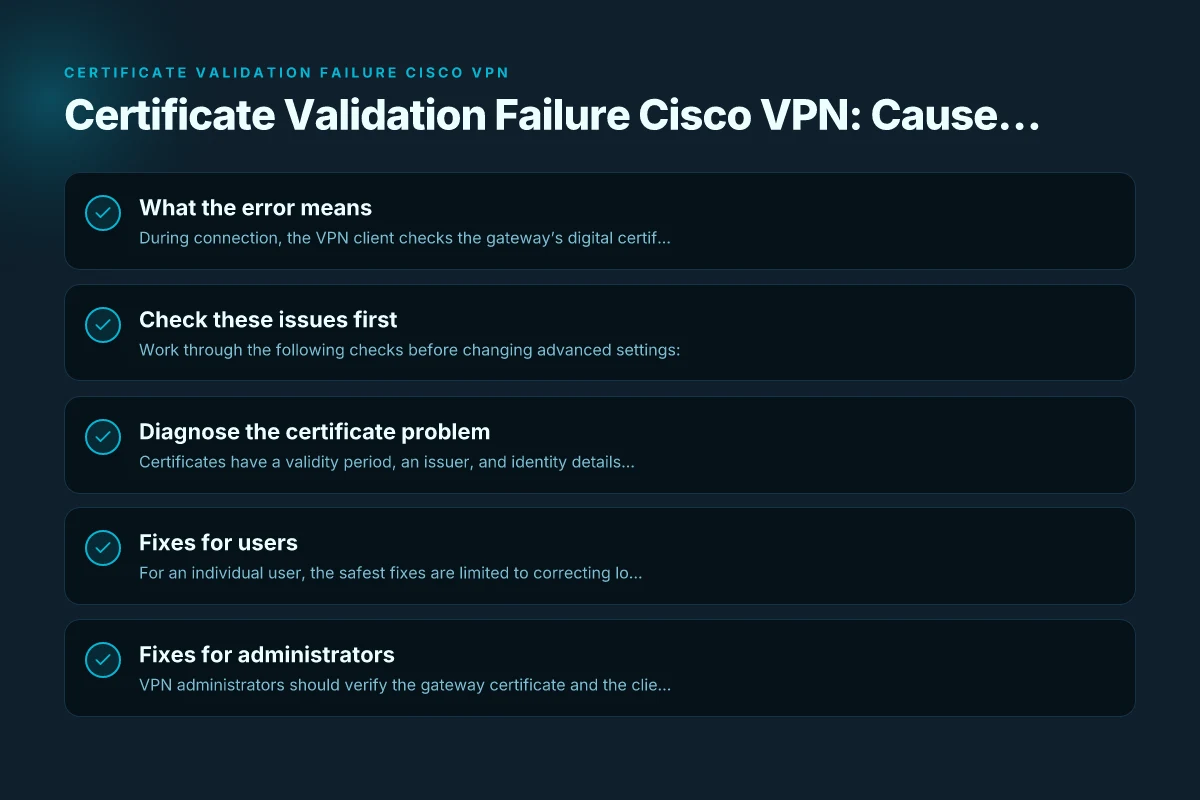
Check these issues first
Work through the following checks before changing advanced settings: Forticlientvpnonlineinstaller: What It Is and How to Install FortiClient VPN
- Verify the date, time, and time zone. Enable automatic time synchronization if available, then disconnect and try again.
- Reconnect to the correct VPN address. Use the server name provided by your organization. A saved profile or manually entered address may be outdated.
- Try a different network. If possible, test with a trusted home or mobile connection. A hotel or public Wi-Fi captive portal may block or redirect the VPN connection.
- Restart the VPN client and device. This can clear a stuck session, though it will not fix a bad or expired certificate.
- Check for client updates. Install updates approved by your organization, especially if the error began after an operating-system or VPN change.
If the message identifies a certificate as expired, untrusted, or mismatched, note the exact wording. It can help your IT team identify whether the problem is on your device or the VPN gateway.
User fixes and when to try them
| Action | Best fit for | Requires IT help | Risk or limitation | Retry VPN afterward |
|---|---|---|---|---|
| Check device date and time | Date or validity warning | No | Incorrect time can affect other apps | Yes |
| Verify VPN server name | Hostname mismatch or changed server | Sometimes | Use only the organization’s approved name | Yes |
| Choose the correct certificate | A certificate selection prompt appears | Sometimes | Do not guess if several certificates are listed | Yes |
| Update VPN client | Client is outdated or behaving unexpectedly | Sometimes | Use an approved update source | Yes |
| Restart the device | Temporary client or connection issue | No | May interrupt open work | Yes |
| Reconnect on a trusted network | Possible network or revocation-check issue | No | Avoid public or untrusted networks for sensitive work | Yes |
| Capture the exact error | Problem persists or needs escalation | No | Do not share private keys or passwords | After documenting |
Compiled November 2026; check the provider's site for current details.
Diagnose the certificate problem
Certificates have a validity period, an issuer, and identity details that the client checks. A failure in any of these checks can prevent connection. Best Free VPN Extension for Microsoft Edge: What to Know Before You Install
| What the client reports | Likely cause | Appropriate next step |
|---|---|---|
| Expired or not yet valid | Certificate dates are invalid, or the device clock is wrong | Correct the clock; ask the VPN administrator to renew or replace the gateway certificate |
| Untrusted issuer or unknown authority | The issuing certificate authority is not trusted on the device | Ask IT to confirm the approved trust chain and install any required certificates through official channels |
| Name mismatch | The VPN address does not match a name on the certificate | Use the correct VPN hostname; have the administrator check the gateway certificate and configuration |
| Revoked certificate | The certificate has been revoked or its status cannot be confirmed | Contact IT; do not try to bypass the revocation check |
| Generic validation error | The client, network, or gateway configuration may be involved | Capture the exact error and connection details for support |
If your Cisco client provides certificate details, you can review them without accepting the certificate. Look for the subject or subject alternative name, issuer, and validity dates. Compare the listed server name with the address in the VPN profile. If the details are unclear, do not make changes based on guesswork. Share the message with your organization’s support team.
Fixes for users
For an individual user, the safest fixes are limited to correcting local conditions and using approved software.
Correct device time
An incorrect clock can cause a valid certificate to appear expired or not yet valid. Set the correct time zone and enable automatic date and time, then restart the VPN client and retry.
Use the organization’s VPN profile
Connect using the official profile, portal, or server address supplied by your administrator. Avoid substituting an IP address for a hostname unless IT specifically instructs you to do so. A certificate may be issued for a hostname and fail validation when you connect by IP. NordVPN in China: Does It Work and How to Prepare
Update through approved channels
Install Cisco Secure Client updates and operating-system updates only through your organization’s approved process. If the issue started immediately after an update, report that timing to IT rather than installing an older client from an unverified source.
Do not accept or bypass an unexpected certificate
If the client asks you to trust an unfamiliar certificate or offers a way to ignore validation, stop and contact IT. Accepting an unverified certificate can expose your connection to interception. Do not download certificates from links or emails unless your organization has confirmed that they are legitimate.
Fixes for administrators
VPN administrators should verify the gateway certificate and the client’s trust configuration.
- Renew certificates before expiration. Confirm the gateway presents the intended certificate and complete chain.
- Check identity matching. Ensure the certificate includes the DNS name clients use to connect, typically in its subject alternative name.
- Verify the certificate chain. Confirm the required intermediate certificates are present and that client devices trust the relevant root certificate authority.
- Review revocation checks. Make sure certificate revocation services are reachable where required and that the certificate has not been revoked.
- Check recent changes. Review certificate renewals, gateway updates, profile changes, DNS changes, and client deployments that occurred before the failures began.
- Test from affected networks and devices. A failure limited to one network may point to a captive portal, proxy, or TLS inspection policy. A failure across all users may point to the gateway certificate or its configuration.
Use the relevant Cisco Secure Client and VPN gateway documentation for the deployed version. Configuration names and troubleshooting logs differ across products and releases, so avoid applying instructions for a different Cisco platform without confirming they match your environment. IPsec VPN connection is down forticlient: Causes and Fixes
What to send to IT support
If the basic checks do not resolve the problem, give your administrator enough information to investigate:
- The exact error text or a screenshot, with sensitive details hidden.
- The Cisco VPN client name and version.
- Your operating system and its version.
- The VPN hostname or profile name, if your organization permits sharing it.
- The time the failure occurred and whether it happens on multiple networks.
- Any recent device, client, network, or certificate changes.
Do not send passwords, private keys, one-time codes, or unredacted security logs through an unsecured channel. IT may request diagnostic logs through an approved support process.
Information to send IT support
| Item | What to include | Where to find it | Sensitive information to avoid | Why it helps |
|---|---|---|---|---|
| Exact error text | Full message and any error code | VPN client prompt or log | Passwords and private keys | Identifies the reported validation failure |
| Time of failure | Date, time, and time zone | Device clock | No need to include unrelated activity | Helps match server and client logs |
| Device details | Operating system and version | Device settings | Personal files or account secrets | Helps check client compatibility |
| VPN client details | Product name and version | Client settings or About screen | Authentication secrets | Narrows down client-specific issues |
| VPN server name | The approved server or profile name | VPN connection profile | Internal details beyond what support requests | Helps check hostname and profile configuration |
| Certificate details | Issuer, subject, and validity dates if visible | Certificate information prompt | Certificate private key | Helps identify trust, expiry, or name issues |
| Recent changes | Updates, new device, or network change | Your own recent activity | Unrelated personal information | Provides context for when the issue began |
| Screenshot or log | Relevant error screen or client log | VPN client or device | Tokens, passwords, and private keys | Gives support evidence to investigate |
Compiled November 2026; check the provider's site for current details. FortiClient IPsec: How to Set Up and Troubleshoot a VPN
Recommendation
First correct your device’s date and time, reconnect using the official VPN profile, and make sure the Cisco client is current. If validation still fails, stop rather than bypassing the certificate check and contact your VPN administrator with the exact error and connection details.