NordVPN Windows: How to Download, Install, and Use It
Learn how to install NordVPN on Windows 10 or 11, connect securely, and troubleshoot common app issues.
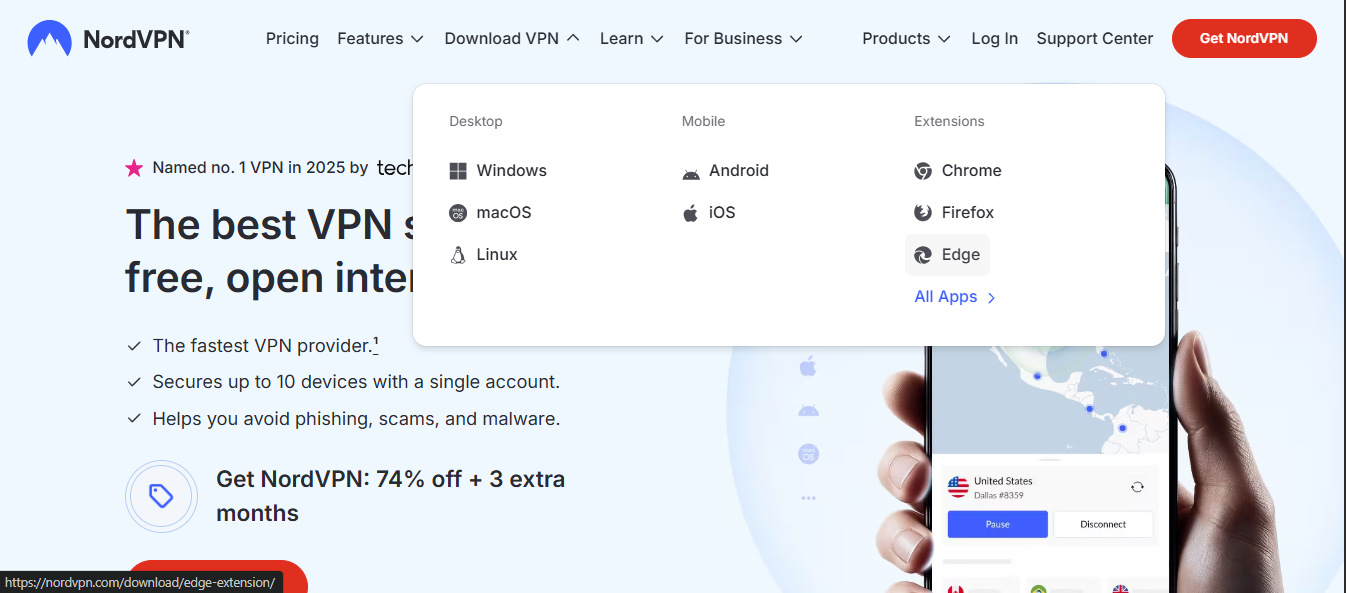
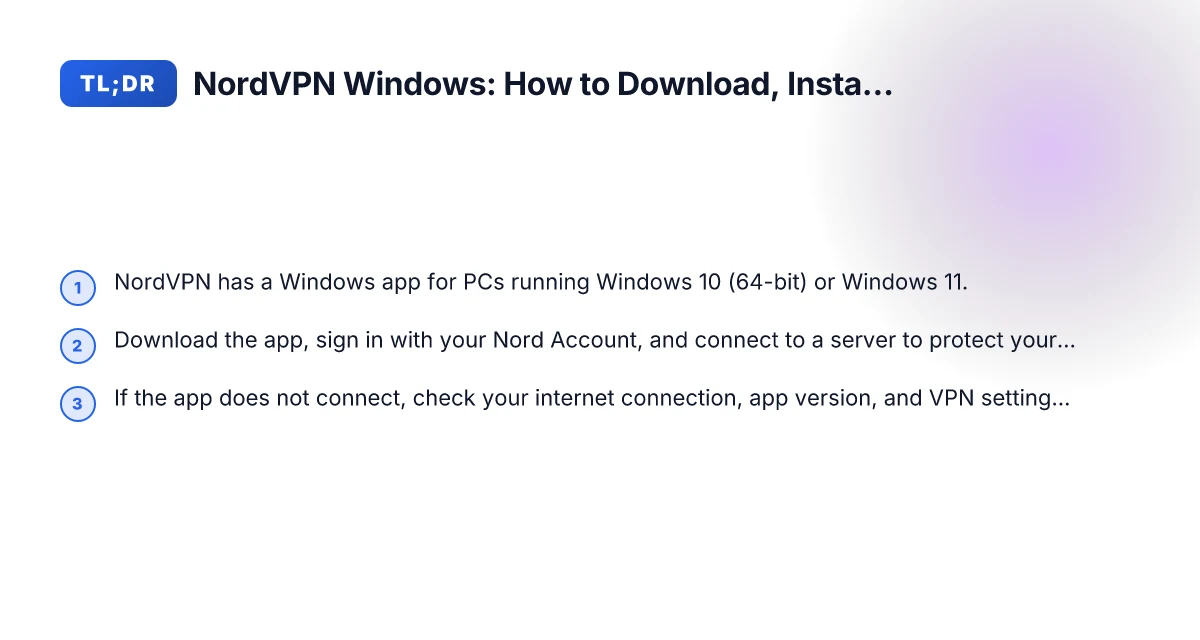
NordVPN works on Windows, with an app designed for PCs and laptops running Windows 10 (64-bit) or Windows 11. To get started, download the installer from NordVPN’s official Windows download page, install the app, sign in with your Nord Account, and choose a VPN server. You’ll need an internet connection to download the app and log in.
Compare the main ways to use NordVPN on Windows
| Option | Setup method | App interface | Server selection | Best for |
|---|---|---|---|---|
| NordVPN Windows app | Download and install the app | Yes | In the app | Most users |
| Manual VPN setup | Configure Windows settings | No NordVPN app interface | In Windows settings | Users who prefer built-in controls |
| Quick Connect | Select Quick Connect in the app | Yes | Chosen automatically | A fast connection |
| Map selection | Choose a location on the map | Yes | User-selected location | Visual browsing |
| Search selection | Search for a country or server | Yes | User-selected result | Finding a specific location |
| Specialty server selection | Choose a listed specialty server | Yes | User-selected server type | A particular connection need |
Compiled November 2026; check the provider's site for current details.
| VPN | Obfuscation | From / month | Plan | Free plan | Refund | Alipay | UnionPay | Crypto | Website opens in China | Trustpilot | |
|---|---|---|---|---|---|---|---|---|---|---|---|
 NordVPN | Turn on manually Obfuscated Servers / NordWhisper | $3.49/mo | 27 months: $94.23 | No | 30 days | ? | ✗ | ✓ | ✓ | ✗ Blocked | 4.2/5 (51,628 reviews) |
 ZoogVPN | Turn on manually Shadow | $2.49/mo | 27 months: $59.99 | Yes | 7 days | ✓ | ✓ | ✓ | ✓ | Official site blocked; our special link opens (4.4 s) | 4.2/5 (195 reviews) |
 ExpressVPN | ✓ On by default all servers | $3.00/mo | 28 months: $84 | No | 30 days | ✗ | ✗ | ✓ | ✗ | ✗ Blocked | 4.4/5 (29,706 reviews) |
 Surfshark | ✓ On by default Camouflage, with OpenVPN | See site | See site | No | 30 days | ✗ | ✗ | ✗ | ✓ | ✗ Blocked | 4.3/5 (31,823 reviews) |
 Proton VPN | Turn on manually Stealth, free plan too | $2.99/mo | 12 months: $35.88 | Yes | 30 days | ✗ | ✗ | ✗ | ✓ | ✗ Blocked | 2.1/5 (1,040 reviews) |
 Astrill VPN | Turn on manually StealthVPN / OpenWeb | $12.50/mo | 24 months: $300 | No | See site | ✗ | ✗ | ✗ | ✓ | ✗ Blocked | 1.3/5 (110 reviews) |
 Private Internet Access | Turn on manually Shadowsocks, OpenVPN only | $2.03/mo | 40 months: $81.2 | No | 30 days | ✗ | ✗ | ✗ | ✗ | ✗ Blocked | 4.2/5 (11,033 reviews) |
 CyberGhost | Turn on manually selected servers | $2.19/mo | 28 months: $61.32 | No | 45 days | ✗ | ✗ | ✗ | ✓ | ✗ Blocked | 4.0/5 (24,178 reviews) |
 PureVPN | Turn on manually switch to OpenVPN | $1.69/mo | 60 months: $101.55 | No | 31 days | ? | ? | ✗ | ✓ | ✗ Blocked | 4.4/5 (17,994 reviews) |
 AdGuard VPN | ✓ On by default TrustTunnel | $2.99/mo | 24 months: $71.76 | Yes | 30 days | ✓ | ✗ | ✓ | ✓ | Official site blocked; our special link opens (3.7 s) | 4.3/5 (290 reviews) |
 Mullvad | Turn on manually QUIC / Shadowsocks / LWO | $5.61/mo | €5/mo | No | 14 days | ✗ | ✗ | ✗ | ✓ | ✗ Blocked | 3.2/5 (192 reviews) |
 Windscribe | Turn on manually Stealth / WStunnel | $5.75/mo | 12 months: $69 | Yes | See site | ✗ | ✗ | ✗ | ✓ | ✗ Blocked | 4.7/5 (13,355 reviews) |
 StrongVPN | Turn on manually Scramble, OpenVPN TCP | See site | See site | No | 30 days | ✓ | ✗ | ✗ | ✗ | ✗ Blocked | 4.4/5 (2,695 reviews) |
 LightXtreme 闪连 | Not listed | $7.08/mo | 12 months: $84.99 | Yes | 30 days | ✓ | ✓ | ✓ | ✓ | ✓ Yes (3.5 s) | No page |
Prices checked 2026-11-10 on each vendor's pricing page (cheapest long plan, USD). Check the vendor's checkout for the final price.
Obfuscation checked 2026-11-14 on each vendor's site and help center: "on by default" = nothing to set; "turn on manually" = switch protocol or mode in settings; "not listed" = the vendor describes no obfuscation.
Payment methods checked 2026-11-10 on each vendor's payment pages: all 14 take cards and PayPal; ✗ = not listed, ? = the vendor's own pages disagree.
China access: whether the official website opens from mainland China networks (tests the website only, not the VPN connection). Last checked 2026-11-18 01:02 Beijing time.
Trustpilot score and review count checked 2026-11-10.
What NordVPN for Windows does
A VPN routes your internet traffic through a VPN server and encrypts it between your device and that server. This can help protect your connection when browsing, streaming, or working online, particularly on networks you do not control. Connecting through a VPN server also changes the IP address that websites see.
NordVPN’s Windows app brings these functions together in a desktop interface. You can select a server and manage your connection from the app rather than configuring a VPN manually in Windows. A VPN does not make you anonymous or protect you from every online risk, so continue to use strong passwords, updated software, and other sound security practices.
How to download and install NordVPN on Windows
Before installing, make sure your PC meets the supported system requirements and has a working internet connection. The Windows app requires Windows 10 (64-bit) or Windows 11.
- Visit NordVPN’s official Windows download page.
- Download the Windows installer.
- Open the downloaded file and follow the setup prompts.
- Launch the app after installation.
- Sign in with your Nord Account. If you do not have an account, follow NordVPN’s sign-up process.
- Choose a server or use the app’s quick-connect option.
Download software from the official NordVPN site rather than an unfamiliar download page. This helps ensure you are getting the intended installer and reduces the risk of installing an altered file. WatchGuard SSLVPN: How It Works, Setup, and Security Best Practices
Choose a NordVPN Windows connection method
| Method | Where to start | How server choice works | Ease of use | Useful when |
|---|---|---|---|---|
| Quick Connect | Main app screen | Automatic | Simple | You want to connect quickly |
| Country list | App server list | Choose a country | Simple | You have a location in mind |
| Map | App map | Choose a map location | Visual | You prefer browsing locations |
| Search | App search | Find a location or server | Direct | You want a specific result |
| Specialty server | Specialty server list | Choose a listed server type | Requires a choice | You need a particular server option |
| Manual setup | Windows network settings | Configure connection details | More involved | You want to set up without the app |
Compiled November 2026; check the provider's site for current details.
How to connect and use the app
Once you are signed in, use the app to start a VPN connection. You can select a server based on your needs or let the app choose a connection for you. After connecting, check the app’s status to confirm the VPN is active.
Common reasons to use a VPN include: Microsoft Edge Secure Network VPN Reviews: Is It Safe and Worth Using?
- Adding encryption to traffic between your PC and the VPN server.
- Using a different IP address when accessing websites.
- Protecting your connection while using public or shared Wi-Fi.
- Connecting for browsing, streaming, or work while away from home.
Some websites and streaming services restrict access based on location or may block traffic they identify as coming from a VPN. A VPN cannot guarantee access to every site or service. If a particular service does not work, try a different server and check that service’s own terms and requirements.
Windows app versus manual setup
Most users should start with the NordVPN app because it is the straightforward option for installing and managing a VPN connection. Manual configuration is a separate approach and may require additional setup.
| Option | What it involves | Best suited to |
|---|---|---|
| NordVPN Windows app | Install the app, sign in, and connect through its interface | Most users who want a direct setup |
| Manual VPN configuration | Set up a connection separately in Windows using the required details | Users who specifically need a manual setup |
The app is also the sensible first choice if you want to manage your connection from one place. Follow NordVPN’s current instructions if you choose a manual configuration, since the steps and required details can vary.
Troubleshoot common NordVPN Windows issues NordVPN Windows VPN: Setup, Features, and How to Use It
| Issue | First check | Suggested action | App or Windows | When to try next |
|---|---|---|---|---|
| Installer will not open | Downloaded installer | Download it again from NordVPN | Windows | If it still will not open |
| Installation does not finish | Installation progress | Close and reopen the installer | Windows | If installation remains blocked |
| App will not start | App status | Restart the app | App | If the issue continues |
| Cannot connect | Selected server | Try another server | App | If other servers also fail |
| Connection drops | Current connection | Reconnect to a server | App | If drops keep recurring |
| Sign-in trouble | Account details | Check the details and try again | App | If access still fails |
| Manual setup trouble | Windows settings | Review the connection configuration | Windows | If the connection still fails |
Compiled November 2026; check the provider's site for current details.
Troubleshooting NordVPN on Windows
If NordVPN is not working on Windows 10 or Windows 11, first identify whether the issue is with the app, the internet connection, or a particular website.
Try these steps:
- Confirm that your PC is connected to the internet without the VPN.
- Close and reopen the NordVPN app, then try connecting again.
- Restart your PC and check whether the connection works afterward.
- Make sure you downloaded the app from NordVPN’s official site and are using a current version.
- Try a different server if one connection fails.
- Check whether security software or network settings may be interfering with the VPN.
- If only one website or streaming service fails, it may be blocking VPN traffic rather than indicating a general connection problem.
If you still cannot connect, consult NordVPN’s support instructions for Windows. Avoid changing advanced network settings unless you understand what they do. Record the original settings before making changes so you can restore them if needed. How to Check My VPN Location and Fix It if It’s Wrong
Recommendation
For a Windows PC running Windows 10 (64-bit) or Windows 11, download NordVPN from its official Windows page and use the app to sign in and connect. It is the clearest route for most users. If you encounter problems, test your regular internet connection first, then try another server and follow NordVPN’s Windows troubleshooting guidance.